How to add css to the Helix Ultimate Template? I am using SP Page Builder 5 Beta - Forum | JoomShaper
Solved Templates

How to add css to the Helix Ultimate Template? I am using SP Page Builder 5 Beta

Asked by Maria 3 years ago Last activity 3 years ago

Hi fistly i would like to say that Page Builder is super and has help me do so many things love it!

On my new site I am using and EasyBlog and
need to bring the EasyBlog up close to the Helix menu?

See the Photos bellowto see how it looks now.

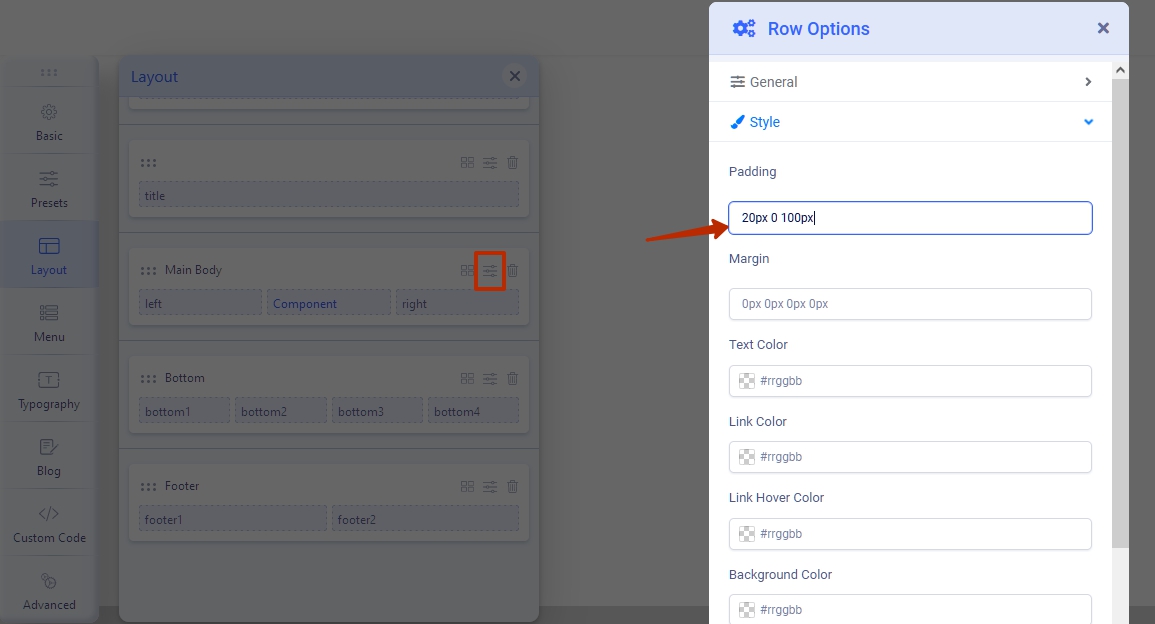
Mark from Stackideas wrote to me to change the padding
of the Helix Ultimate Template's css file and add the following.

body #sp-main-body {
padding-top: 20px;
}

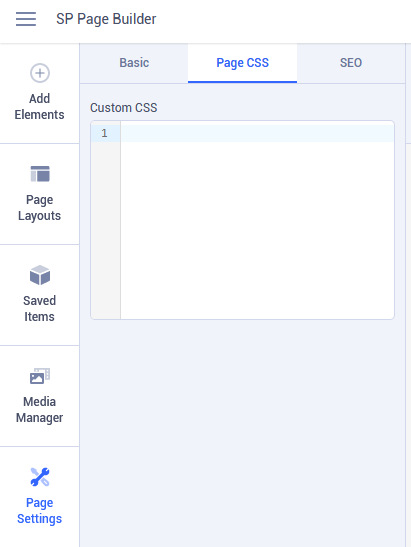
I am using SP Page Builder 5 Beta and cant find where to put the css code in.

Could you please let me know where to add the css code in?

Thanks

Accepted answer

Marked as the solution
Pavel
3 years ago · edited

Hi. Create custom.css file in /templates/shaper_helixultimate/css/ and add all your custom code to this file.
Do not ignore the reading of Helix documentation. It is written about it there.

And try to use simpler selectors, if possible.

So it will be enough (not need body before).

#sp-main-body { 
    padding-top: 20px; 
    }

The more complex selector, the slower your site works.


Also you can set it there instead of using the code

2 more replies

Maria Asked this

Thank you your great :)

Log in to reply.