SP Simple Portfolio Popup proportions - Forum | JoomShaper
Solved Extensions

SP Simple Portfolio Popup proportions

Asked by Lon Czarnecki 3 years ago Last activity 3 years ago

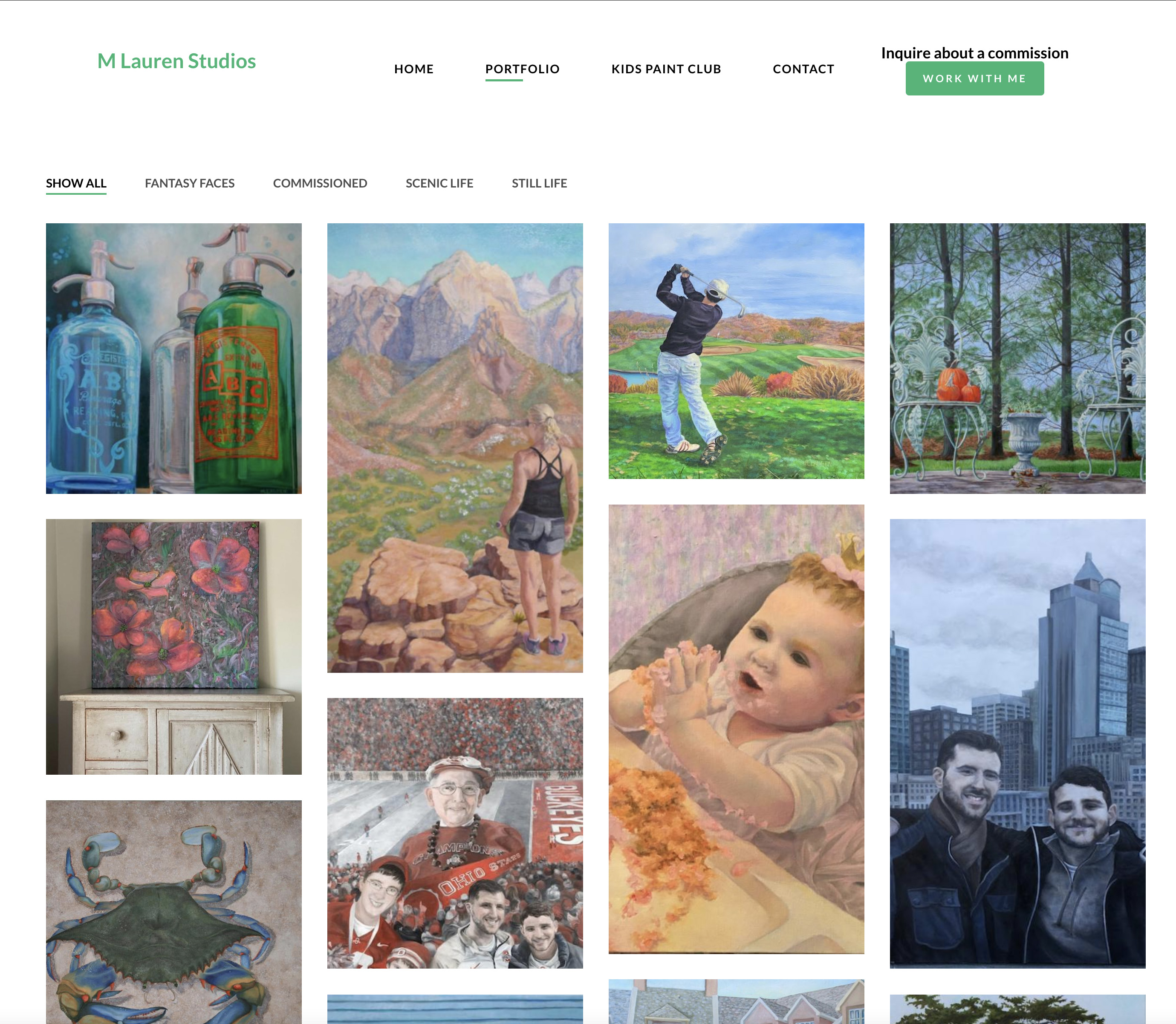
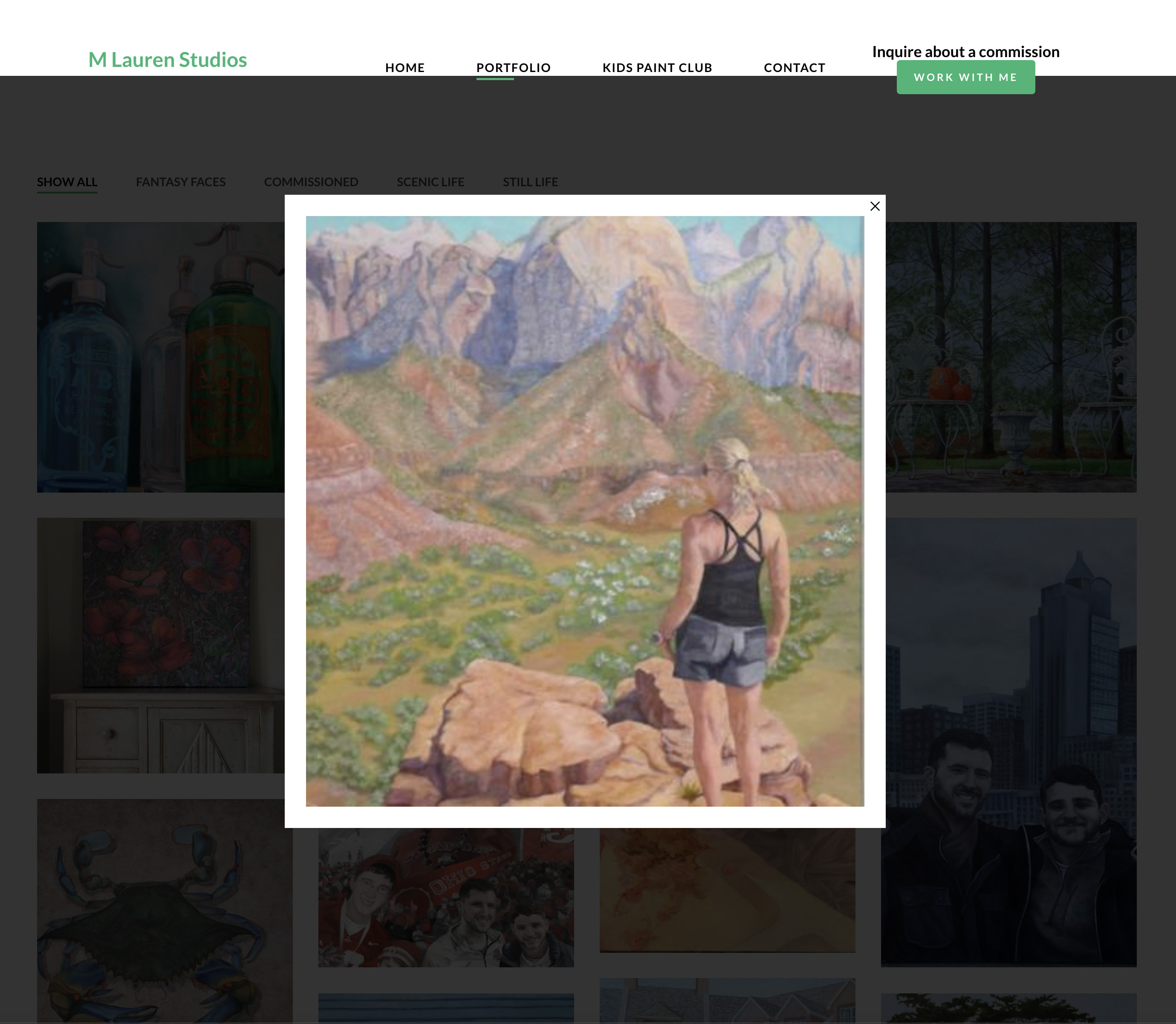
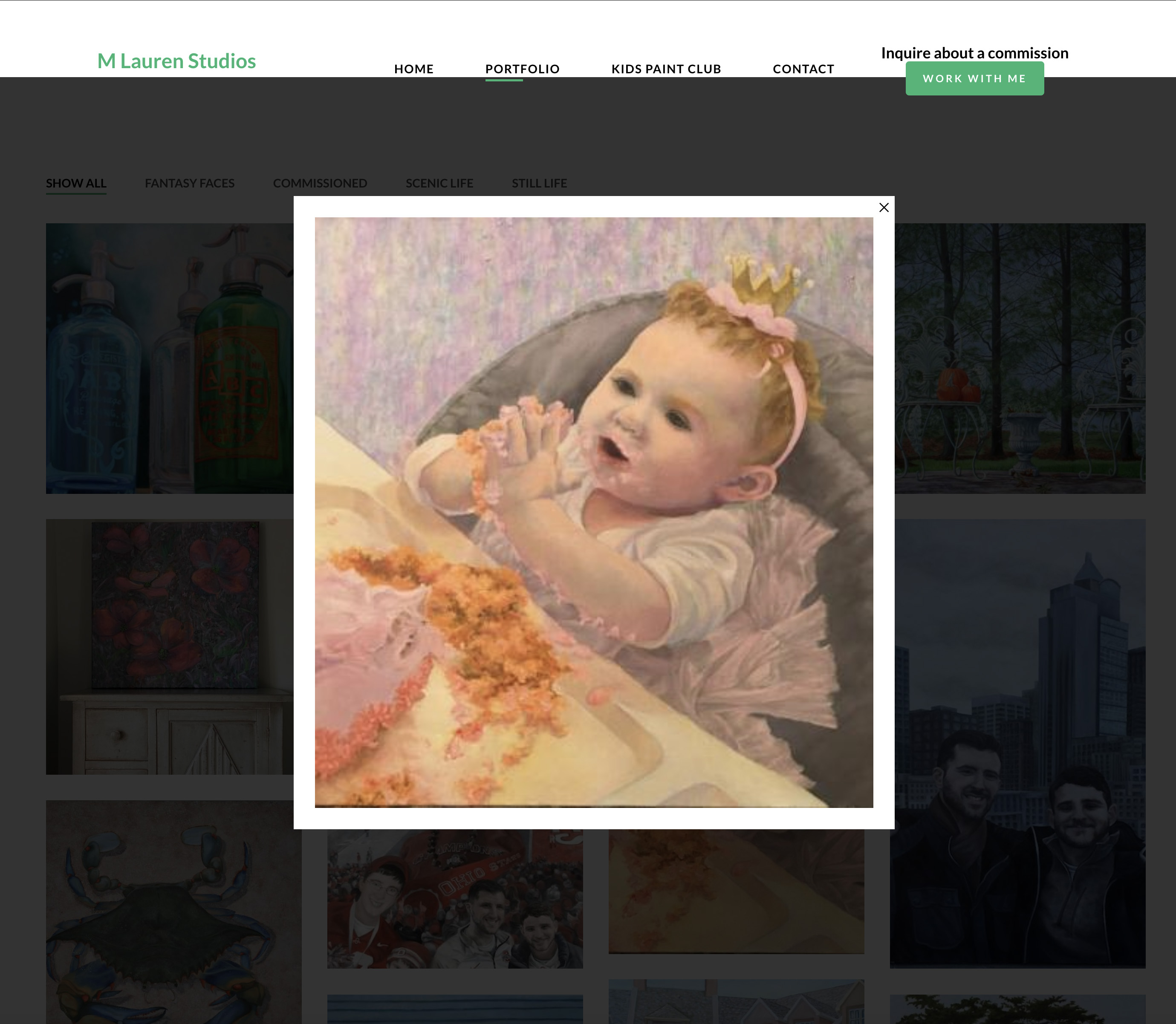
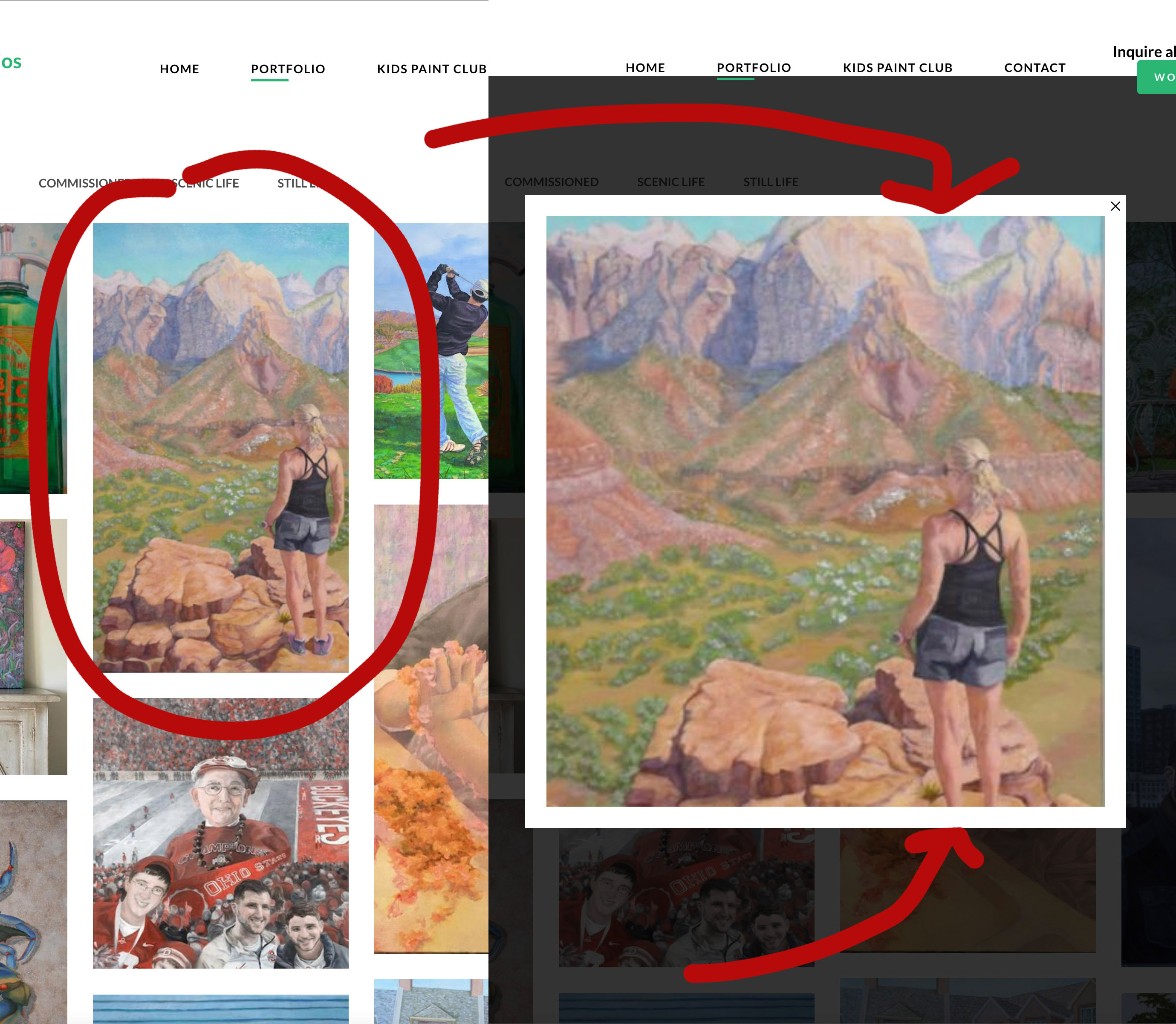
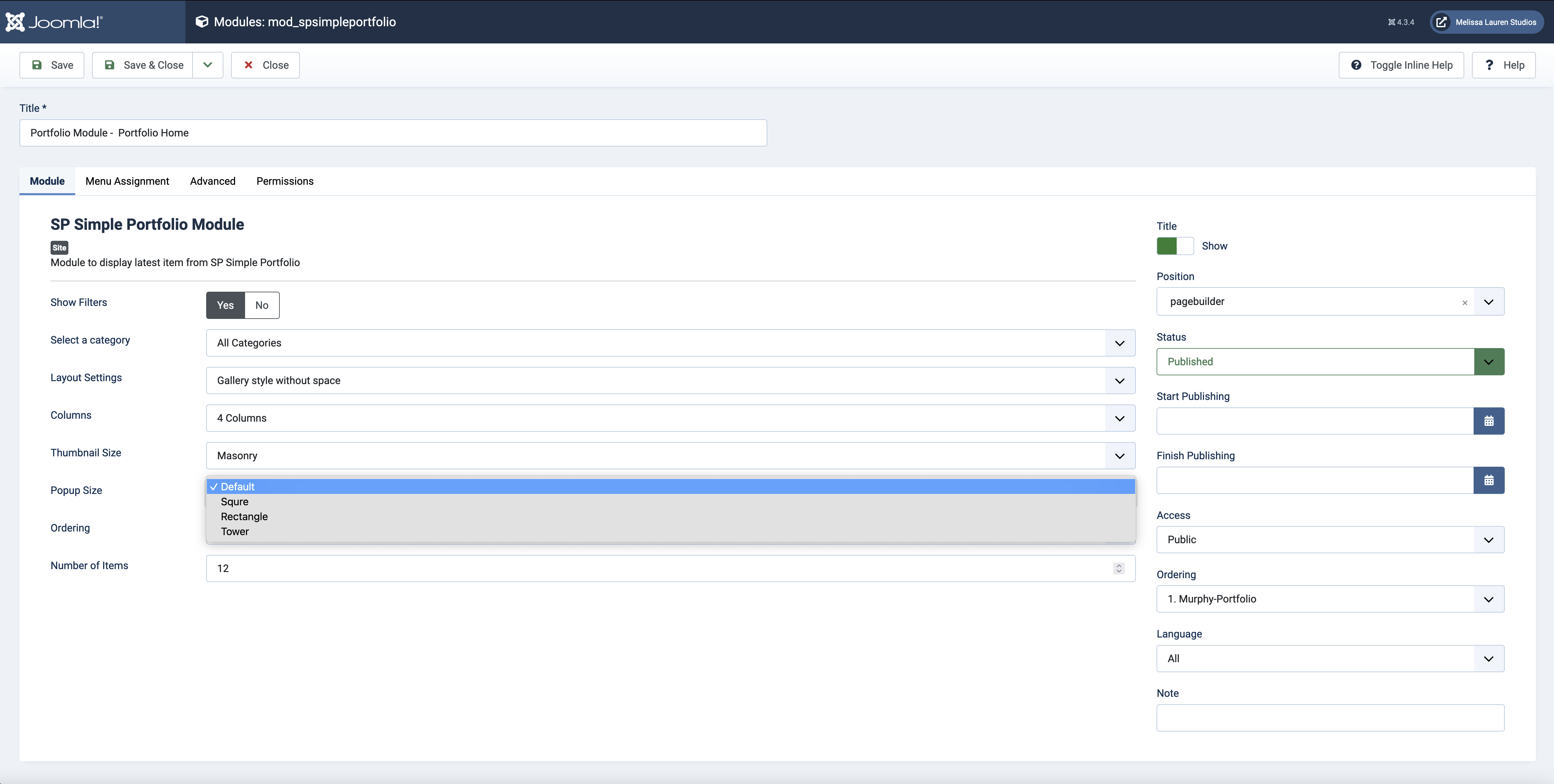
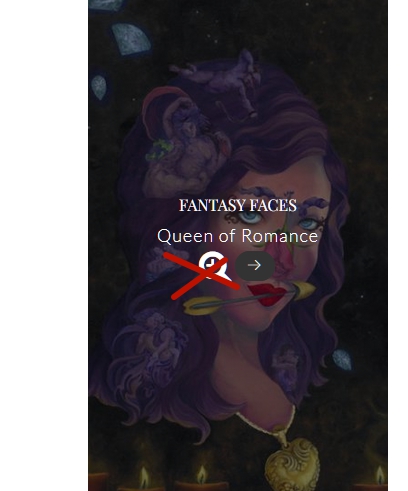
I am using Aries Murphy template with included SP Simple Portfolio. I can choose how the thumbnails display in "Thumbnail Size" as Mansonry, Square, Rectangle, or Tower. This works fine. The choices for "Popup Size" are Default, Square, Rectangle, or Tower. However none of these choices show on the front end. I would assume the pop up size would be responsive to the size of the image instead of cutting off the image to only fit a square.

How can I get the popup proportions to match the actual image shown? The popup needs to follow the proportions of the image.

Accepted answer

Marked as the solution
Pavel
3 years ago · edited

Hi Lon. If you allow...

SP Simple Portfolio is a component for creating a catalog. Popup works as it is conceived by developers - this is just a preview of the catalog item but not the image itself. The functionality that you want simply does not exist there. And this is not a bug.

You have hidden the significant button and title for the logic of the component and left not significant (popup), trying to turn it into images gallery. But when working with this component and when understanding its purpose, popup button should be hidden. Since this button is not logical in context without those things you mention.

Of course it would be great if the developers brought a new one to the functionality, then how you want it. But this is a matter of future development and adding new options, but not a bugs fix issue.

If the select between the existing popup sizes does not work, only this is a bug, but not everything else.

If you do not need a catalog (the pages like this one) , take a look at SP Easy Image Gallery instead

17 more replies

Mehtaz Afsana Borsha Staff

Hi

Thanks for contacting us. Could you please give me your site URL and also screenshot of your issue?

-Regards.

Mehtaz Afsana Borsha Staff

Could you please give me a screenshot of your issue?

Lon Czarnecki Asked this


So there is no setting for images to be shown at their normal proportions? They all get cropped as a thumbnail and as a popup?

Mehtaz Afsana Borsha Staff

Could you please check your site link? I cant access on that.

Lon Czarnecki Asked this

Really?? You don't see it??

Mehtaz Afsana Borsha Staff

Allow me some time please, I need to inform our team.

Lon Czarnecki Asked this

So is a week enough time to inform the team yet?

Mehtaz Afsana Borsha Staff

Give me your super admin access please.

Log in to reply.