
Hi,
Today on this page http://emsfocus.support.toonetcreation.com , only images are clickable .
how to make a column clickable ?
See here : http://prntscr.com/1125xyn
Thanks
L.
Hi,
Today on this page http://emsfocus.support.toonetcreation.com , only images are clickable .
how to make a column clickable ?
See here : http://prntscr.com/1125xyn
Thanks
L.
I cannot promise you that.
Link for such a big area may be against accessibility rules, we have to consult this deeply.
Why you don't you make click-able elements inside?
If you add button - people would click it - if they want, not by mistake.
Hi,
by default it's not possible.
Only objects inside (images, text and buttons) can be active links.
Using custom CSS you can increase active link area but it won't be 100% size of column.
BTW
I checked few other page builders (also for WP) and none of them had this feature. So I guess there is a reason of that.
ok thanks, that's what I thought.
do you think could by possible with helix V2 or SPPB v4 ?
no problem, I understand perfectly ;-)
yes for me click-able elements inside are sufficient, this request has been asked by one of my customer.
don't worry about that
thanks again
You always say it's agains Accessibility rules(*), we both life in EU - so he has to understand it's law.
On the thin border bettwen allowed / prohibited / not recommended.
understood ;-)
where can I get more details about that?
I mean about these Accessibility rules?
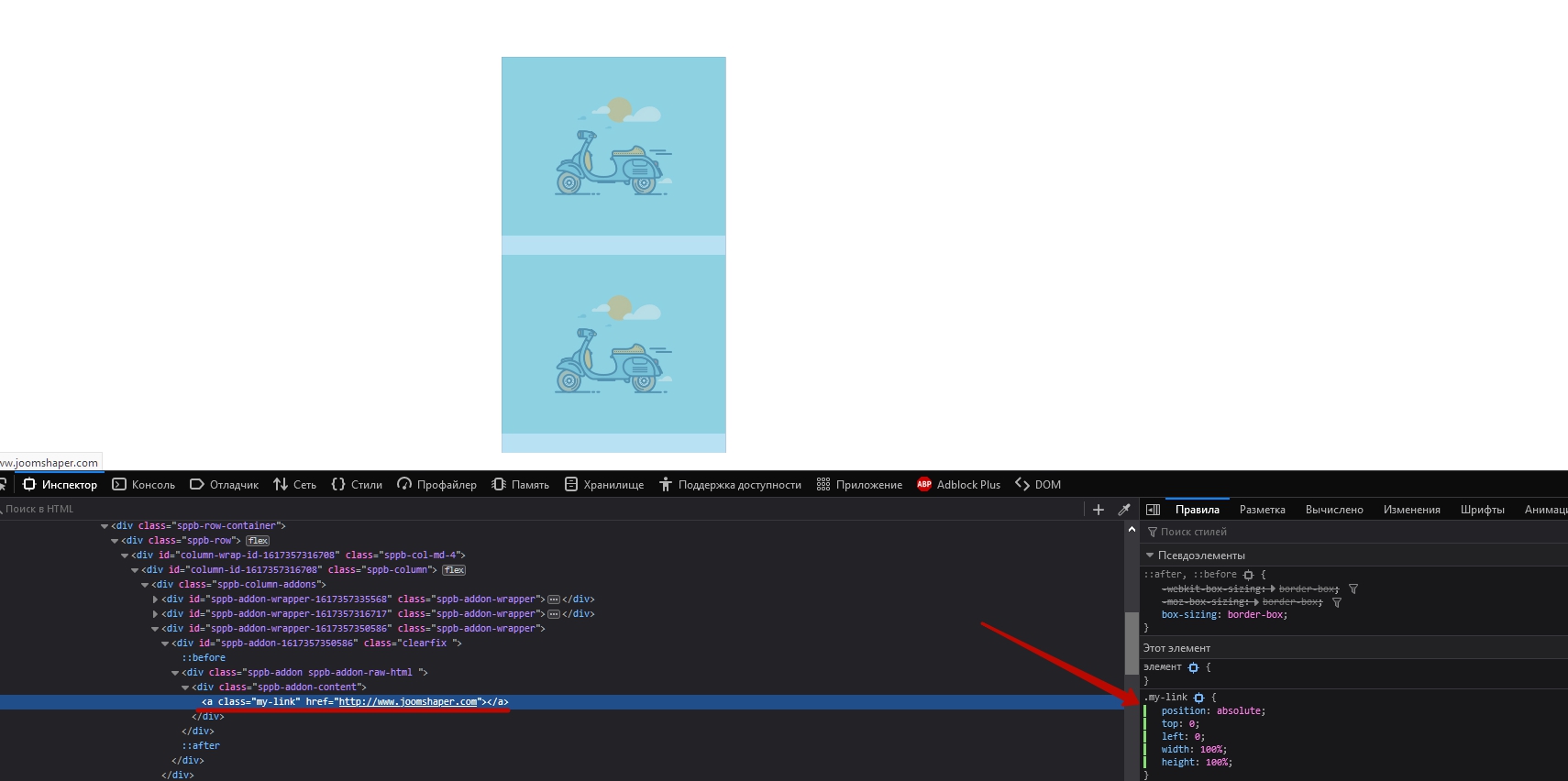
Hi Laurent. I think it is possible to do with RAW HTML addon located below other addons and small CSS coding.
Add link whith your class in to Raw Html Addon and write a simple code for this. Do not forget to remove all margins and paddings from Raw Html Addon if they are.
.my-link {
    position: absolute;
    top: 0;
    left: 0;
    width: 100%;
    height: 100%;
}
@Pavel : many thanks for that, I will test it asap ;-)
You are wellcome :)
Thanks Pavel, but as I said before - this link may not be fully accessibility friendly becuase it's empty link, no content between < a and < / a > - but if client wants - who will forbid the rich ;)

