I don't know if this problem is caused by the template (Helix3) or SP Pagebuilder or just my stupidity ;-)
At my site the 'hamburger' icon is shown, but it cannot be clicked. What am I doing wrong?
Solved
SP Page Builder
Mobile menu not working
Accepted answer
Marked as the solution
Toufiq Senior Staff
Please delete the other sections except the header
6 more replies
Toufiq Senior Staff
Hi there,
Thanks for contacting us. Sorry for the inconvenience. You have to keep the name of header (Header). Please check the default helix3 layout.
-Thanks
OHL Asked this
I don't understand what you mean...
Toufiq Senior Staff
Like as
https://prnt.sc/11884gz
OHL Asked this
OK. I made some changes, but it still doesn't seem to work :-(
Toufiq Senior Staff
I would request to you again, Please check first the Helix3 quickstart. Thanks

Pavel
5 years ago
· edited
Hi.As far as I see, you use two sections with the same name (ID) for different devices. It is unacceptable. The ID must be unique and should not be repeated anywhere else on the page, even if the element is hidden. Remove this and use CSS to adapt Header for mobile, but not a copy.
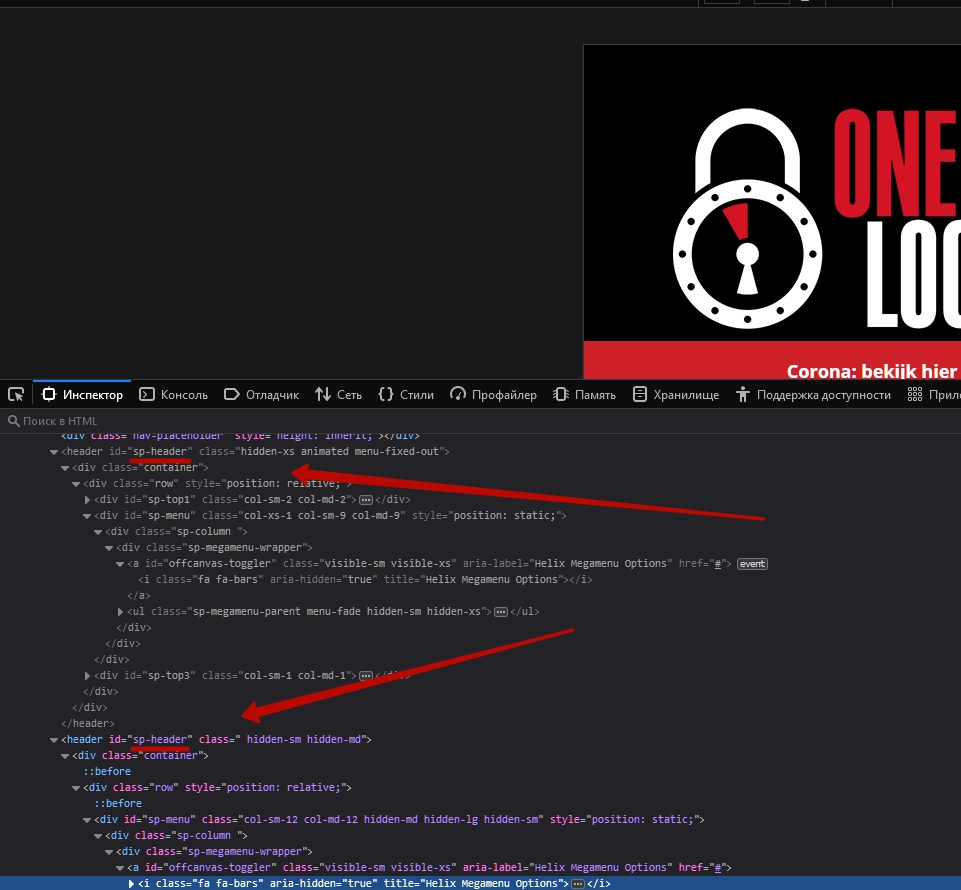
Also repeated IDS of child elements. Worker can only be the first Header, which is located above.
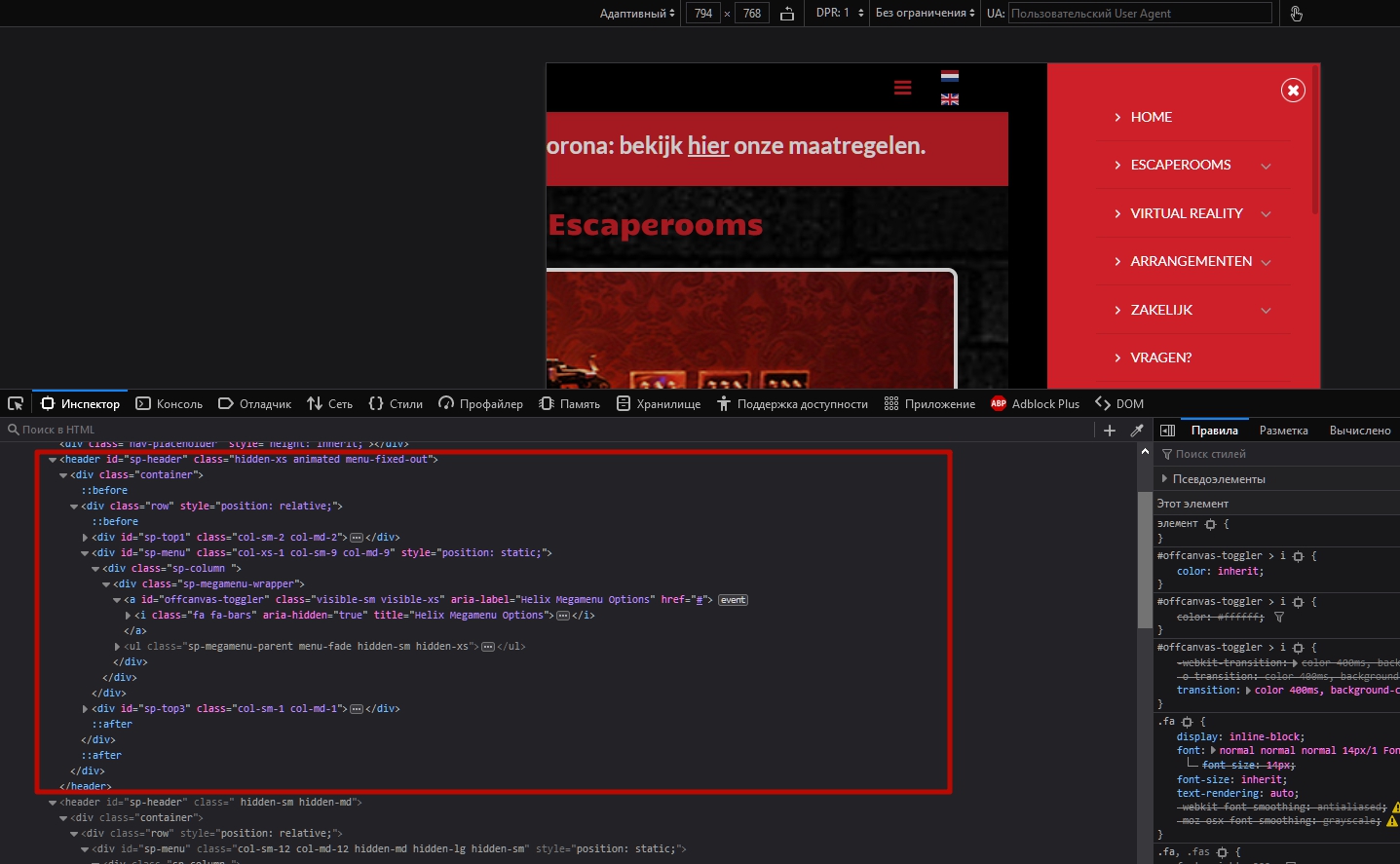
Log in to reply.