Position "Left" - Forum | JoomShaper
Staff replied Helix Framework

Position "Left"

Asked by Georg Doll 2 years ago Last activity 2 years ago

The position "left" is interpreted differently. If an article was written with the PageBuilder, then "left" is on the left edge of the screen. However, if the article was written with the system editor (TinyMCE), "left" is on the left margin within the "content" position. Is it possible to set somewhere that the "left" position of the framework/template (left edge of the screen) is always used?
System: Joomla 4.4.5, PageBuilder Pro, Template Language School

Examples:
written with TinyMCE:
https://www.kepler-privatschulen.de/index.php/transparenz

written with PageBuider:
https://www.kepler-privatschulen.de/index.php/jamf-parent

5 replies

Mehtaz Afsana Borsha Staff

Hi

Thanks for contacting us. Use this CSS in your custom.css file

#sp-main-body {
    padding: 50px 0 !important;
}

-Regards.

Georg Doll Asked this

Thanks for the quick support.
I created a custom.css file in /templates/shaper_languageschool/css and copied this code into it. It makes no difference in how the two pages above are displayed.

Mehtaz Afsana Borsha Staff

Is this ok if I set it like this? Then just use this CSS

#sp-main-body {
    padding: 50px 0 !important;
         margin-left: 40px;
}
Georg Doll Asked this
2 years ago · edited

Hmm...
I think, my description was wrong.
After looking clöser to both expamples, the real problem is:
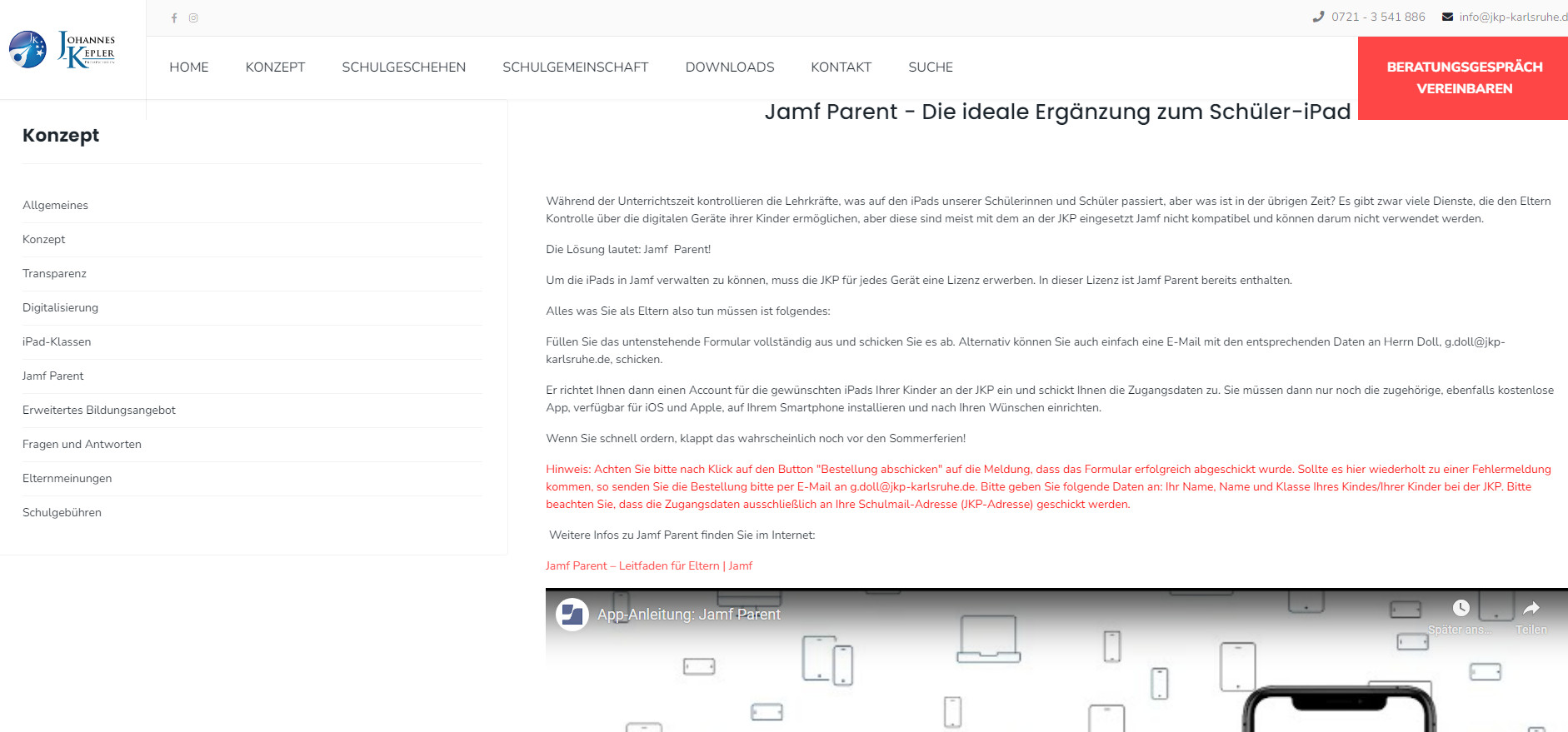
Written with Pagebuilder: 100 % width is used
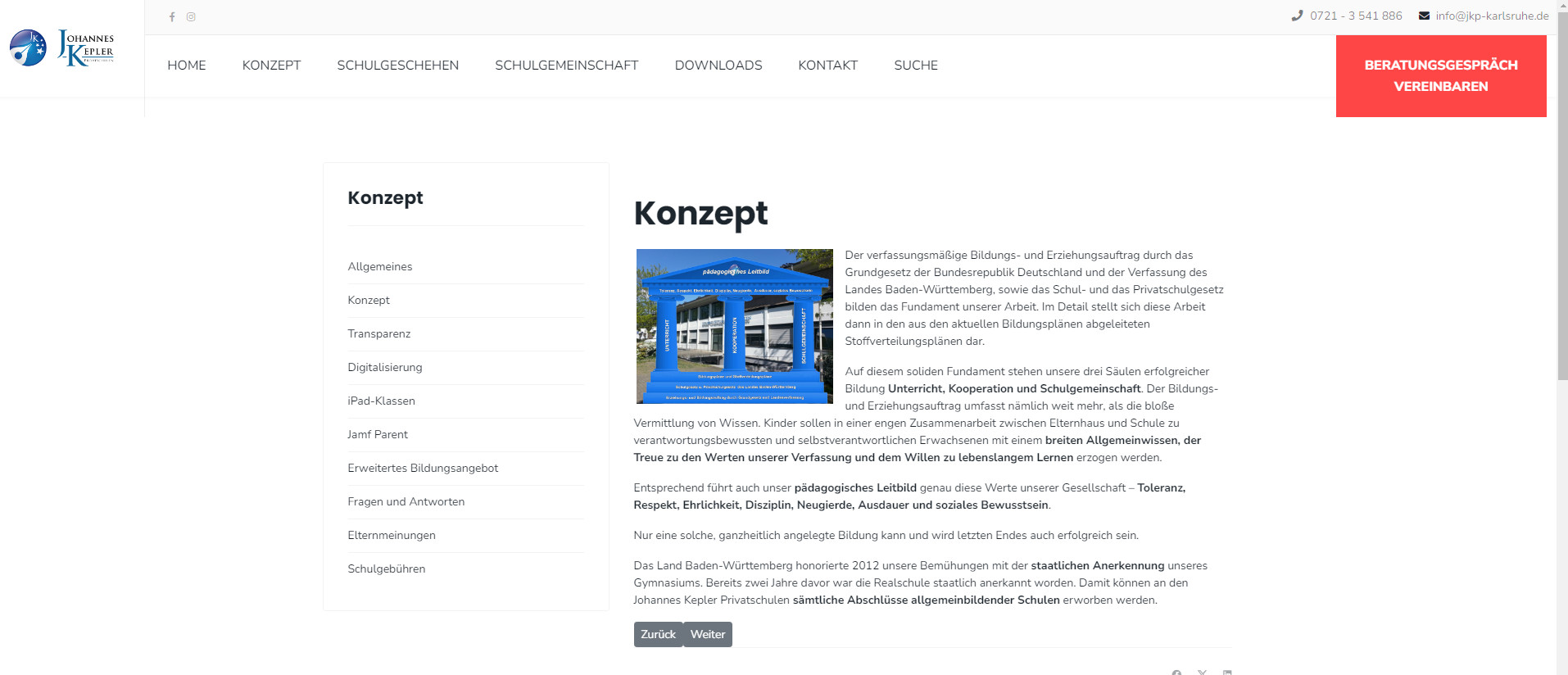
Written with TinyMCE: Only about 1120 px are used.
So: I would need some code to tell the system allways use 100 %.

To make the problem visible - independent from real screen size, I made screenshots:
made with PageBuilder: https://kepler-privatschulen.de/show/position-left-menu-at-pb-site.jpg
made with TinyMCE: https://kepler-privatschulen.de/show/position-left-menue-at-joomla-article.jpg

Mehtaz Afsana Borsha Staff

Try this CSS

.com-sppagebuilder #sp-main-body {
    width: 1120px !important;
}
Georg Doll Asked this

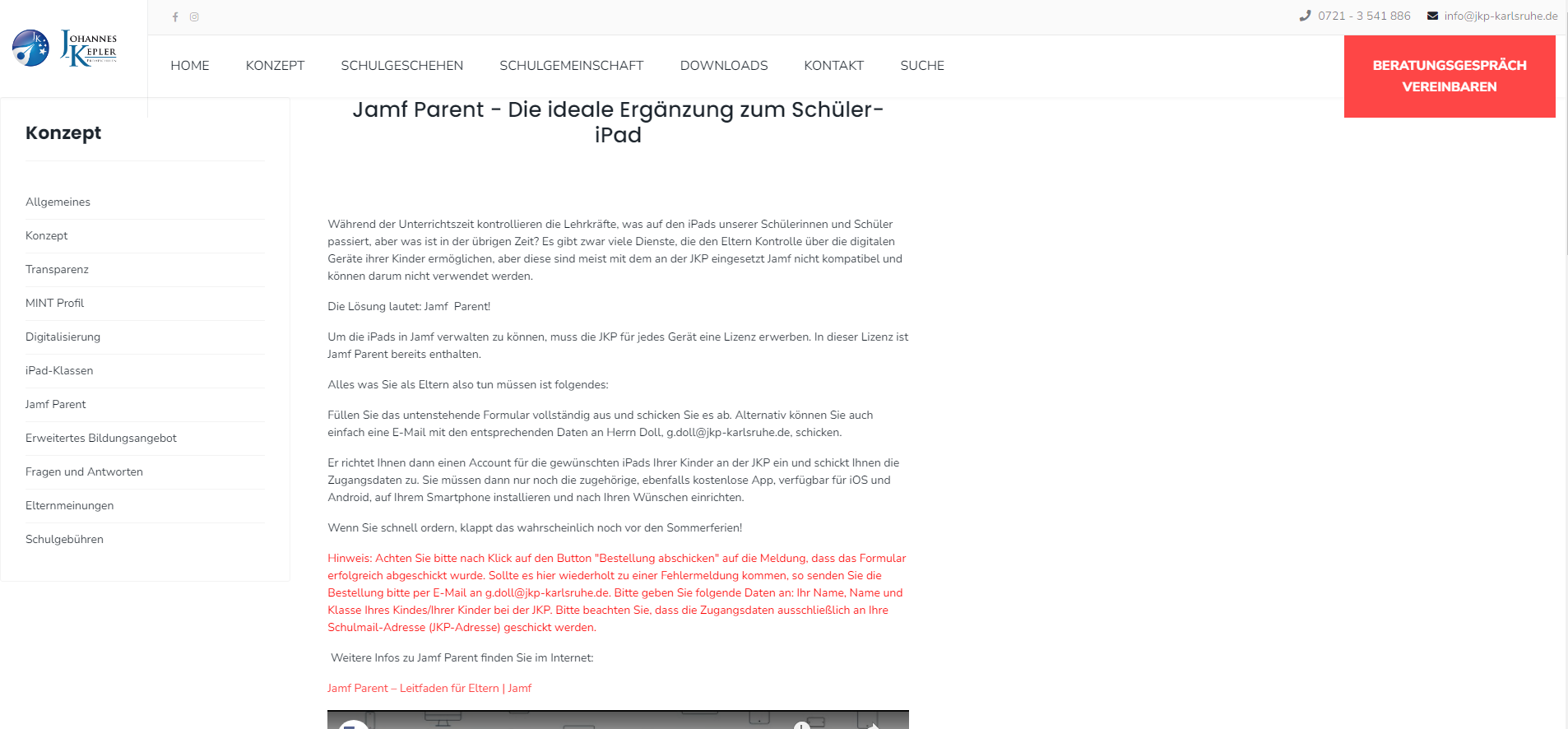
it throws pagebuilder sites complete to the left site but leaves tinyMCE sites untouched. Is there a way bring it back to center position?

Made with TinyMCE: https://kepler-privatschulen.de/show/system-new.png
Made with PageBuilder: https://kepler-privatschulen.de/show/pagebuilder-new.png

I already tried this modifications - they are displayed in the same way ...

.com-sppagebuilder #sp-main-body {
display: flex;
width: 1120px !important;
justify-content: center;
}

and

.com-sppagebuilder #sp-main-body {
display: flex !important;
width: 1120px !important;
justify-content: center !important;
}

Mehtaz Afsana Borsha Staff

Sorry its not possible and there are too many customization which is beyond our support policy. Sorry for this inconvenience. If possible contact with any developer.

Log in to reply.