SP Page Builder Front End Editing Error - Forum | JoomShaper
Solved SP Page Builder

SP Page Builder Front End Editing Error

Asked by Alexandru Popovici 1 year ago Last activity 1 week ago

Greetings!

Every time I edit a module using SP Page Builder and save it on the front end, I receive the following warning/error: You have an error in yout SQL syntax; check the manual that corresponds to your MariaDB server version for the right sintax to use near " at line 1.
This error appears only when I use front end editing and the content I edit is saved and then displayed correctly on the website.
Can someone please direct me/help me solve this issue?
Thank you very much!
Alex

Accepted answer

Marked as the solution
Toufiq Senior Staff

Please check this site. You can move it main domain if it works fine.

Alexandru Popovici Asked this

Works!!
You guys are really awesome!!!!!!

THANK YOU!
Alex

Toufiq Senior Staff

You are most welcome! We appreciate your feedback and are delighted to hear that you're satisfied with our service.

To officially close this forum post, mark it as accepted. If you have any more questions or need further assistance in the future, please don't hesitate to reach out to us.

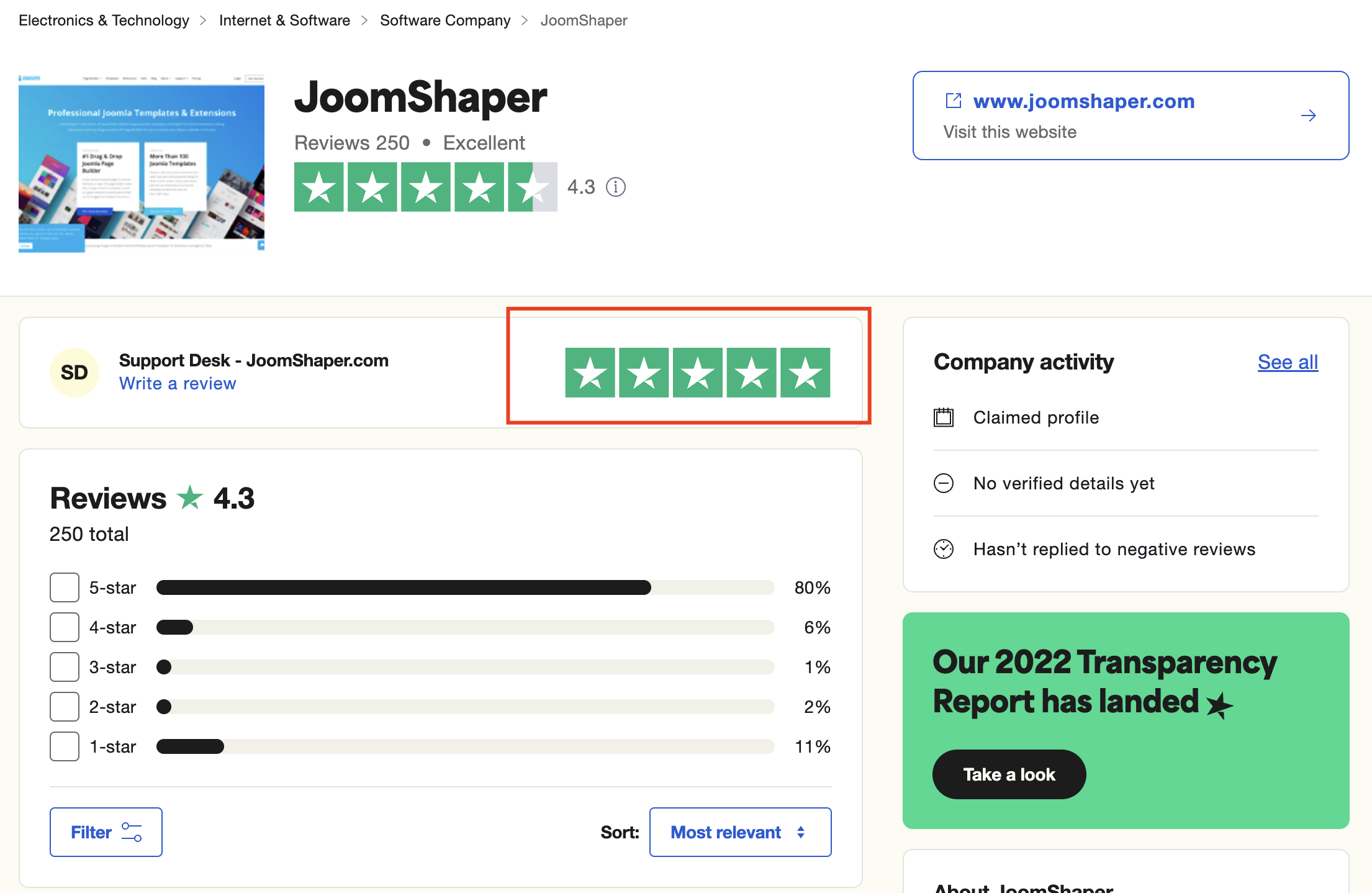
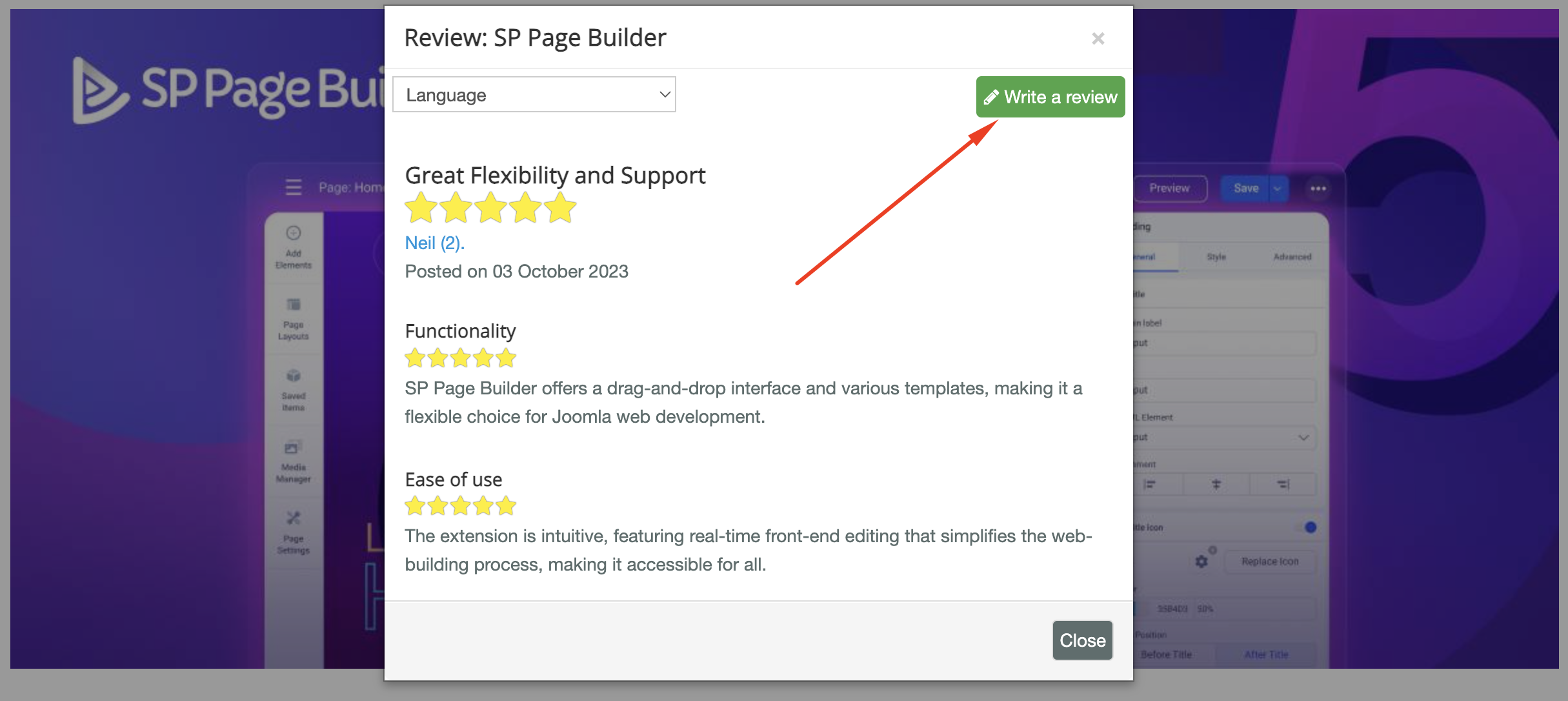
As for writing a review about our product and support quality, we would greatly appreciate it! Your feedback helps us improve and serves as a valuable reference for others. Please take a moment to share your thoughts about your experience with our product and the support you received. Your input is valuable to us and the community. Thank you in advance for your time and support.

Joomla Extension Directory

JED.png

TrustPilot

Trust-Pilot.png

We're here to assist you with any further questions or requests you may have. Once again, thank you for choosing our product and for being a part of our community.

Best regards,

Toufiqur Rahman

Team Lead, Tech Support (JoomShaper)

8 more replies

Toufiq Senior Staff

Hi there,

Thank you for reaching out, and I apologize for any inconvenience caused by this oversight. I have shared your login credential to our developer team. Please allow us time.

Best regards,

Toufiqur Rahman (Team Lead, Support)

Toufiq Senior Staff

Update: Please use the PHP 8.3 and check again. Let me know the update.

Alexandru Popovici Asked this

Many thanks. I switched to 8.3 and I still see the error. The same witth 8.2.
I left 8.4 in case you guys what to test more.
I am very grateful for your help.
Thank you,
Alex

Toufiq Senior Staff

Can you provide me hosting access?

Alexandru Popovici Asked this

Of course. Please see it below.

Toufiq Senior Staff

I have shared your login credential to our developer team. Once i get feedback from our dev team, I will let you know. Thanks

Alexandru Popovici Asked this

I am sorry.
I set the disk quota to 50 gb. Please try now.
Alex

Alexandru Popovici Asked this

All done.
File is stored in public_html/staging
Thank you!

Toufiq Senior Staff

Got it, I have shared it to our developer team. Please allow us time.

Michael Linkemann

We are currently experiencing the exact same problem with the same error message as Alexandru Popovici.

What needs to be done to fix it?

Toufiq Senior Staff

Hi there,

Thank you for reaching out. To check the issue from our end, please create a staging site and share its login credentials with us. Make sure you provide only the staging site details, not the live site access. This is important because if any issue occurs while we’re working, it will affect only the staging site, not the live one. We want to maintain full transparency between the user and our support team.

Best regards,

Toufiqur Rahman (Team Lead, Support)

Marin

Hello,

I’m experiencing exactly the same issue with SP Page Builder.

Whenever I edit a module using the front-end editor and save the changes, I get the following error:

“You have an error in your SQL syntax; check the manual that corresponds to your MariaDB server version for the right syntax to use near '' at line 1.”

Interestingly, the changes are saved correctly and the edited content is displayed properly on the website despite the error message.

I would really appreciate any advice on what could be causing this and how to fix it.

If you need access to the website to investigate the issue, I understand, but for security reasons I’m not able to share login credentials or access details.

Thank you in advance for any help!

Best regards,
Marin

Toufiq Senior Staff

Please create an new forum post. Before sharing login credential please keep an backup of your site. Thanks

Marin

I would appreciate any advice on what could be causing this and how to fix it. For security reasons I’m not able to share login credentials or access details.

Marin

Done, no errors, but still nothing.

Toufiq Senior Staff

Can you create an staging site or can you provide me a Akeeba backup zip file of your site?

Log in to reply.