SP Page Builder not starting after upgrade to J4, code 500 - Forum | JoomShaper
Solved SP Page Builder

SP Page Builder not starting after upgrade to J4, code 500

Asked by Jan Korshavn 4 months ago Last activity 4 months ago

Hi,
I'm workind un an upgrade from J3 to J3 on a site that has the news365 template. After the upgrade I had to disable all K2 extensions as it seems that K2 is not supported on J4. Since the articles uses elements from K2 I've also unpublished them.

But SP Page Builder seems to not work, I have tried to install the latest version and after that I uninstalled it and went to v5.7.2 in case v6 didn't like the J4. Same result. Then I saw another support case where it was mentioned problems with the database.

The backend seems to work fine other than my problems with SPPB. I think I will be making new pages for my site if you can help me get SPPB work again.

Could you take a look? The site is now in a development server and I'' be working on it their, not the live site.

Rgds,
Jan Korshavn

Accepted answer

Marked as the solution
Toufiq Senior Staff

Hi there,

Thank you for reaching out, and I apologize for any inconvenience caused by this oversight. If you wanna use k2 function then you shouldn't upgrade Page Builder and override addons. I just renamed these files.

https://prnt.sc/vZQJix8Tz0_4

And installed latest version of Page Builder.

Best regards,

Toufiqur Rahman (Team Lead, Support)

19 more replies

Jan Korshavn Asked this

Should of course have been "upgrade from J3 to J4"..

Jan Korshavn Asked this

It also looks like there's a problem with the "Read more" on the home page, and I found a similar case:

https://www.joomshaper.com/supports/forums/question/10815

But the suggestion there did not solve the PHP warnings, I have a text in the "Readmore Text". But of course the warnings will not appear when I turn off the maximum error level.

Paul Frankowski Senior Staff
4 months ago · edited

Jan, about those "X ... COM_INSTALLER_TYPE" just ignore them. Yes, you can remove from database using PHPMyAdmin searching in table prefix_extensions, but is not needed, it's totally harmless for J!.

Jan Korshavn Asked this

Thx for all your help! All errors is now gone, extensions updated (without K2), I removed the "X components" and have also gone further upgrading to J5 with success!

Best rgds,
Jan

Jan Korshavn Asked this

A small detail; please see the menu "Lagene" how the !down arrow" changes to a square when going to a sub menu item... The same symbiol appears by the article date.. Also check what happens with the "arrow down" from "Lagene" when you click on the different main menu items. Also the symbol for search seem to have the same problem..

https://drive.google.com/file/d/1qT2FsFejq0-MbQKvNTsRr-nEOaNcJIZt/view?usp=sharing

Paul Frankowski Senior Staff
4 months ago · edited

About Missing icons in Menu, Articles etc.

I already fixed that on your site. Just keep empty module published on "debug" position.

Jan Korshavn Asked this
4 months ago · edited

Thx Paul!

After this massive changes and upgrade to J5, I see that one of the modules (most popular from chosen cathegories) used on the front/home page is suddenly showing html tags after the headline.. Could that happen after I uninstalled K2 or is this a new issue to solve?

Appreciate any help or tip in the right direction.

And the site is now moved to it's original domain; https://gfhk.no

You have the same admin user and pwd, backend is here: https://gfhk.no/administrator

Rgds,
JanL

Example:

Mest populære kampopptak

GFHKs G05 med uavgjort mot Ski (<a href="/index.php/component/content/category/84-gfhk/114-kampopptak-youtube/132-g05?Itemid=437">G05</a>)

G05 ute av Regionscupen, Kjelsås for sterke (<a href="/index.php/component/content/category/84-gfhk/114-kampopptak-youtube/132-g05?Itemid=437">G05</a>)

Tøff kamp for G05 bort mot Drøbak/Son/Herulf2 (<a href="/index.php/component/content/category/84-gfhk/114-kampopptak-youtube/132-g05?Itemid=437">G05</a>)

Paul Frankowski Senior Staff
4 months ago · edited

Basic mistake after K2 > Articles migrations. Easy to forget ;]

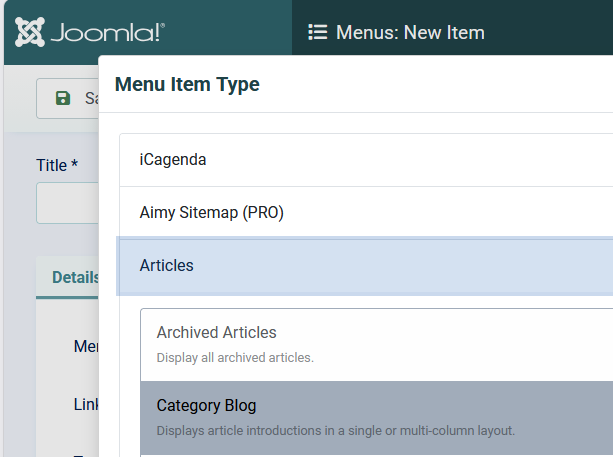
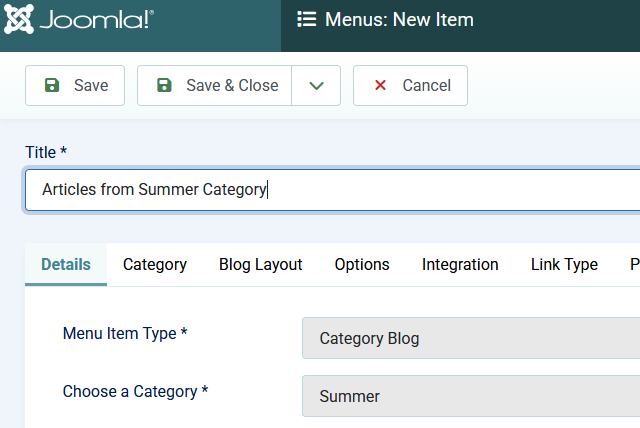
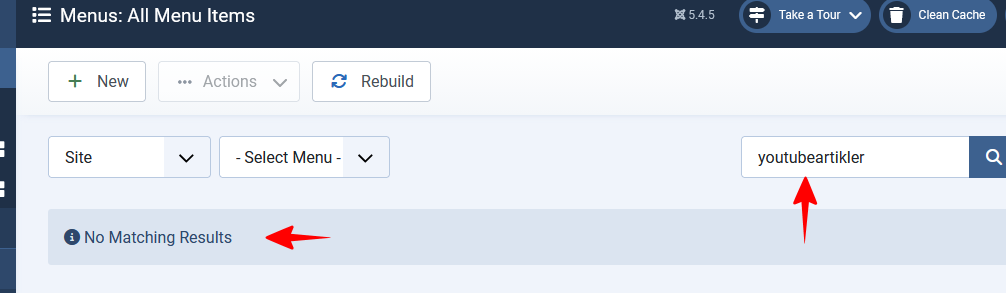
You have to create a Menu item(s) with blog category view for those migrated article categories. Then Joomla will use short url aliases also in Modules & News Addons.


info__169.png

info__170.png

info__171.png

Log in to reply.