Some database problems with SP Pagebuilder - Forum | JoomShaper
Solved SP Page Builder

Some database problems with SP Pagebuilder

Asked by Charlotte Munch 2 months ago Last activity 2 months ago

Hi
I am using the template "celestia" - for this site https://xn--eventvrkstedet-5ib.dk/.
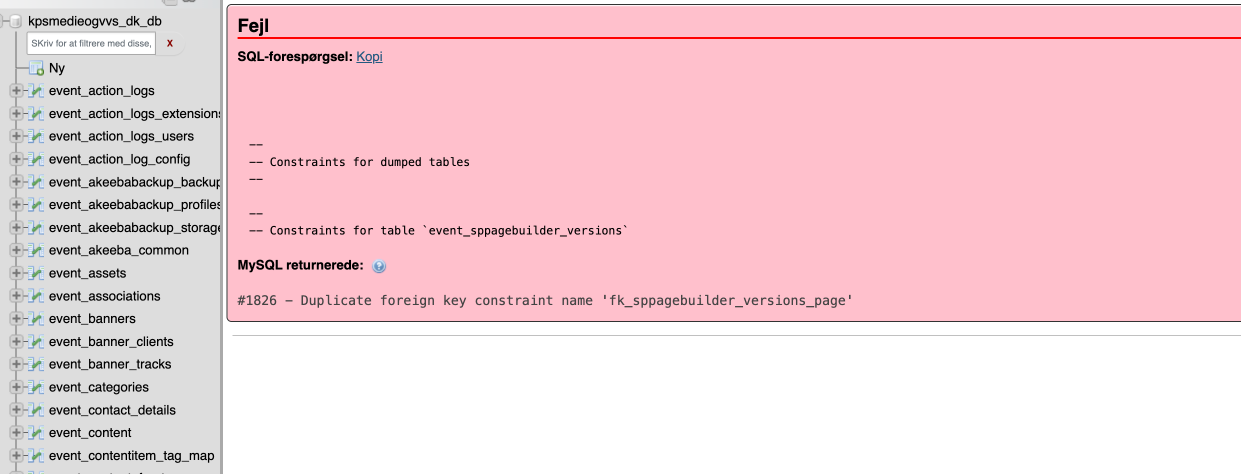
After the installation I get this message from the system: .
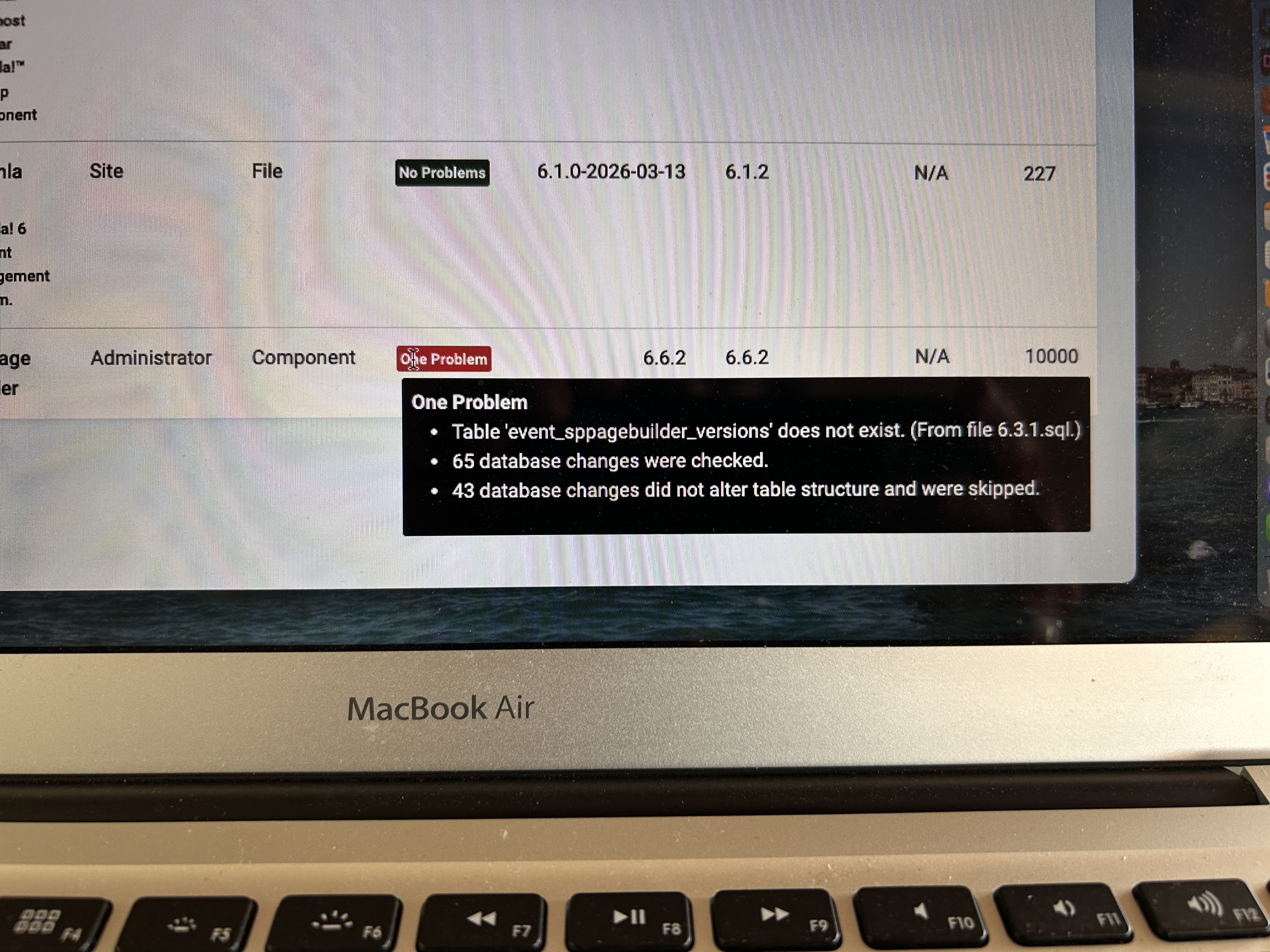
I have reinstalled the SP Pagebuilder version, but that doesn't help?

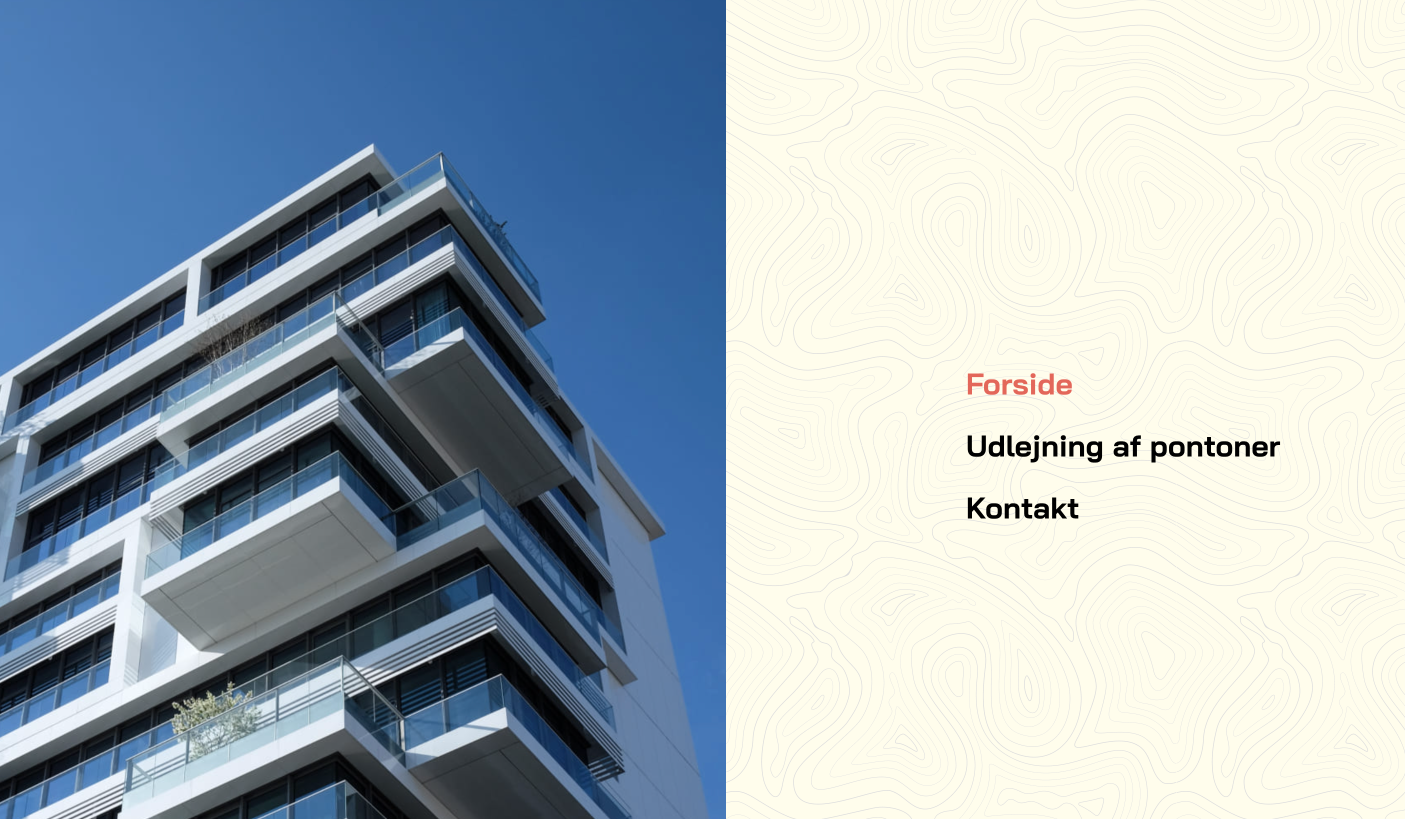
In addition, I would like to know how to style the canvas menu?

best regards Charlotte Munch

Accepted answer

Marked as the solution
Ziaul Kabir Staff

It’s great to hear that your issue has been resolved.
If everything is working fine now, please mark the question as complete by accepting any of our answers.

Thank you!

10 more replies

Ziaul Kabir Staff

Hi Charlotte,

Thank you for reaching out.

Regarding the database issue, could you please check the following forum post and let us know if it resolves the problem for you?

https://www.joomshaper.com/forum/question/45311

If the issue still persists after following the steps in that post, please let us know the exact error message you're seeing, and we'll be happy to investigate further.

As for styling the off-canvas menu, please let us know what specific changes you'd like to make (e.g. colors, typography, spacing, hover effects, width, etc.), and we'll be glad to guide you.

Best regards,

Charlotte Munch Asked this

Hi
Unfortunately that didn't help - the database problem is still there!

I'm actually not sure if it's an off-canvas menu, but I'd like a new image and a different background?

Ziaul Kabir Staff

Could you please share temporary administrator access to your Joomla backend? You can provide the credentials securely in the hidden content section. Also, please take a full backup of your site before we make any changes.

Once I have access, I’ll investigate further and see what’s causing the issue. Let me know once you’ve shared the details!

Best regards,

Charlotte Munch Asked this

Hi

Ziaul Kabir Staff

Please, follow this steps:

Log in to your hosting control panel and open phpMyAdmin.
Select the database used by your Joomla website.
Click the Import tab.
Choose the attached SQL file.
Click Go to start the import process.
Once the table has been imported successfully, please check whether the issue is resolved. If the problem persists, let us know and we will investigate further.

event_sppagebuilder_versions.sql.zip

Thanks

Charlotte Munch Asked this

Unfortunately - it doesn't work. I have attached the message ->

And I still need an answer on how to style my main menu?

Ziaul Kabir Staff

Share your PHPMyAdmin Access, then I will check it.

For menu use this css:

.burger-icon>span {
    background-color: #000000;
}

Thanks

Charlotte Munch Asked this

Acces is comming in Hidden content

The main menu problem is still the same - image and background that don't match my content ?
Please take a look -> https://xn--eventvrkstedet-5ib.dk/

Ziaul Kabir Staff

Hello,

The database issues have been fixed.

Regarding the menu background, it is defined in the template CSS, Please, add new image src url here, then use this css in your custom css:

#sp-header.celestia-header .modal-menu-left {
    background-image: url(../images/modal-menu.jpg);
}

#sp-header.celestia-header .modal-menu-right {
    background-image: url(../images/bg-pattern-2.svg);
}

Thanks.

Charlotte Munch Asked this

Thank you så much - now it has become a beautiful and harmonious site
Best egards Charlotte

Log in to reply.