Hello there,
i updated to helix ultimate. If, for example, I set the under Typography, everything is saved except the font weight. It is saved, but not shown. It shows always "Select" in Weight-Dropdown.
Hello there,
i updated to helix ultimate. If, for example, I set the under Typography, everything is saved except the font weight. It is saved, but not shown. It shows always "Select" in Weight-Dropdown.
Hello wegscheider office solution
Please share a screenshot of your issue to understand it better.
Best regards

Please update to the latest Helix and then check your issue.
I am also having this issue, even having updated to 2.0.3.
You can set the font weight on body and headings and it does apply correctly when saved but as soon as you open the template settings again all the font weights you've set are gone and you need to reapply them again.
A massive pain. Please fix!
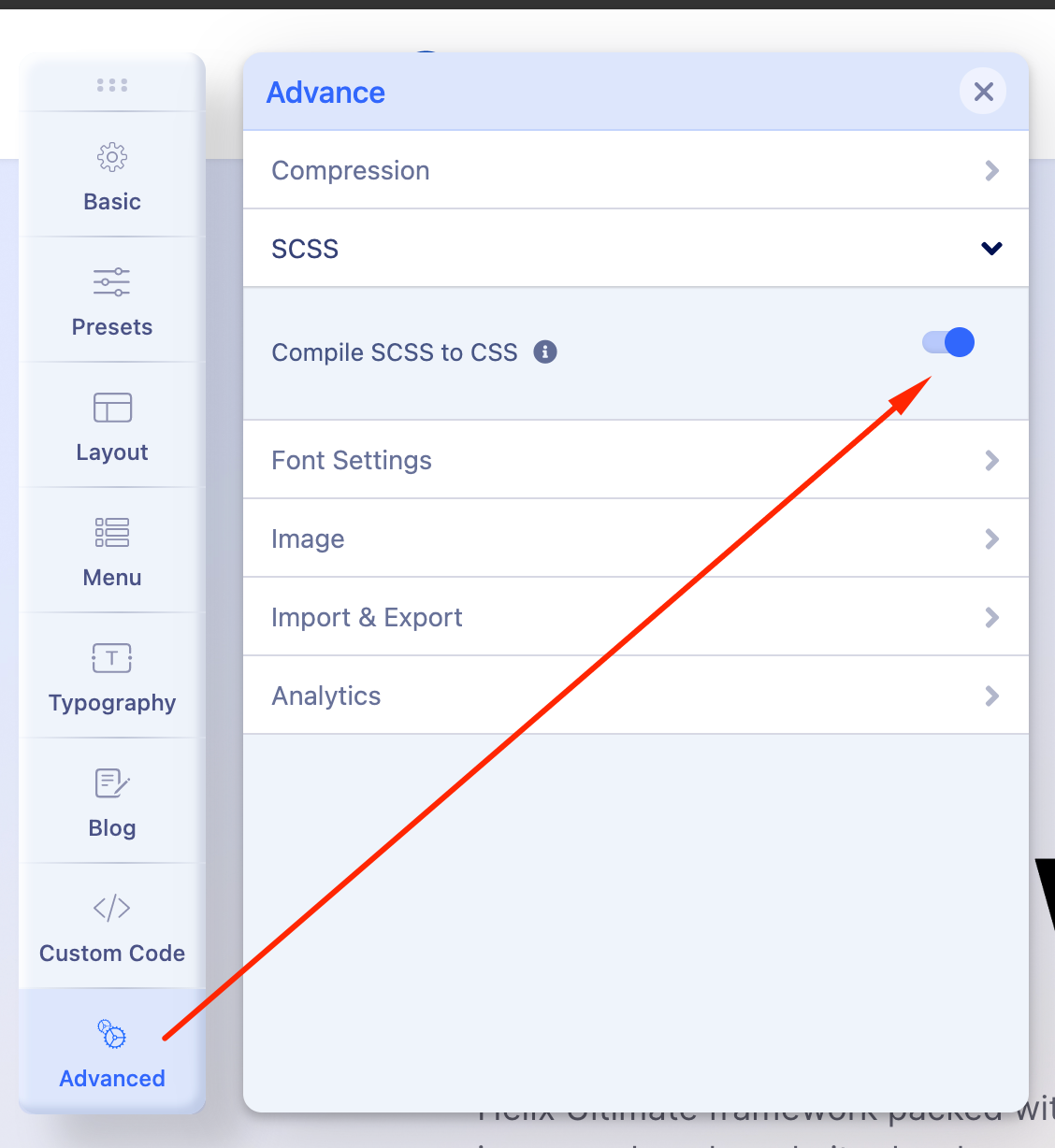
Please update to Helix 2.0.4 and check this issue. I have not found this issue on the latest Helix. Also check that you have Compile SCSS to CSS turned on in Advanced settings.
Thanks for the response.
I've upgraded to Helix 2.0.4 and tested on both a Joomla 3.10 site (upgraded from previous Helix) and a Virgin Joomla 4.0.2 site with a fresh install of Helix 2.0.4.
I've tested with SCSS on and off, compression on and off, same results every time, font weights save, then reset again when Template Parameters are open.
Here's a video of the issue;
Please share your administrator access here to check the issue. Use the Hidden Content box to share the credentials.
Appreciate the help. I've attached Super User credentials as requested.
Thanks for your detailed video. I have investigated the issue. It is a bug. I have reported this to the developers. It will be fixed in the next update.
Thank you Ofi, we will look forward to that update.
You are welcome.