
The Home Page display codes in the header of my website https://shawuatl.org/. I've upgraded several extensions, ran an older backup, and now the home and subsequents pages are displaying the codes.
Staff replied
General
Headers display code on the home page
Asked by Paul
5 years ago
Last activity 5 years ago
13 replies

Ofi Khan Staff
Hello Paul Benitez
Please share your administrator popup access here to check the issue. Use the Hidden Content box to share the credentials.
Best regards
Paul Asked this
Thank you for your assistance!
Paul Asked this
Thank you for your assistance.
Ofi Khan Staff
Please share this popup credentials.
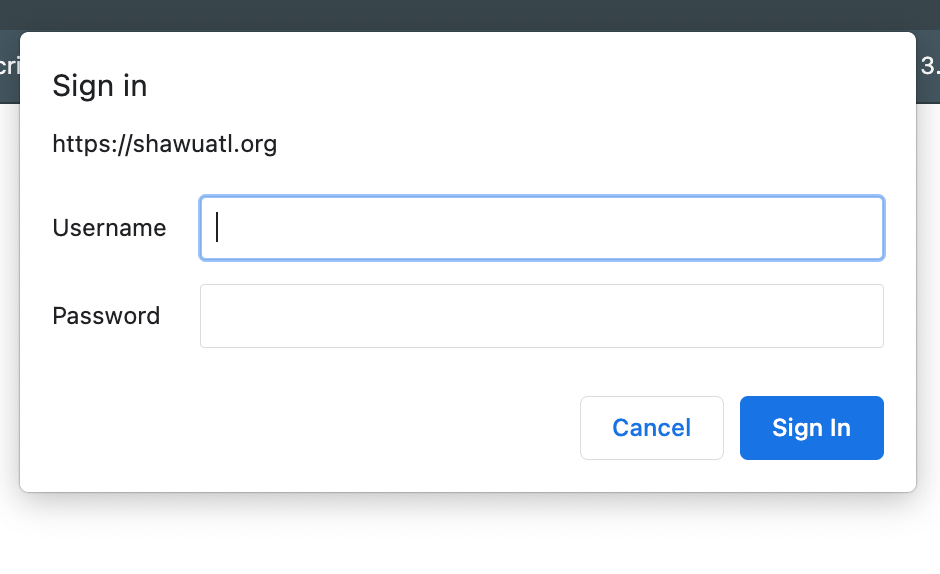
Paul Asked this
Cannot type into the screen above. Please see the hidden content.
Paul Asked this
cannot type into the screenshot
Ofi Khan Staff
I have tried with this credentials but could not access your administrator. The popup does not take these credentials.
Paul Asked this
I created a new username and password for you. Please see the info in the hidden content section. Thanks again.
Ofi Khan Staff
Again that popup comes and I could not log in.
Paul Asked this
Each time I create a new user, I test it with out any errors. I don't have Abeeba back with Admin Tools on that account that disallow ip address. Not sure what else to look at. I will let you use my account.
Other alternatives can be for you to use a tool for you to log into my computer. I use TeamViewer for remote access to a client computer. Would that help?
Ofi Khan Staff
I can access your site now. Please use the backup and revert back to Helix 1.1.4. Giver template is not yet compatible with Helix 2. We will update the tempalate soon.
Paul Asked this
Thanks, the codes are not displaying now. Not sure what you did, but it is working now!
Ofi Khan Staff
I am glad that it worked.
Log in to reply.