

Customize Pages With SP Page Builder
The Ample Joomla template's QuickStart package includes multiple pages, built using the latest SP Page Builder Pro version. These pages can be customized using SP Page Builder Pro according to your preference.
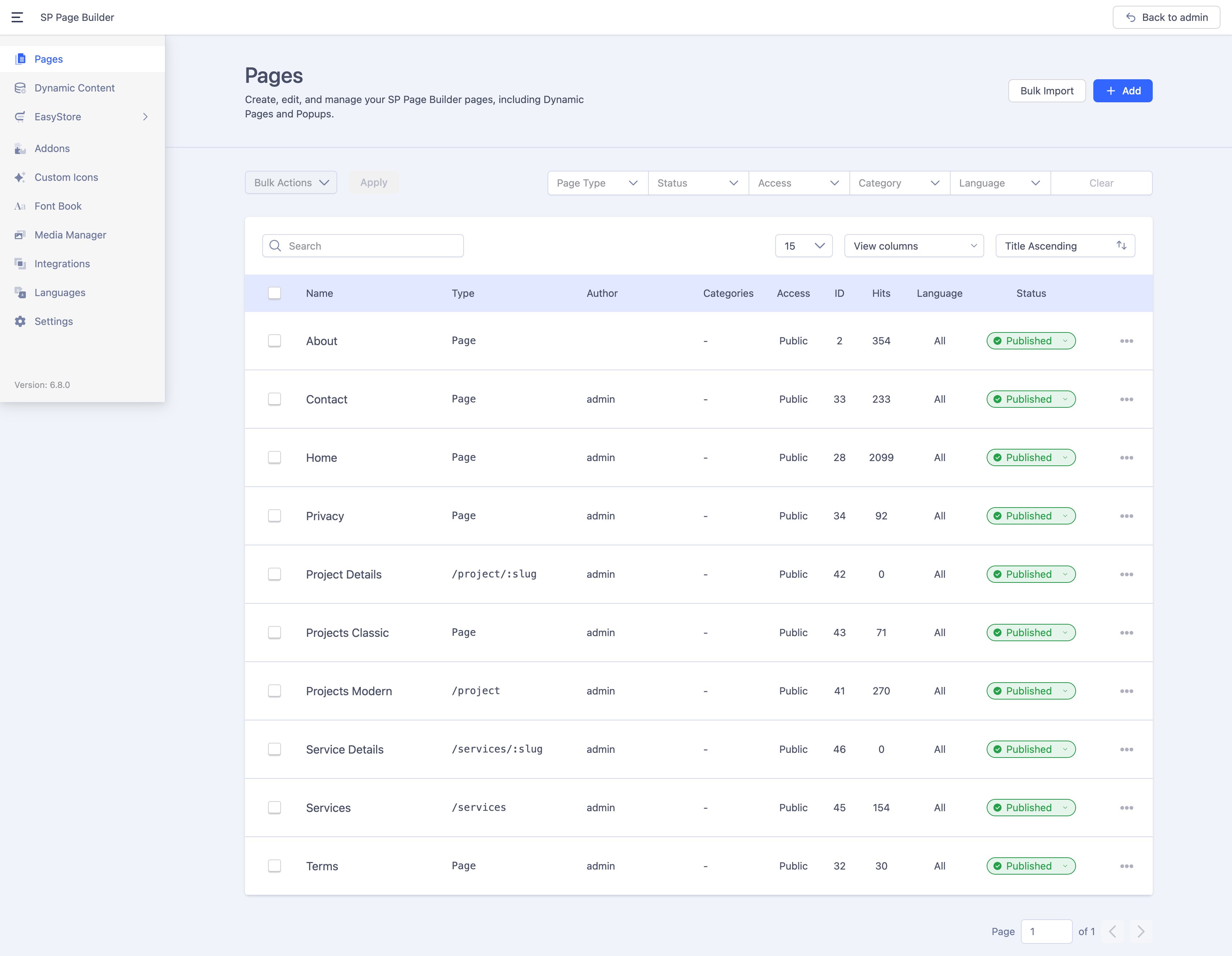
The SP Page Builder dashboard includes all pages created with SP Page Builder Pro. Use SP Page Builder Pro's backend or front-end editor to edit or customize any page. To do that, from the Joomla dashboard, go to Components > SP Page Builder Pro > Pages and select the page you want to edit.
The Service, Service Details, Projects Modern, and Project Details pages in the Ample Joomla template are built using SP Page Builder’s Dynamic Content feature.
The project information displayed on the Projects Modern and Project Details pages is fetched from the Dynamic Content’s “Project” collection. To modify the details displayed on these pages, navigate to Components > SP Page Builder Pro > Dynamic Content and make necessary edits to the collection fields or collection items according to your preference.
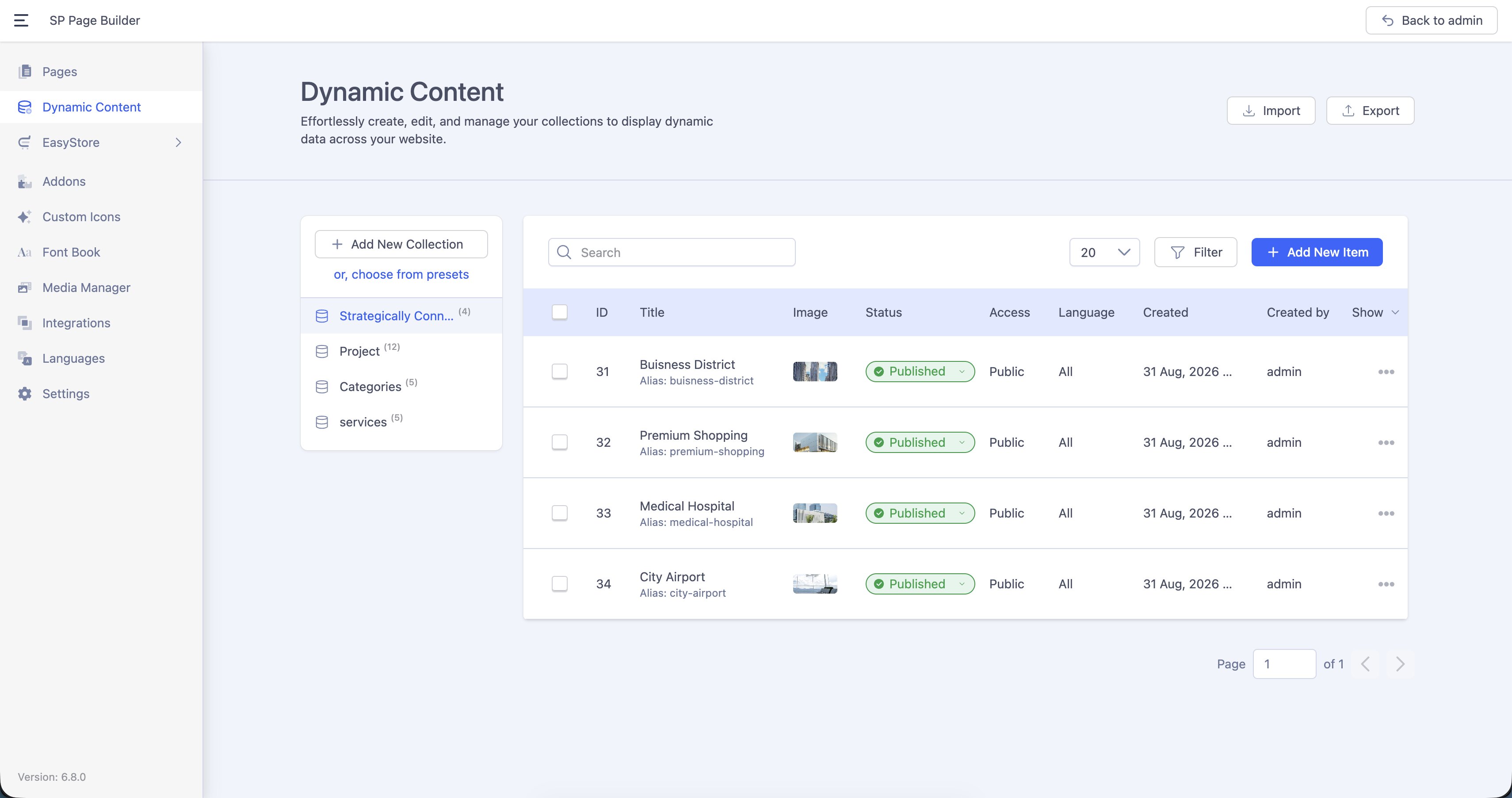
Learn more on setting up Dynamic Content here.
Learn more about Joomla Native Articles Integration in Dynamic Content.