Homepage Layout
Experience a refreshed home page design that is ready to use and crafted to give your site an engaging look. Highlight your products effortlessly with dedicated sections for quick previews and detailed views.
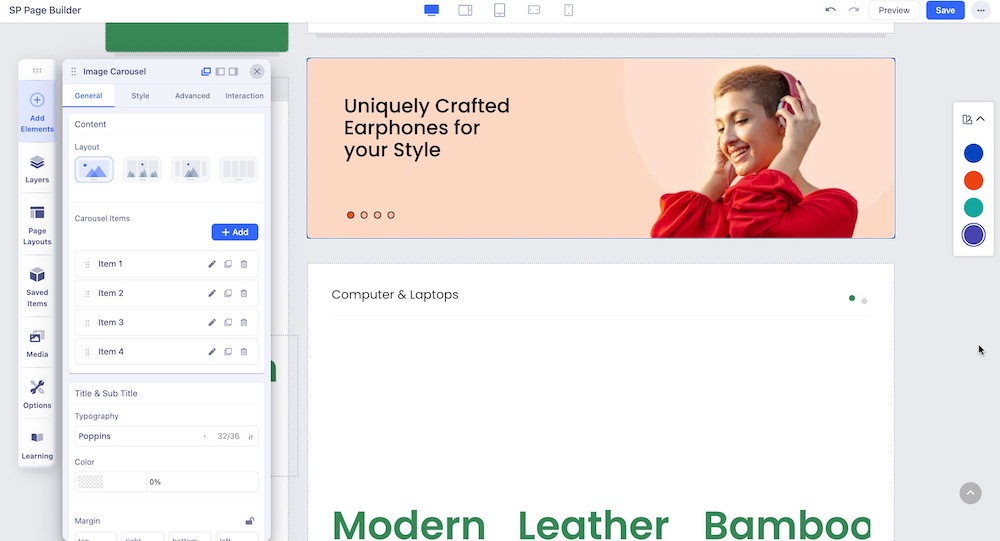
The MegaDeal II Joomla template's QuickStart includes a pre-made home page created using the SP Page Builder 5 Pro component, and only from this component can be edited and customized. You can find it assigned to the Main Menu as a Home item. You can edit and customize the page using SP Page Builder 5 Pro’s backend & front-end editor. To do that, from the Joomla dashboard, go to Components > SP Page Builder Pro > Pages and select the page you want to edit.