Add favicon in Joomla helix3
Joomla 4, 5, 6
Updated 1 Jun 2017
1 min read
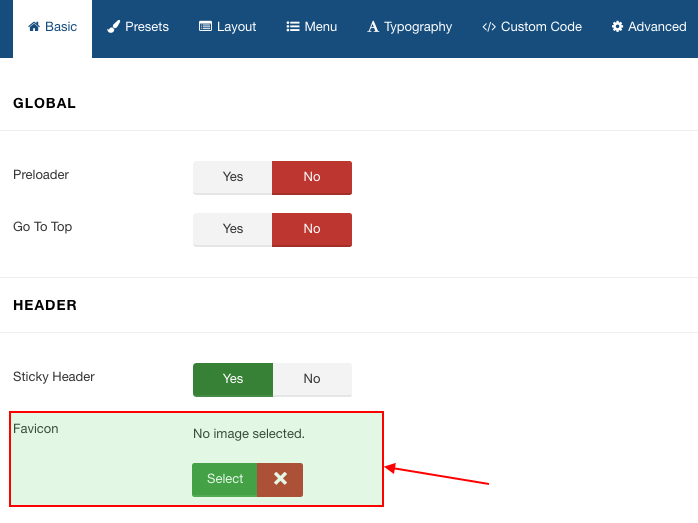
To enable favicon in your website go to Extension>templates>styles and then click shaper_shopin. In the helix3 ‘Basic’ tab there is a option to add favicon. Click ‘Select’ in favicon option to upload the favicon image.