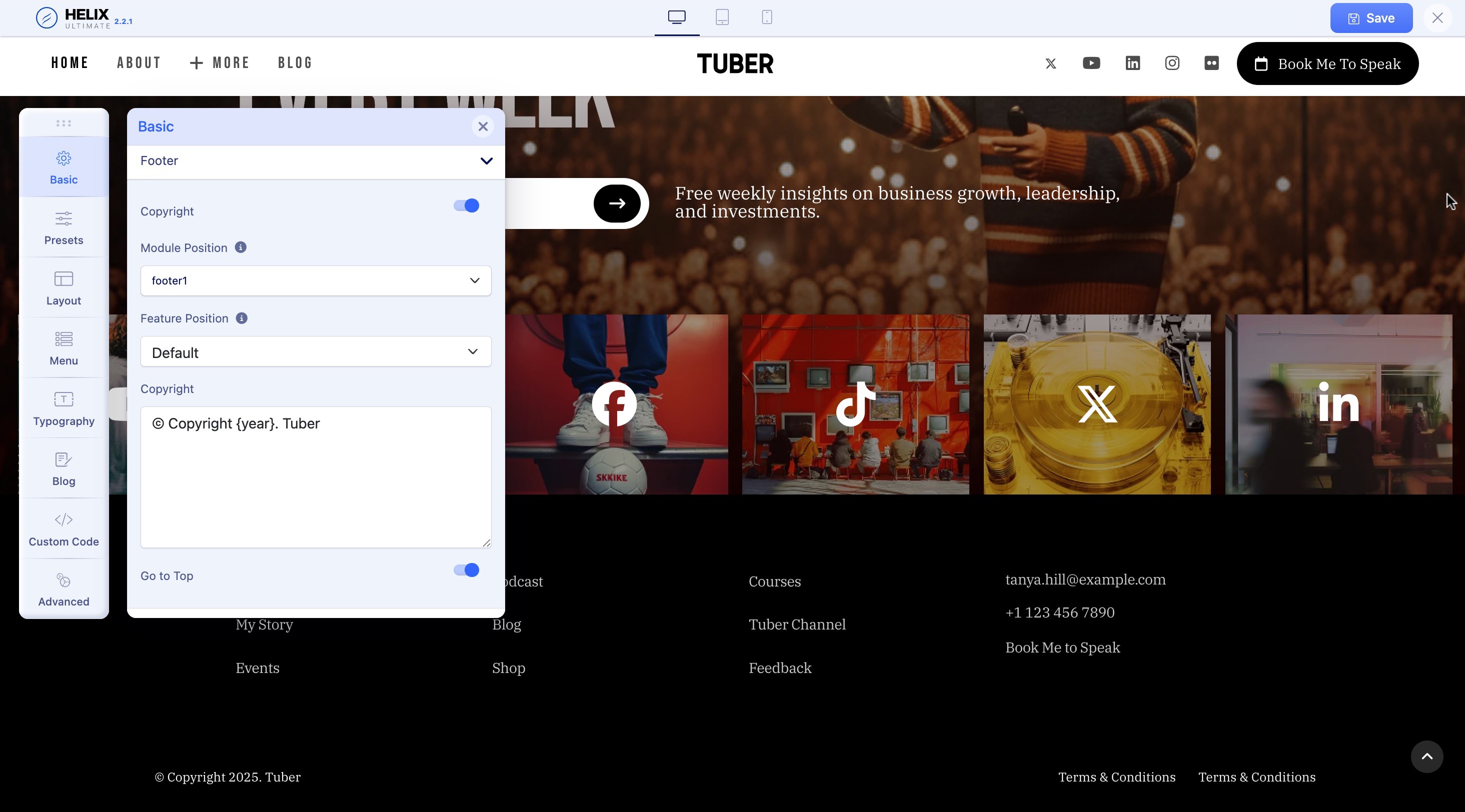
Header, Layout, and Footer
The following screenshots highlight the main header, layout module, and footer positions that we used in this template.
Predefined Header

In the Tuber Joomla template, Fullwidth Center predefined header is used. You can switch to any of the other available layouts to best suit your needs from the list of available predefined header options.
To change the Default Header style, go to the Basic option in Helix Ultimate. You can also adjust positions or resize elements within the grid, which is based on Bootstrap 5.
The built-in Layout Builder in the template settings allows you to add new positions, columns, and rows as needed, and to reposition elements freely. You can also hide specific elements in tablet or mobile views.
For more information & tips - see the latest Helix Ultimate Documentation.
Website Layout
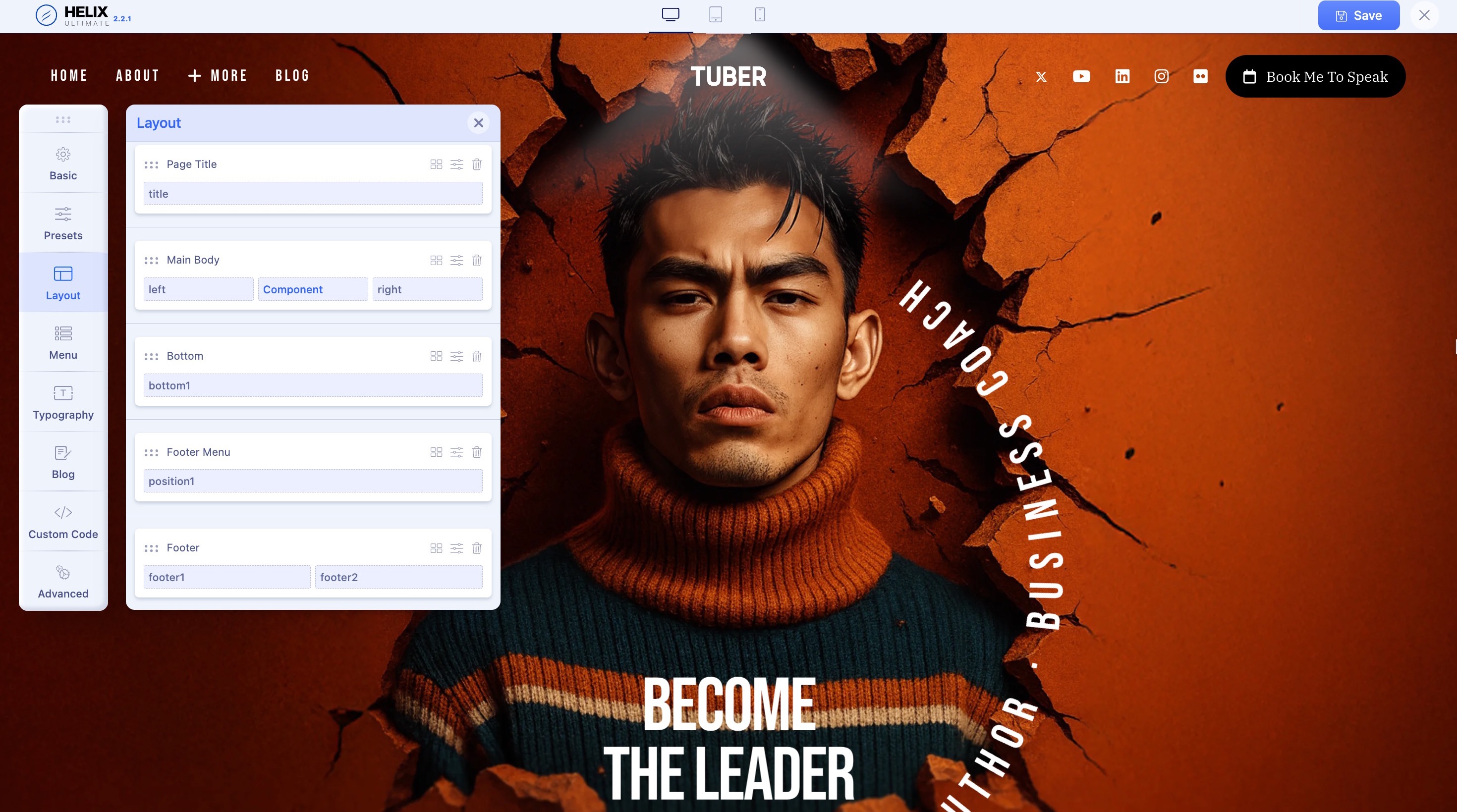
From the Helix Ultimate editor, select the Layout tab from the Sidebar. You will be presented with the option to customize the website layout used in this template.
There are 3 icons on the top right of each option. These icons represent layout options, edit options, and delete respectively.
The layout options allow you to change the layout of the items in the section. The edit options let you set additional customization such as the section title, style, and responsiveness. Finally, the delete option enables you to erase the entire section.
Footer Position