

Template, Quickstart & SP Page Builder Pro
The Tuber Joomla template's QuickStart package includes multiple pages, built using the latest version of SP Page Builder Pro. These pages can be customized using SP Page Builder Pro to suit your preferences.
SP Page Builder dashboard includes all pages created with SP Page Builder Pro. Use SP Page Builder Pro's backend or front-end editor to edit or customize any page. To do that, from the Joomla dashboard, go to Components > SP Page Builder Pro > Pages and select the page you want to edit.
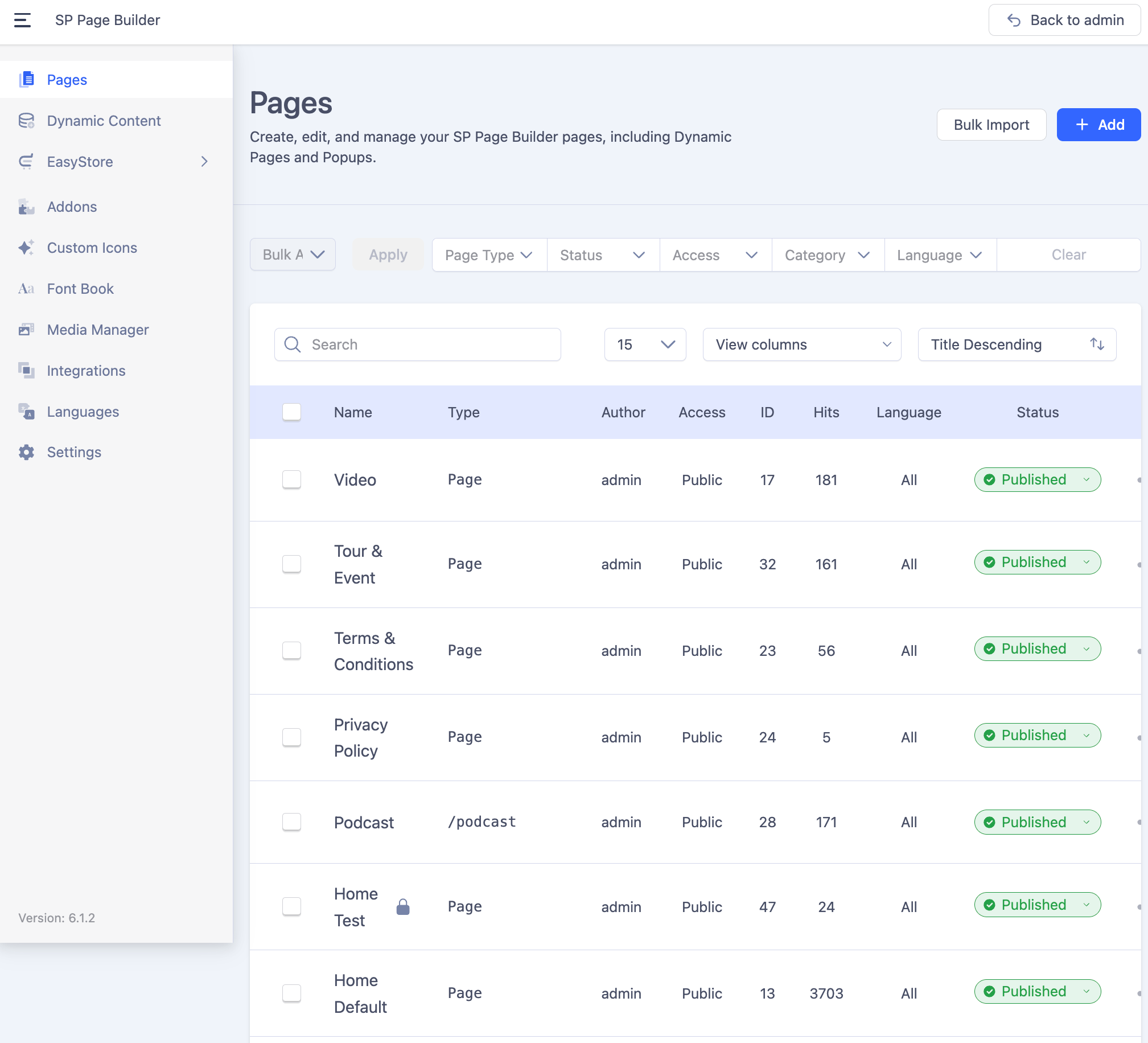 The Videos and Podcast pages in the Tuber Joomla template are built using SP Page Builder’s Dynamic Content feature.
Accessing Dynamic Content
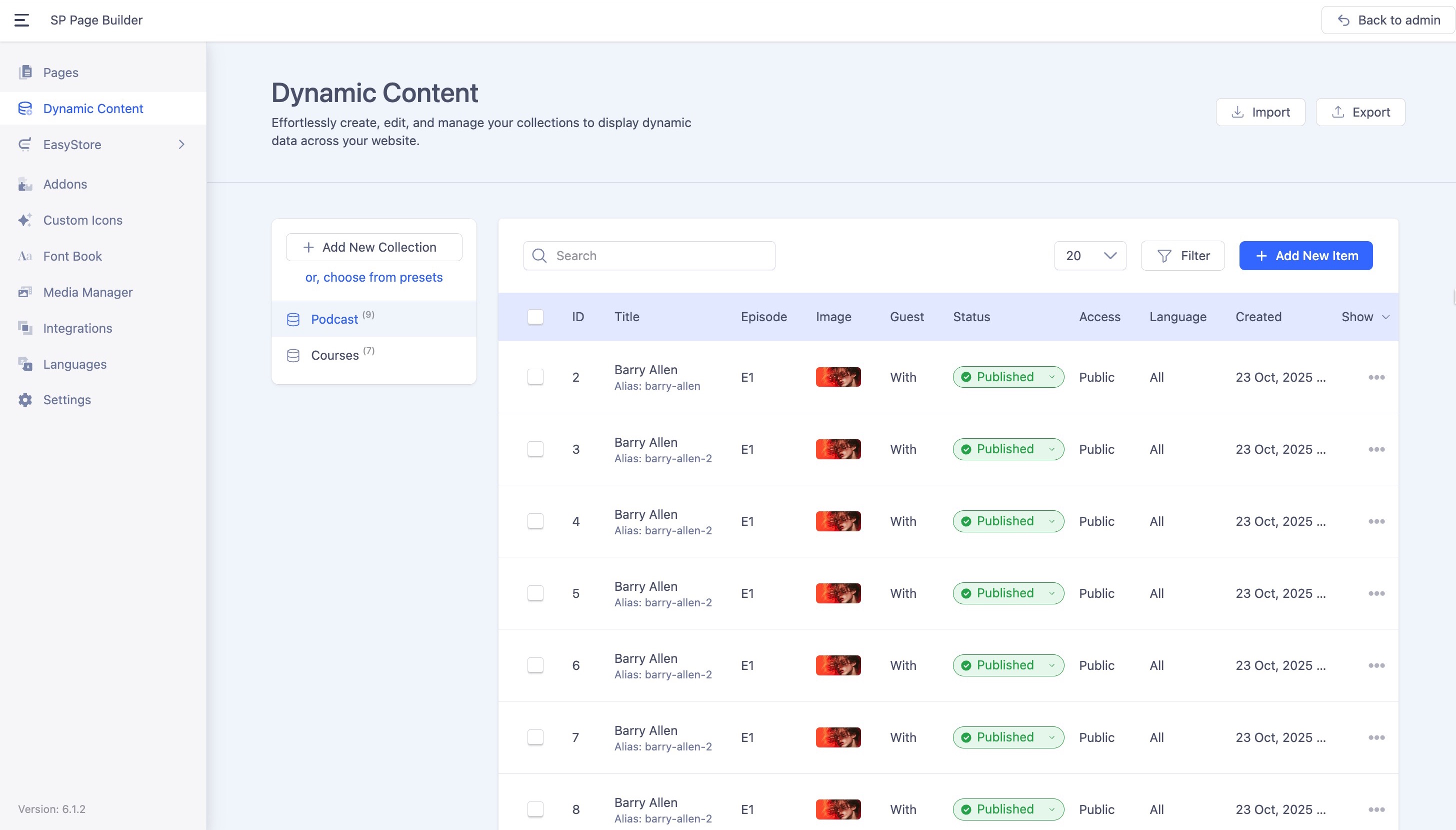
You can manage Dynamic Content directly from SP Page Builder’s dashboard:
- Open the SP Page Builder dashboard.
- In the left sidebar, select the Dynamic Content option.
Or,
From your Joomla dashboard, navigate to Components > SP Page Builder > Dynamic Content.
This will display the list of default collections included with the Tuber template.
Managing Collections and Items
- To create a new collection, click the + Add New Collection button.
- To add new items to an existing collection, select the desired collection and click the + Add New Item button.
For detailed information about Dynamic Content, refer to the official documentation.