

Switching Template
A
asknames
I ask a question about changing logo on Wimby, never got an answer, so I decided to have another one. Now I want to kindly know, how to switch live from one template to another?
I already install Pitech, attributed the "Default" designation to t but to no avail.
Can you help? Thank you!
8 Answers
Order by
Oldest

Ariba
Accepted AnswerHello
Apologies for the inconvenience. Can you please share the forum link where you have posted earlier regarding the logo change of Wimble?
A
asknames
Accepted Answer
Paul Frankowski
Accepted AnswerIf I may....
In all Helix Ultimate based templates logo you can change here:
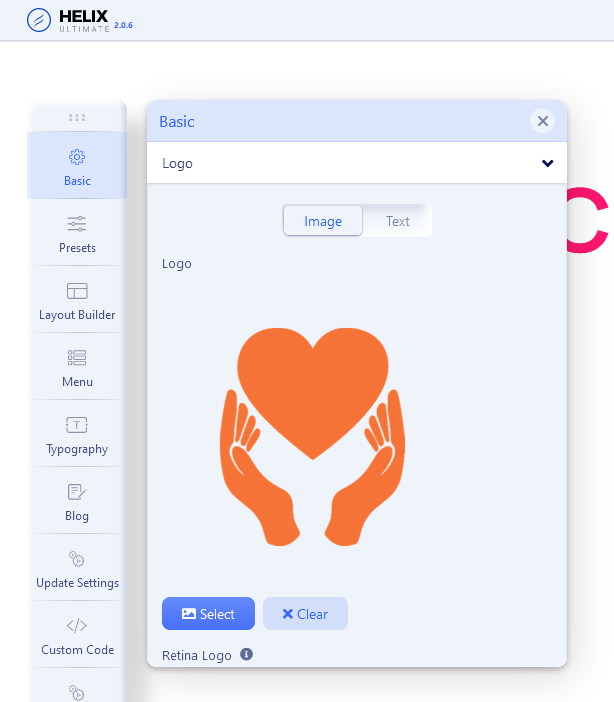
Helix Ultimate documenation can give you more details.
If you have more than one template style you have to select logo in all of them. This is how it works in Joomla, Regardless of the template used.
A
asknames
Accepted AnswerI know this answer. However, for some reason it doesn't work. I have been working with you for a long time, and I am very satisfy. This time it doesn't work, I don't know why. If it does, is there a way to clean Helix cache?

Paul Frankowski
Accepted AnswerAll works, the only confusion that you may have is that you have 3 "Wimble" styles, and each is assigned to different subpages.
So if you want to use ONLY one style, disable assignation from the rest. And just set logo in that template that you want to use. Or uninstall template that you don't want to use anymore. That's all. No hacks nor hidden tricks.
