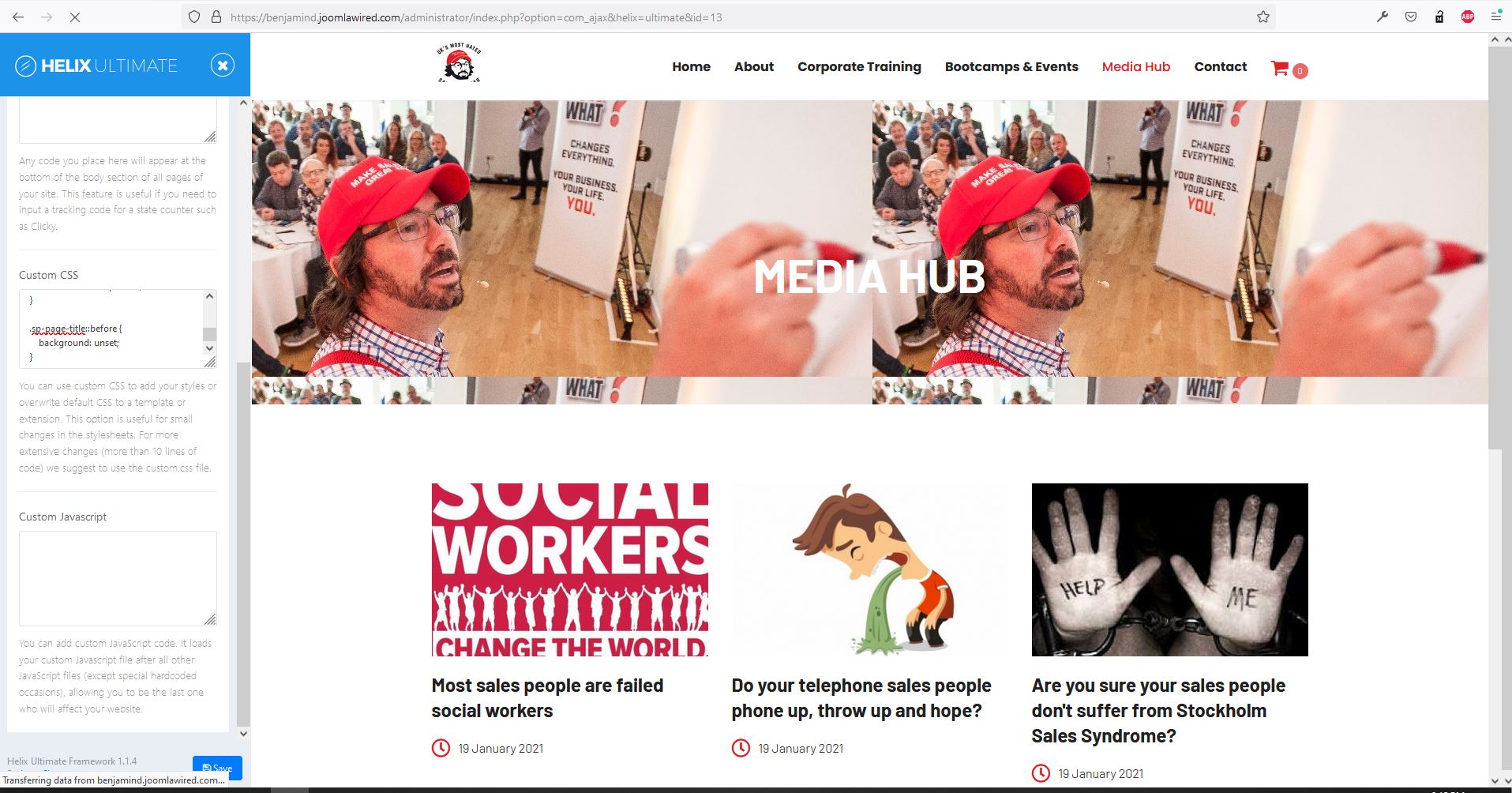
Colour Issue On KeyNote Template
ZF
Zack Fowler
Hello,
I am using Keynote template. And on one page I have Page Title enabled in the menu settings with an image.
However, it keep putting a purple overlay on it?
I've already tried changing loads of setting and I'm unsure how to stop this from happening?
How do I fix this?
You can see a preview here: http://benjamind.joomlawired.com/mediahub
3 Answers
Order by
Oldest

Ariba
Accepted AnswerHello
Thank you for your query.
Kindly check the following screenshot to see from where the overlay is coming.
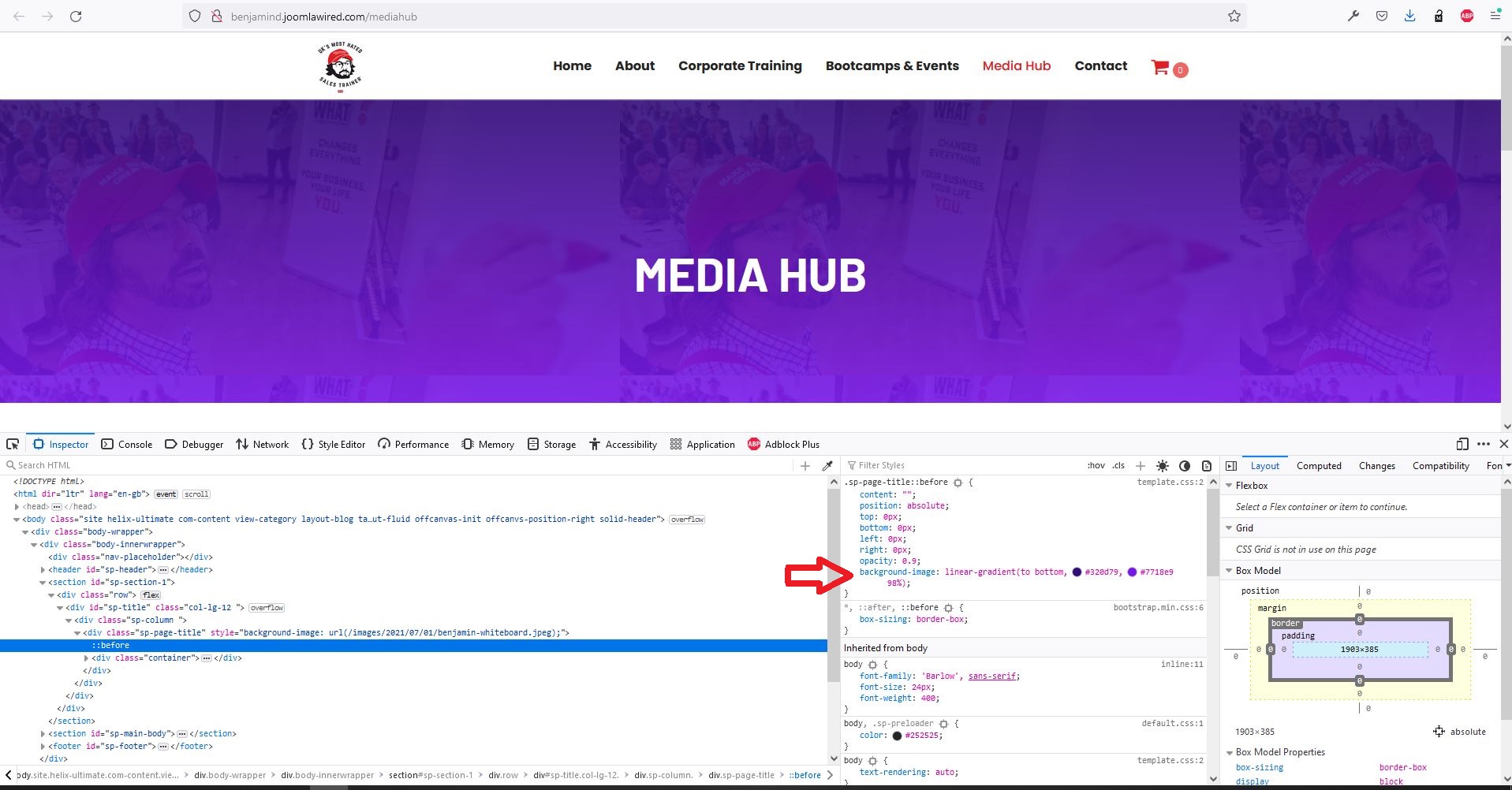
Please add the following css rule in custom css section to remove the overlay:
.sp-page-title::before {
    background: unset;
}
ZF
Zack Fowler
Accepted AnswerThanks for that Ariba,
However, the blog layout menu item doesn't have a custom CSS option in the menu settings?
Where else can I put this code?
Thanks, Zack