

Missing Tabs
M
maurizio
Hello, I've correctly installed the Page Builder on a website. It happens that all the addons are missing the tabs, subsitute them with a list but completely unusefil. Can you help?
10 Answers
Order by
Oldest

Paul Frankowski
Accepted AnswerHi Maurizio,
Make sure that you installed PRO version SP Page Builder Pro.
Check it in "ABout" tab here: administrator/index.php?option=com_sppagebuilder&view=about
If you have "Lite" or without "Pro" version, please download and re-install Pro.
Paul Frankowski
Accepted AnswerPlease make screenshot what is wrong, upload image on your server and share link here. Becuase to be honest, now I don't understand what is not working.
OR
You can also record short video and share on youtube hidden link.
M
maurizio
Accepted Answer
Paul Frankowski
Accepted AnswerPlease refresh browser cache (!)
And
use 2nd browser (Firefox, Opera, Egde) to be sure it's not a browser cache issue.
M
maurizio
Accepted AnswerI have another problem with the same domain but in a 3.10.xx joomla installation. Two issues:
- The mobile menu, which you can reach on the right side of the main menu even in the desktop version, is not working at all.
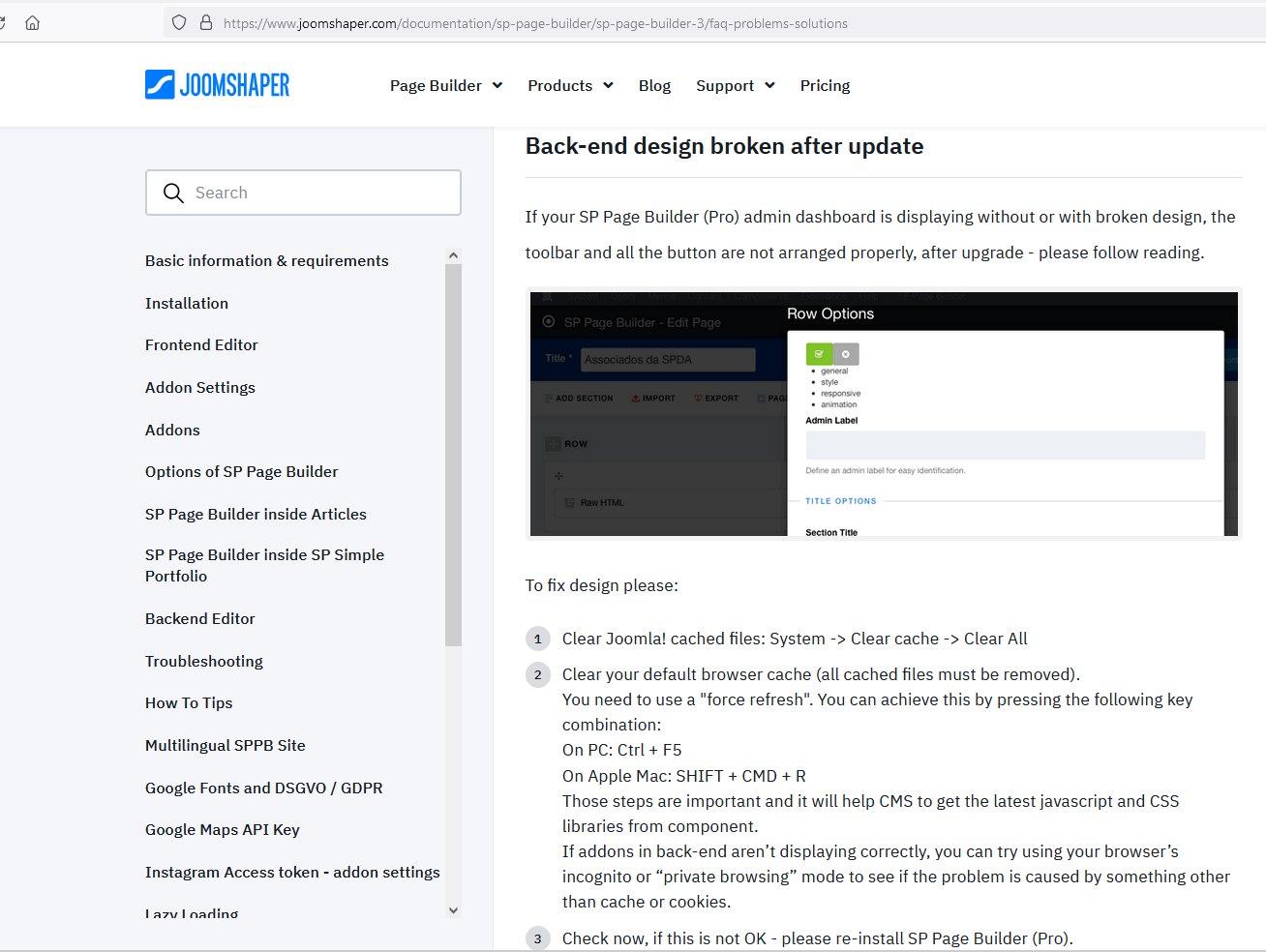
- The SP Page builder looks messy, with icons desplaced, moved and some of them missing (see the pic at http://solutiontechnology.eu/Schermata3.png)

Can you help?
Paul Frankowski
Accepted AnswerAd 2) Also seems to be browser cache, have you checked on two browsers??? if not, please do it.
Paul Frankowski
Accepted Answerad 1) What template you have there?
If it's based on Helix Ultimate - please:
- Tip #1 from: https://www.joomshaper.com/documentation/helix-framework/helix-ultimate-2/troubleshooting-faq
- Disable JS compression and check again, in most cases too high compression level may damage template basic features.
- Remember to enable Font Awesome in Template Options - Advanced - Font Settings