

Problem CSS Dropdwon - With Update Helix Ultimate
F
Francesco
Hello,
After the latest Helix Ultimate update I am no longer able to get some CSS to work.
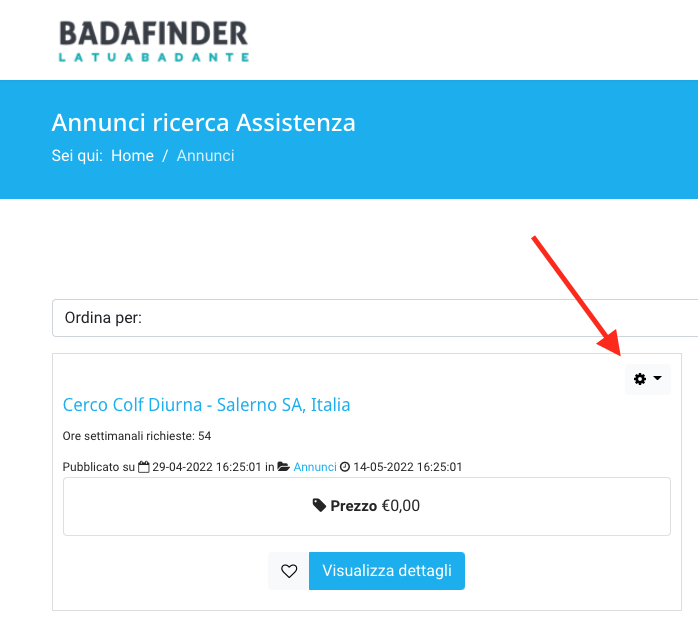
Pack with Template helix ultimate: https://badafinder.it/index.php?option=com_rsdirectory&view=entries&Itemid=244
Page with Cassiopeia Template. https://badafinder.it/index.php?option=com_rsdirectory&view=entries&Itemid=244&template=cassiopeia
In order to see the problem I leave the login credentials in Hidden Content.
Thanks Francesco
6 Answers
Order by
Oldest

Mehtaz Afsana Borsha
Accepted AnswerHi
Thanks for contacting us. Which portion do you want to change with CSS? Please give me a screenshot of that.
-Regards.
F
Francesco
Accepted AnswerHi,
you have the credential to login into the site.
This is the CSS tath don't dropdown edit entry with your last upduate Helix Ultimate.
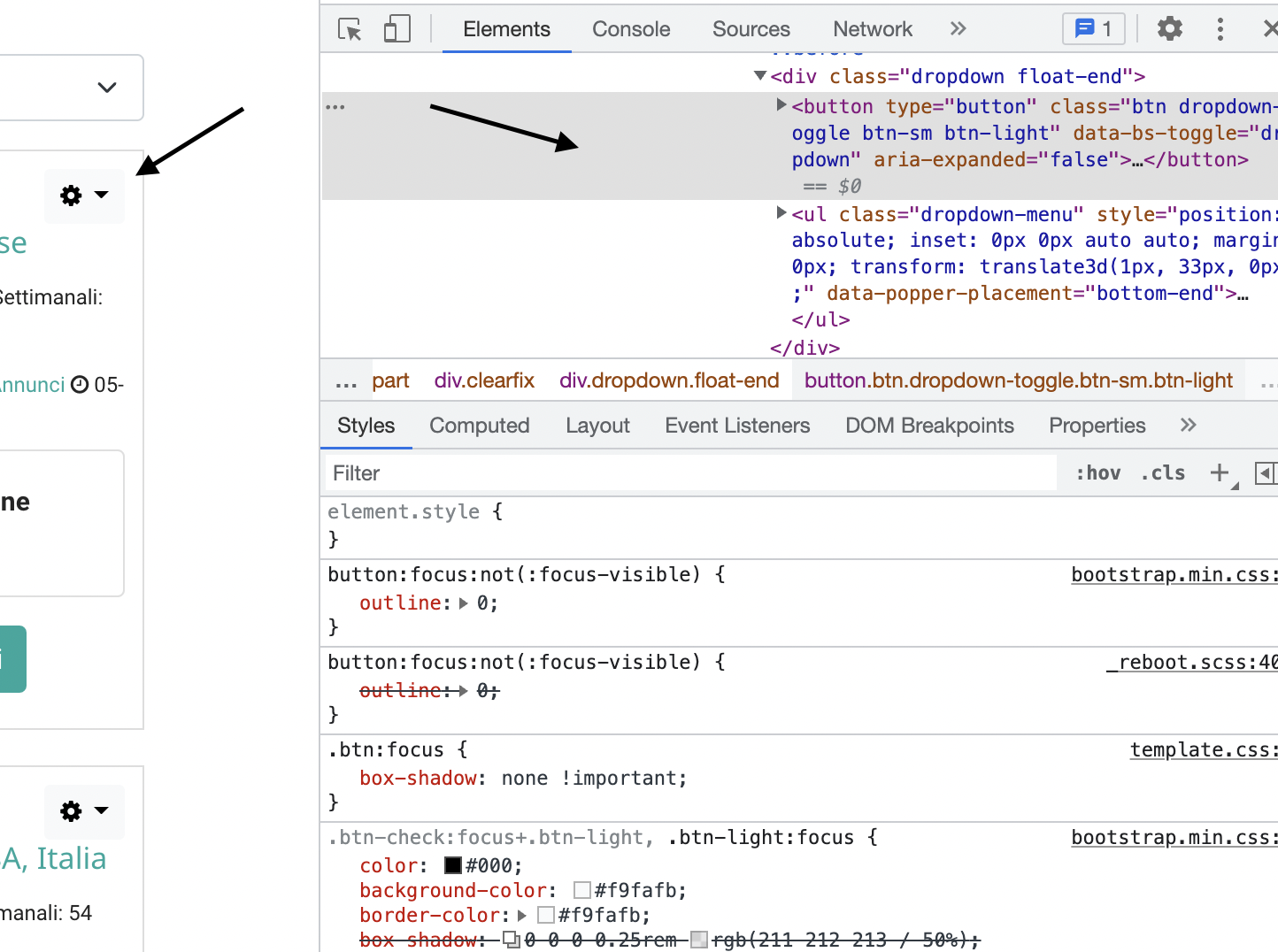
Thanks Francesco
Mehtaz Afsana Borsha
Accepted AnswerCould you please explain the issue more? Sorry I dont understand it properly.
F
Francesco
Accepted AnswerI'm sorry but it's not easy for me to explain the problem.
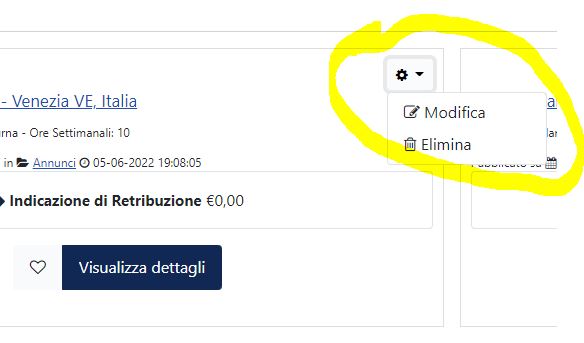
To understand the problem you need to see directly from the links I posted above. Using the credentials you can see the problem that creates me when I edit the entry by clicking on the gear the menu should go down that says:
Edit Delete
With the Cassiopeia Joomla template it works
It doesn't work with Helix Ultimate.
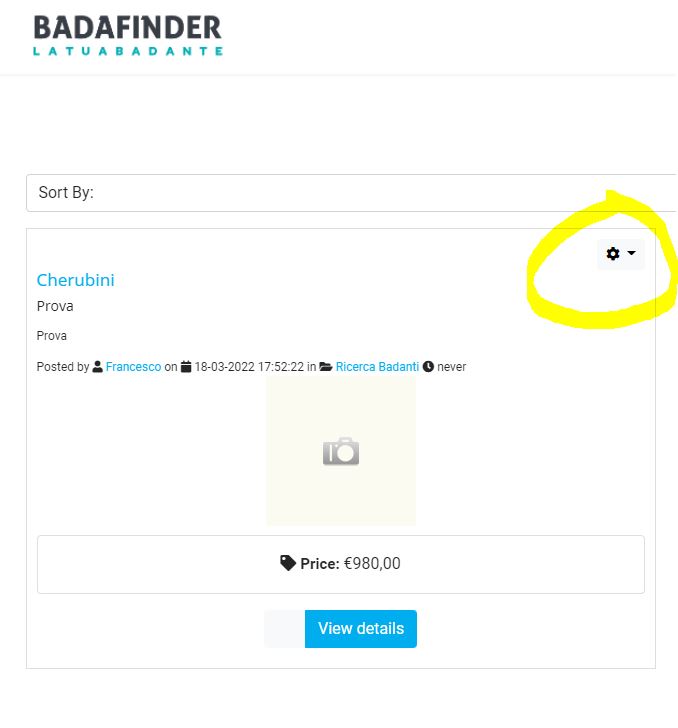
I can't understand what prevents the dropdown menu in Helix Ultimate.
Francesco

Paul Frankowski
Accepted AnswerCiao, If I may....
we will check it, as temporary solution I can suggest you using below custom CSS:
.rsdir .dropdown.float-end:hover .dropdown-menu
{display: block !important;}
.rsdir .dropdown-menu {margin-top: 0;}
then action submenu will be displayed after hover over gear icon.
Put inside Helix - Template Options - Custom Code - Custom CSS
Paolo