System - Helix Ultimate Framework 2.2.1 Update Corrupts Icons In Manage Backups Akeeba Backup
Ł
Łukasz
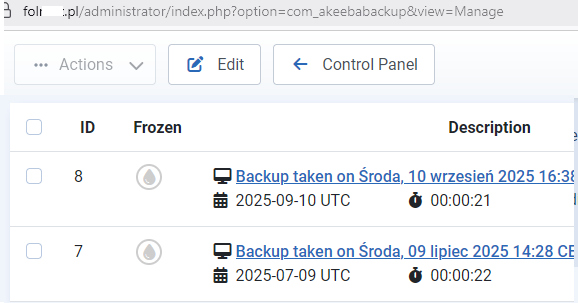
System - Helix Ultimate Framework 2.2.1 update corrupts icons in Manage Backups Akeeba Backup. I'm sending a print screen.
12 Answers
Order by
Oldest

Mehtaz Afsana Borsha
Accepted AnswerHi
Thanks for contacting us and sorry for your issue, Could you please try the latest version of Helix Ultimate?
https://www.joomshaper.com/downloads/template/helixultimate
-Regards.
Mehtaz Afsana Borsha
Accepted AnswerCould you please keep a full site backup and give me your super admin access? So that I can check.

Paul Frankowski
Accepted AnswerWitaj Łukasz,
On my Joomla 6.0.x, Akeeba Backup 10.1.0, with Helix Ultimate 2.2.1 installed & enabled no problem. I am not so sure if Helix plugin could damage icons used in Akeeba Backup (admin area).
Those FA icons are loaded from Joomla core.
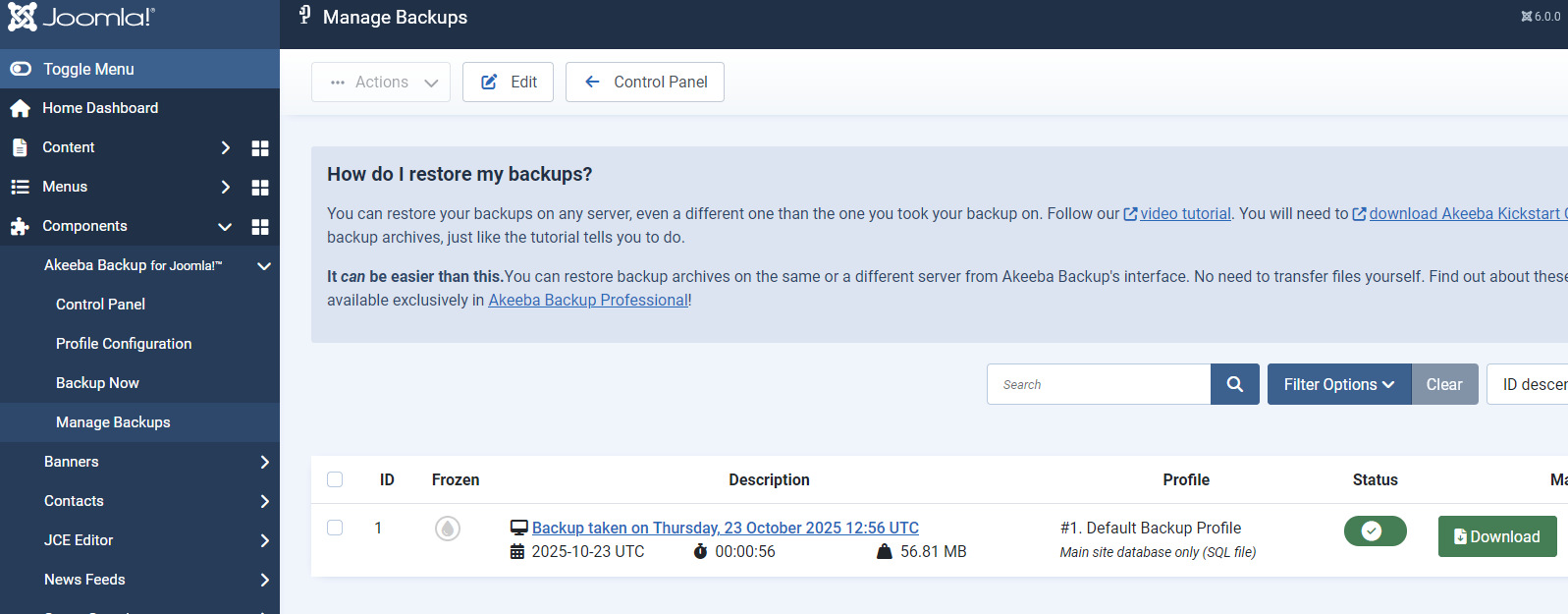
at least Joomla 6 uses Font Awesome Free v6.7.2.
Use Code Inspector from your browser and make short digging.
Ł
Łukasz
Accepted AnswerJoomla 5.4. The problem doesn't occur on all pages, but on a few. Disabling the helix causes the icons to appear. Check a few pages and you might spot it.
Paul Frankowski
Accepted AnswerI tested on 3 different websites (J5.4), and didn't notice that. Maybe ask Akeeba Support if that bothers you.
Ł
Łukasz
Accepted AnswerSomething's not right with Paweł. The problem started after updating Helix, not Akeeba. I just disable System - Helix Ultimate Framework and the icons appear. It's strange because the problem occurs on several websites, but not all. I'm sending login details in hidden content. See Manage Backups.