Trouble with Editor - Forum | JoomShaper
Staff replied SP Page Builder

Trouble with Editor

Asked by Rene Pfenninger 4 years ago Last activity 4 years ago

Hello

We use The pagebuilder by this website a longe time.
This is a great Component.

My customer have know trouble with the Editor.

If i check on diffrent system, diffrent browser it works fine

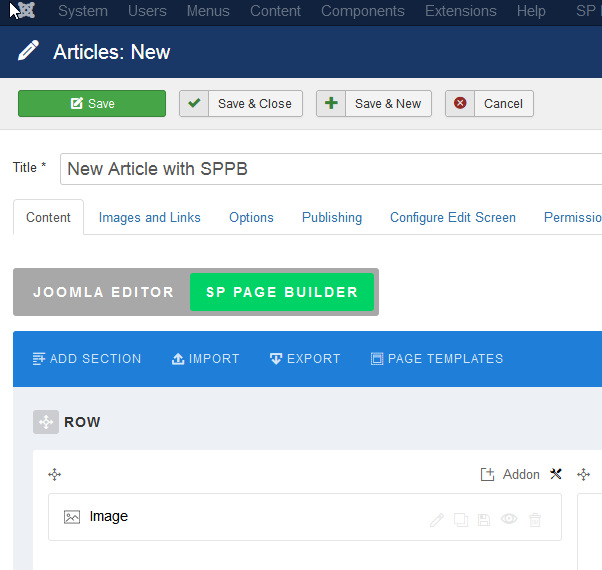
My Customer send me this picter:

https://www.physiopraxis-gmbh.ch/images/Screenshot.png

I told him to try with difrent browser, delte cache.
But this make no difrences.

Maby you have a idee

do you have a tip for me, what I could give him?

Thanks for taking time for me and the support

Ich wünsche einen schönen und erfolgreichen Tag
EXQUISITE Grüsse
René Pfenninger

EXQUISIT WEBDESIGN
Seestrasse 27
8617 Mönchaltorf
☎ 043 535 63 97
[email protected]
www.exquisit-webdesign.ch

11 replies

Rene Pfenninger Asked this

Addendum to previous infos
I think the problem occurs when you try to change or update a images over a images modul in pagebuilder display an image (previous printscreen).

The editor seems to work otherwise.

Rene Pfenninger Asked this

Sorry forgot the Login

Paul Frankowski Senior Staff
4 years ago · edited

Hi Rene,

Thanks I will check, I have few ideas what it may be...

for sure not our SPPB code bug.

Paul Frankowski Senior Staff

Why you didn't update Joomla and all extensions there? Hmm

Paul Frankowski Senior Staff
4 years ago · edited

Now should be OK, you had very old version of JCE editor installed. I updated and SPPB editor seems to be working now. But please update Joomla and all other installed extensions, you have long list waiting...

info_6083.jpg

Rene Pfenninger Asked this

Thank you for your answer.

I can understand your words.

We are already getting ready for joomla 4.
I think it could be a browser security setting if the window for the images should be opened?

I thought maybe this is known and you already know this?

Paul Frankowski Senior Staff

I made extra tests on that site using Firefox / Windows -- in Article editor:

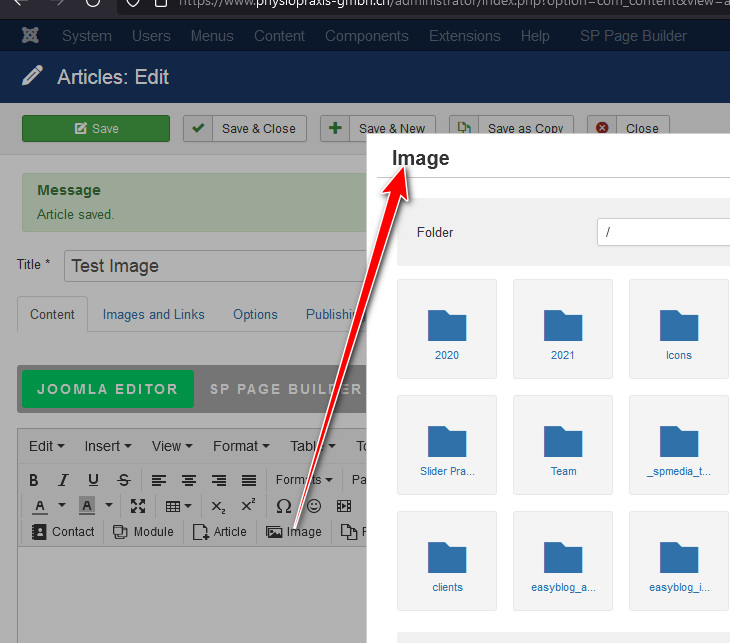
Joomla Editor with JCE - Image icon from toolbar - it opens Image box - OK

info_6084.jpg

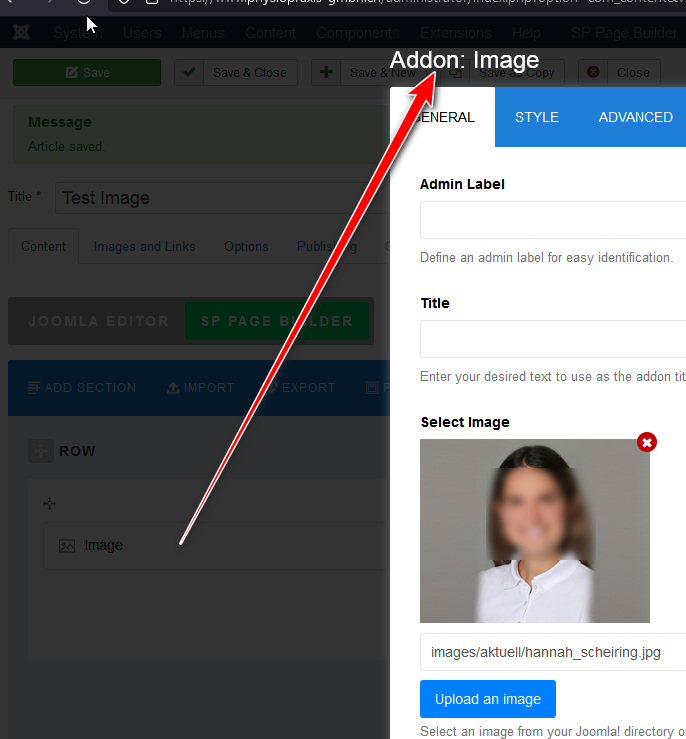
SpPage Builder tab inside article - Image addon - OK

info_6085.jpg

I also was able to change image , and upload a new one, delete demo image - all worked.

Paul Frankowski Senior Staff

We are already getting ready for joomla 4.

OK, but before you have to update everything, and double check if all used extensions have J4 version.
If I may suggest something: wait with upgrade few weeks more for new Joomla 4 version. Current one is still not perfect.

I think it could be a browser security setting if the window for the images should be opened?

Not browser itself, maybe browser addon if any. Indeed some addons can block popups etc, then it's worth checking on 2nd browser if you're not sure what it may be.

Rene Pfenninger Asked this

Thank you very much!

No changes by the customer.

By all my Systemys works and is not a problem.

You thinking maby is a security problem Scanner or so?

Thank you for this great support!!!

Rene Pfenninger Asked this

Hello Thank you very much

Sorry know working nothing.

i have only code no editor working JCE and TynMCE

If is ok can you take a look?

If we have Problems i delet the JCE an make the old version again?

Log in to reply.