

Issue After Last Update SP Page Builder From 3.8.7 To 3.8.8
M
Max
Hi, after I updated SP page builder, the images and videos on my website are not displayed any more.
Please, have a look: https://joomla3.weblider.ru/ (staging website, updated Sp page builder 3.8.7) - there are no images and videos, but the website should look like this https://weblider.ru (main website, not updated Sp page builder 3.8.7).
Please, fix the issue ASAP.
Website
https://joomla3.weblider.ru
9 Answers
Order by
Oldest

Paul Frankowski
Accepted AnswerHi Max,
Fixed, at least should be.
I used updated Helix Ultimate version 2.0.11, if you want to update your major website, wait for premiere.
M
Max
Accepted AnswerHi, thank you, but I don't undrestand what you mean "I used updated Helix Ultimate version 2.0.11". Now pictures is ok, but I have google page speed for mobile 49 instead of 88 (which I had before). Can you, please, return also back 88 google pagespead now, not only pictures?
Paul Frankowski
Accepted AnswerCan you give me access to FTP ?
By mistake I crashed you admin area.
Paul Frankowski
Accepted Answeror delete those folders
- plugins/system/jchoptimize
- plugins/system/jchoptimizepagecache
from joomla3.weblider.ru
and let me know after
M
Max
Accepted AnswerHi Paul, it's ok, I deleted plugins/system/jchoptimize and plugins/system/jchoptimizepagecache. I would have given you FTP, but I don't have time right now. I can do it later if necessary.
Paul Frankowski
Accepted AnswerNo problem, site is working right now.
Checking the PageSpeed Insights reports I noticed that the major speed problem is with youtube files loades from outside only they makes delays. Maybe you can find alternative youtube player that do not load player until user will not click the play button.
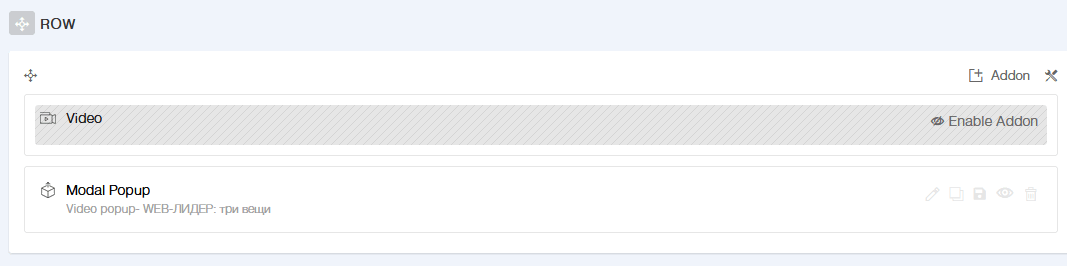
But check also what I already did using smart trick and modal addon.
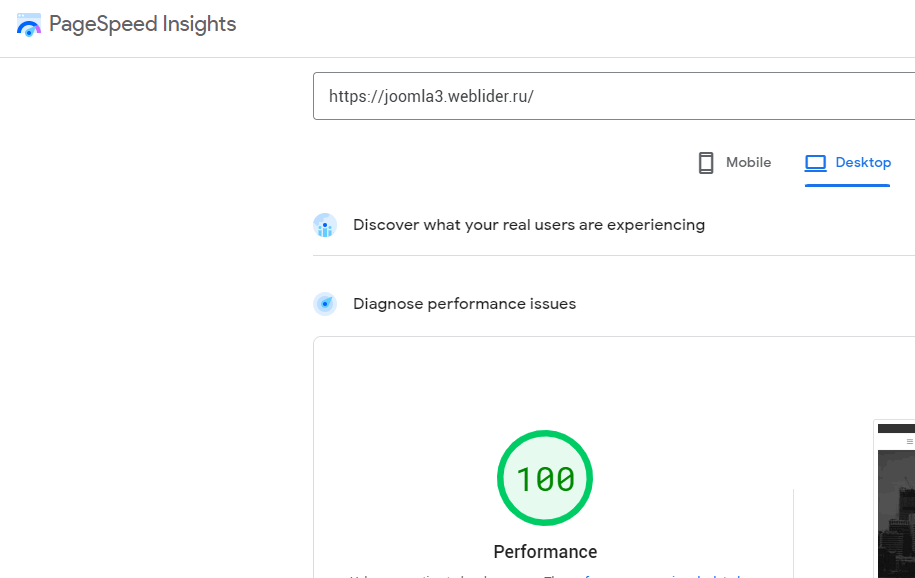
On Mobile SPeed was 44 now is 89, so you see how much Youtube can delay/slown down website :(
Desktop speed is now 100 :)
Paul Frankowski
Accepted AnswerI replaced/converted one of files from jpg to webp and now you have Mobile 92 (green)
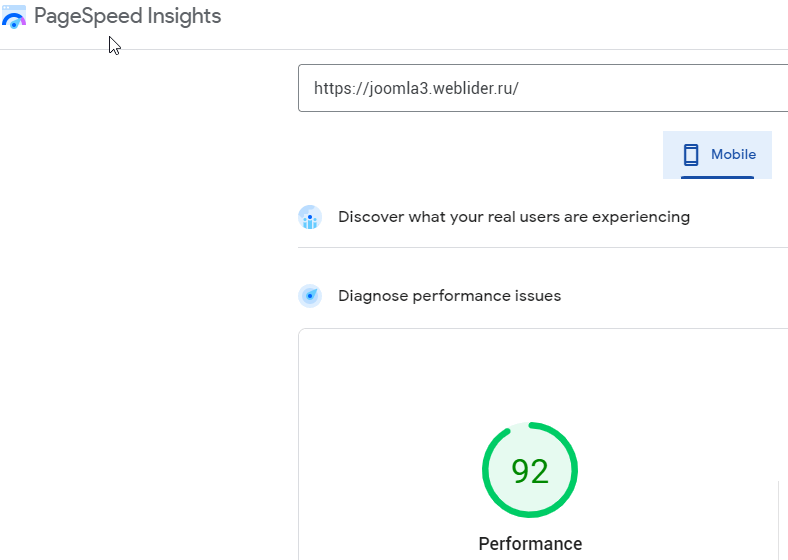
whole rest is now in your hands (keyboard & mouse). My role ends here.
M
Max
Accepted AnswerOk, Paul, thanks a lot))!
But by the way, before the update, there was the same YouTube player. And I didn't install it and didn't change it, it goes by default with SP page builder video block. And the speed was 88. Why after the update this YouTube player became a problem? May be you will change default YouTube player?
I am using a great page builder and I don't want to spend my time changing anything. That's the idea of a pagebuilder - you just use it and don't care about anything else except building webpages).