Off Canvas Toggler And Logo Bug On Mobile
F
Francois
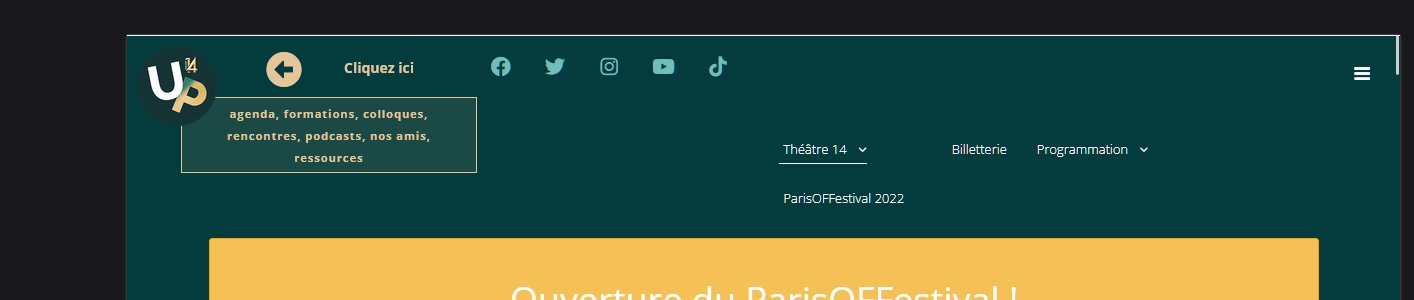
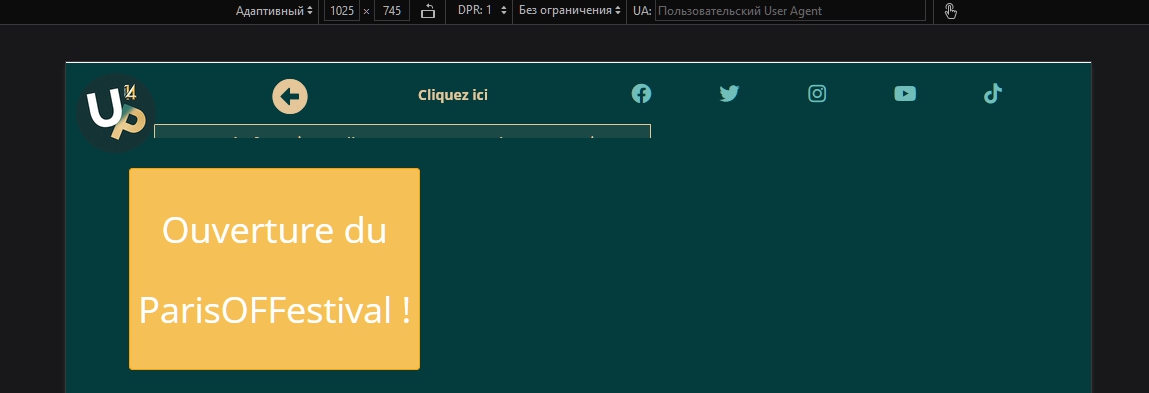
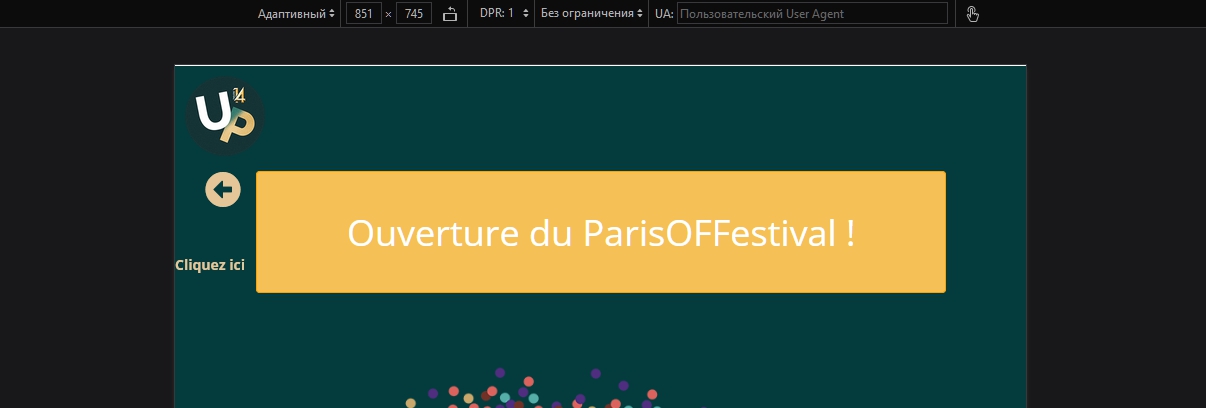
Hi, I have an issue I can't resolve. On my website on mobiles only, the Off canvas toggler and the logo are not on top but in the middle of my page. I tried but failed to understand why. Could you help me ? https://www.theatre14.fr
Thanks,
13 Answers
Order by
Oldest

Mehtaz Afsana Borsha
Accepted AnswerHi
Thanks for contacting us. It seems like this on my end. Isn't it ok?
-Regards.
F
Francois
Accepted AnswerYes the hamburger menu is not on top where it should be. I deactivated the logo but it's on the same level on the left when activated. Do you have an idea ? Thank you
Mehtaz Afsana Borsha
Accepted AnswerIf possible give me a screenshot and mention there where you want to setup this.
F
Francois
Accepted AnswerHi, Here's what I have now. When I reduce the windows, both the logo and the menu break line and don't stick to the top. In the template's layout, the logo is set at the top right corner.
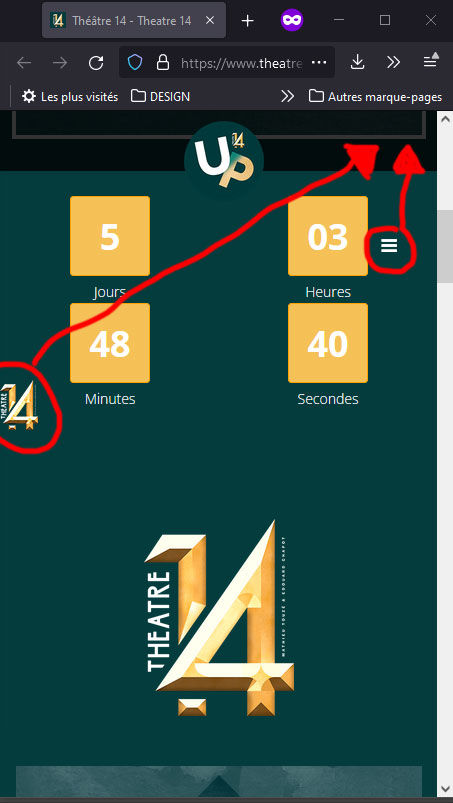
Thank you,
Mehtaz Afsana Borsha
Accepted AnswerHi
Use this custom CSS
@media (max-width: 890px){
#offcanvas-toggler > i{
    position:relative;
    bottom:100px;
}

}
Path towards custom CSS: Extensions>Templates>Styles> Click on your current default template name then choose Template Options. Then find custom CSS within the custom code.
F
Francois
Accepted AnswerHi,
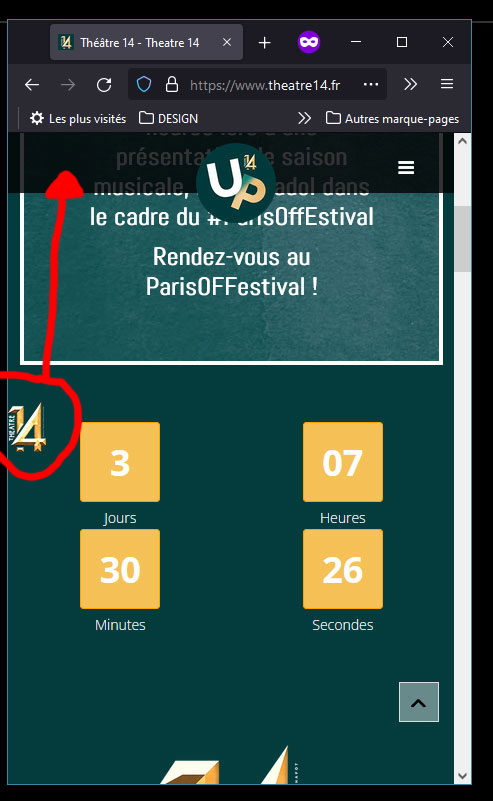
It worked ! Thnak you very much. Now I still have the logo issue, lost in the middle on the left. Here's what it looks like when I activate it :

Do you have a solution ?
Thanks,
F
Francois
Accepted AnswerHi, I'd like to put it on top and on the left, symmetrical with the menu. Thanks
Mehtaz Afsana Borsha
Accepted AnswerAre you talking about this postion?
Mehtaz Afsana Borsha
Accepted AnswerHi
Sorry it needs too many customization. Its beyond our support policy.
F
Francois
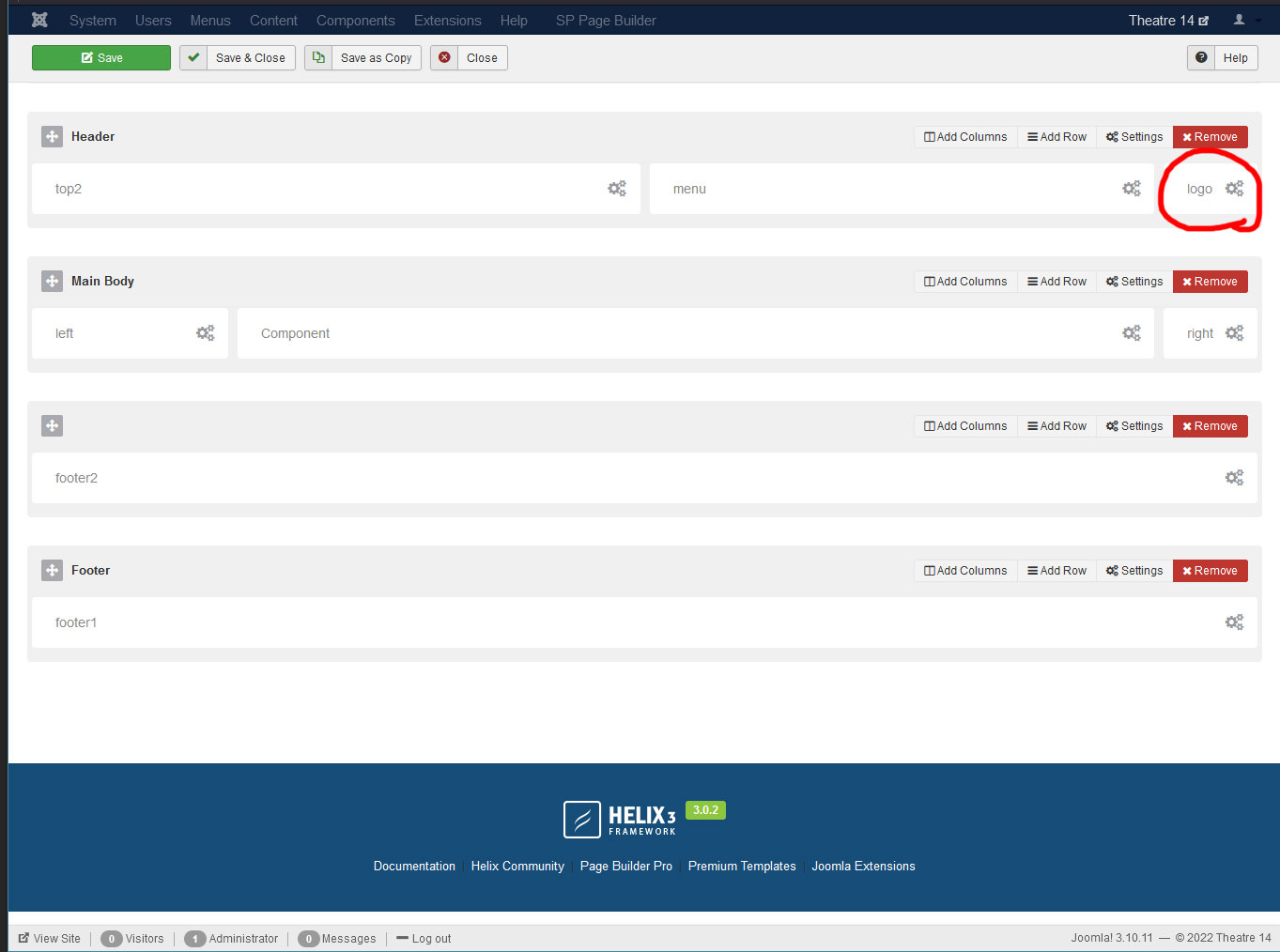
Accepted AnswerHi, I understand but it's not about customization, something is wrong with its position for it's suppose to be on the top right corner like set in the layout :
If I can but it on the left without breaking the layout set for computers it's nice but I just need it to be at least in its right place. Thanks for your help

Pavel
Accepted AnswerHi Francois. If you allow ...
I looked at your site and saw that you made a large number of errors in the header layout, and wrote a lot of unnecessary code. Any corrections now - these will be terrible crutches, the success of which is not guaranteed.
You need to clean everything you have done and start from scratch. Header is one of the most complex elements for adaptation. If you do not have sufficient CSS skills, do not use not standard layouts. Use only the default layout from template.
Everything looks pretty bad when checking for responsiveness.