SPP Page is Applying Its Own CSS!
CE
Chris Elliott
Please see hidden content.
When visiting a page created in SPPB pro, on hover of the menu or the component areas, the page shows a color background! This has started only over the last week or so and NOTHING has been edited by anyone since last July.
On inspection, see the SPPB Page ID is 34 and whe looking at the page elements in developer mode, page-34.css is referenced in the inspector. I note from lookimg at the file system that this cs file is created dynamically (if I delete page-34.css, it is autocreated next time the page loads).
the full URL is /media/com-sppagebuilder/css/page-34.css
2 questions therefore.
- How do I stop this additional CSS script from loading
- Why is in loading at all when it didn't do that before?
3 Answers
Order by
Oldest

Paul Frankowski
Accepted AnswerHi Chris,
If you don't mind, I will take the role of Sherlock Holmes to find guilty "thing".
Paul Frankowski
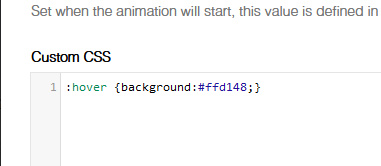
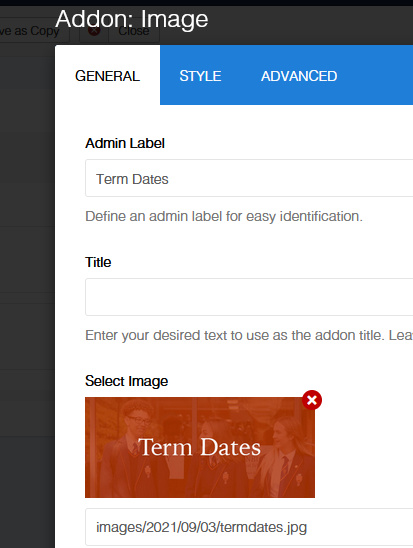
Accepted AnswerFixed. This time the investigation was simple, it was caused by stray CSS code added by someone (who dared?) for 3 Image addons.
Evidence taken from one of addons, style tab