Solved Templates

Error message after Joomla backup. Index no longer accessible

Asked by restore 4 years ago Last activity 4 years ago

Hello,

after I made Joomla update,
my page doesn't work anymore.
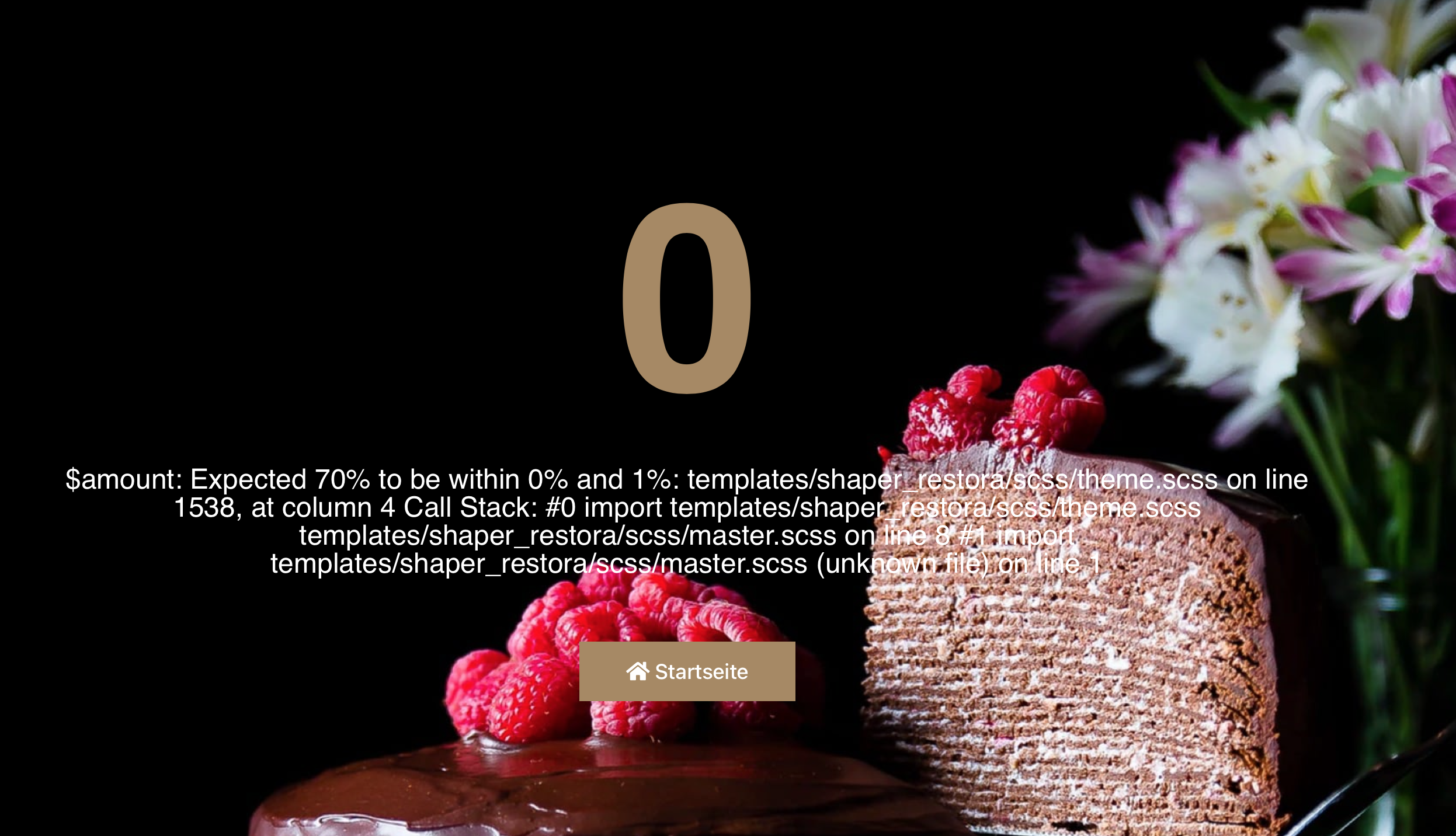
I get the following error message
Please help!

$amount: Expected 70% to be within 0% and 1%: templates/shaper_restora/scss/theme.scss on line 1538, at column 4 Call Stack: #0 import templates/shaper_restora/scss/theme.scss templates/shaper_restora/scss/master.scss on line 8 #1 import templates/shaper_restora/scss/master.scss (unknown file) on line 1

https://index.cafe-wunderbar.com/error.png

PS: I currently had to install a forwarding, otherwise we would lose customers

Accepted answer

Marked as the solution
Ariba Staff

Hello restore

I am glad the first error has been solved. Regarding the new issue, kindly make a separate new post, we will assist you there. You can kindly close this post by selecting the most useful answer that helped you.

2 more replies

Ariba Staff

Hello

Thank you for your query. Please try the following:

On the file templates/shaperrestora/scss/theme.scss on line 1538, please replace 70% with 0%.

To make the change, you need to log into the backend of Joomla and go to the following subitem.

Joomla 3:

extensions -> tempaltes -> templates
click on the template Restora

Joomla 4:

system -> site templates
click on the template Restora
Identical for both versions:

Select the folder scss in the list on the left side
now click on the file theme.scss
Now you can edit the theme.scss via the editor and make the change in the mentioned line and save it afterwards.

restore Asked this

Many Thanks. The error has been corrected, but a new error has appeared.
You can enter everything on the reservation page, but nothing will be sent.

The "Form Submit Success Message" message also no longer appears at all.

Please urgently need

Log in to reply.