Preview site module positions - Forum | JoomShaper
Staff replied SP Page Builder

Preview site module positions

Asked by Brian Walsh 4 years ago Last activity 3 years ago

I am working on a site using the Themis quickstart template, with everything up to date.
I want to display the site module template positions but cannot see the outlines.

Templates, Templates (Site), Options (upper right), Enable, Save and close
doesn't work.

(edit)
OK, I figured out how to make it display the positions. But how can I edit a module such as in position bottom-top1 ? If I select it, it shows that it is in SP Page Builder. I click on the blue SPPB button and get an error 404. Yet the module displays, for example on the home page.

Please advise. I don't know what I'm missing.

14 replies

Brian Walsh Asked this
4 years ago · edited

(deleted)

Brian Walsh Asked this

Hidden content added

Brian Walsh Asked this

Still waiting for an answer :-(

Paul Frankowski Senior Staff
4 years ago · edited

Hi Brian,

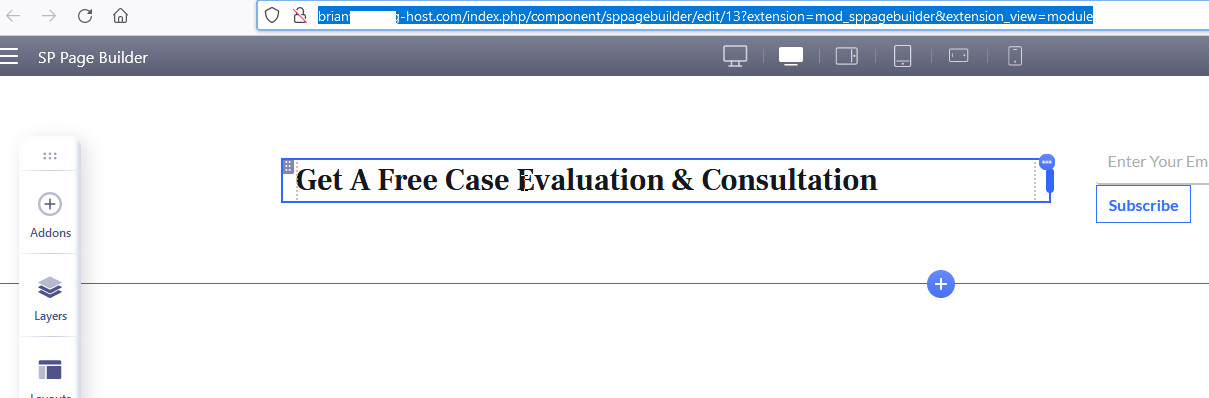
I was able to edit module "Bottom-top-01" , here is screenshot evidence

foto_9085_2022.jpg

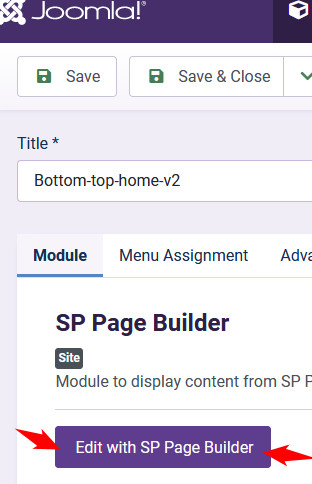
Just from list of Modules - select Module and click

foto_9086_2022.jpg

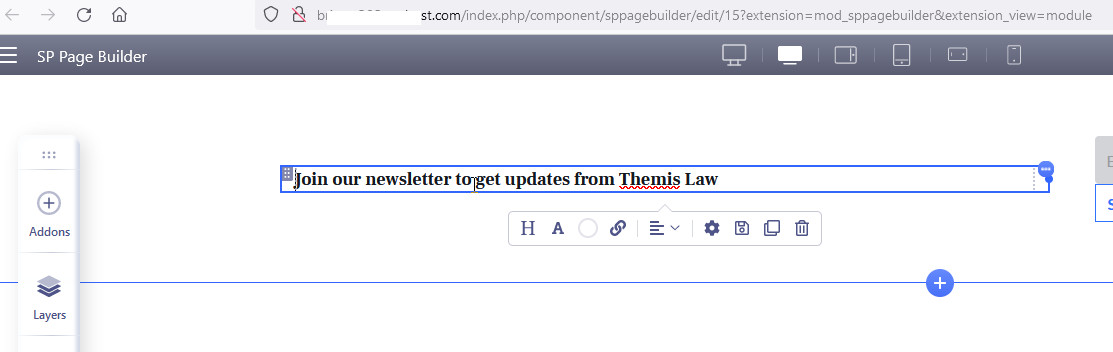
to open editor

foto_9087_2022.jpg

Paul Frankowski Senior Staff

40 min ago, I used Firefox / Windows

Not anymore. Logout

But browser shouldn't generate Erro 404.

Which module I should test again, maybe with video this time?

Brian Walsh Asked this
4 years ago · edited

Still can't get it to work under Linux Mint with either Brave or Firefox.
Tried Windows 11 with Brave and Firefox, still no luck. Windows 11 machine is new.
Error 404 in all cases.

bottom-top-01 module

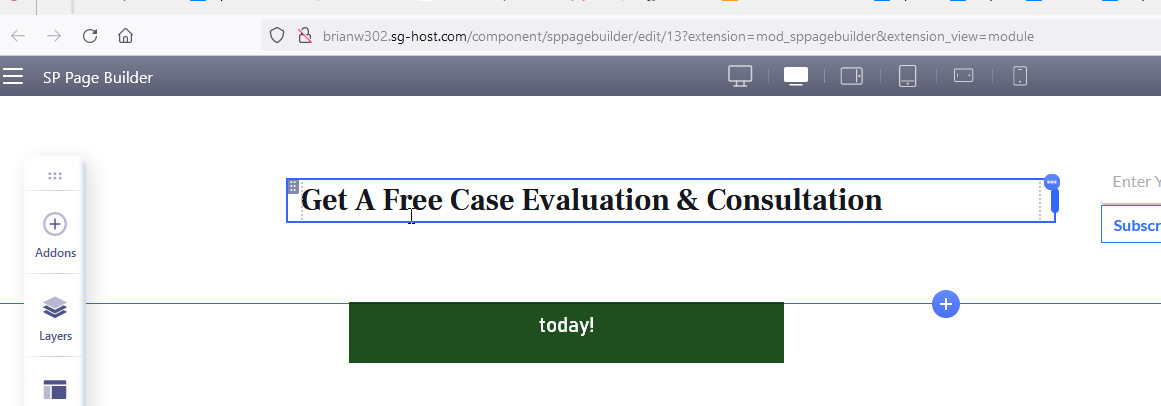
When I hover my mouse over the blue "Edit with SP Page Builder" the link displays as
http://brianw302.sg-host.com/index.php/component/sppagebuilder/edit/13?extension=mod_sppagebuilder&extension_view=module

I tried editing a couple other modules and also got Error 404.

Brian Walsh Asked this

I am still not able to get it to work!!!

Here is what I am doing:

Content / Site Modules``
Click on title "Bottom-top-01"
Not changing the title of the module, under Module tab in editor it displays "Edit with SP Page Builder" button.
Clicking on that, Error 404 results.

I have tried everything under the sun. Different browsers (Brave, Firefox), different computers and different OSes (Linux Mint and Windows 11), and even using my mobile phone carrier instead of my usual Comcast connection.

I just downloaded SPPB 4 Pro latest version and reinstalled it.

The only thing I can think of is something is broken in the Themis quickstart template -- some extension, plugin, whatever. But if something's broken, why would it work at your end and not at mine?

What am I doing wrong?

Can you please help?

Paul Frankowski Senior Staff
4 years ago · edited

Hmm,

indeed, weird, but as you saw it worked.

Log in to reply.