Need a row but cant use it.. broken.! no icon, missing icon.
Awaiting an answer
SP Page Builder
Cant use Row, colum, sp pagebuilder 3.8 joomla 4.2
8 replies

Paul Frankowski Senior Staff
3 years ago
· edited
Hi Jim,
Maybe icons were locked by Akeeba Tools Pro?
Check if you enabled Font Awesome in SPPB Options, by default they are enabled, some users by mistake disable them.
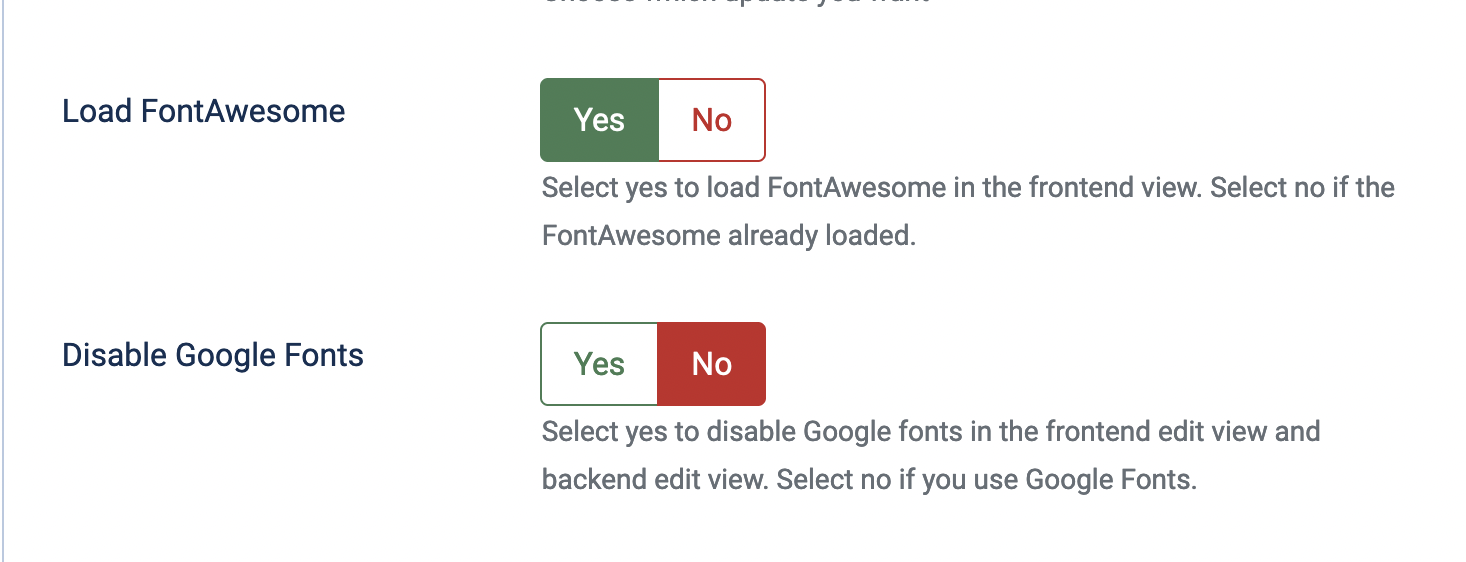
The SPPB software is OK, so problem must be on your site only.
Test using back-end editor and front-end as well.
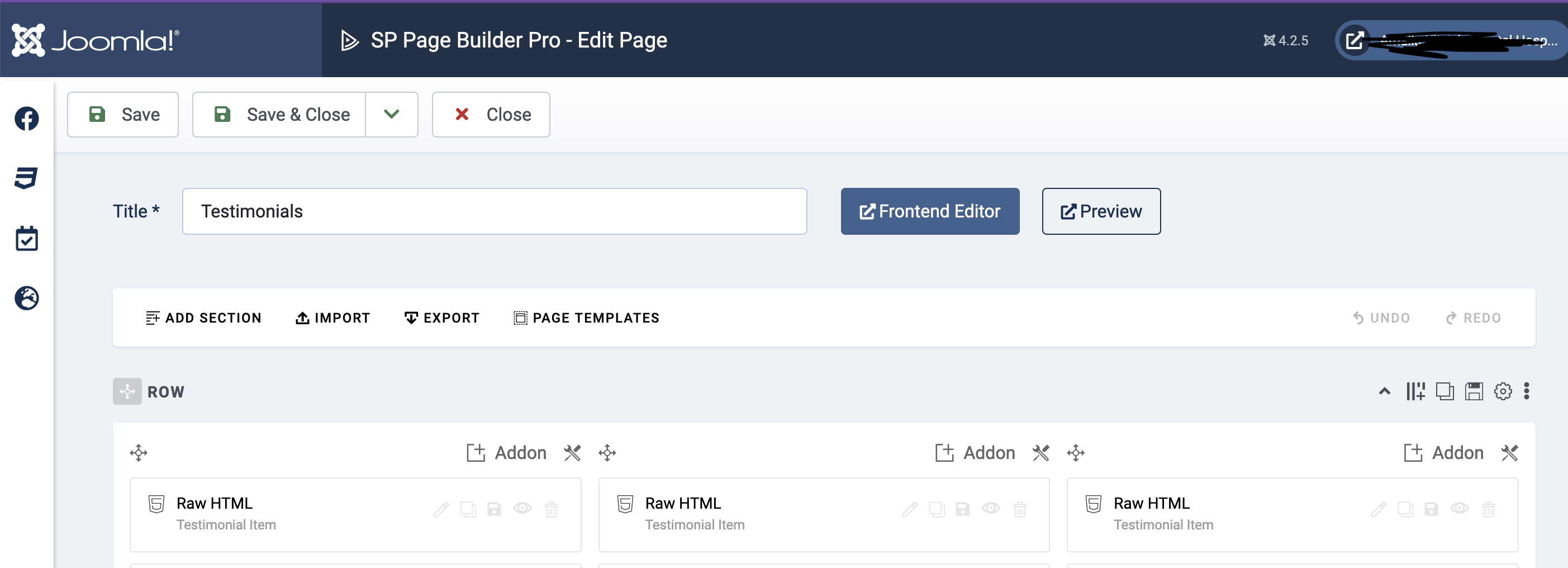
from my private site. SPPB 3.8.9 + J4.2.5
Jim Asked this
ok and why are just those 2 or 3 broken? all other dont use fontawesome?...
Jim Asked this
i checked - fontawesome is activ. but yes, impossible that there is a bug in sp pagebuilder. true, sorry. please close the forum, because we user are stupid... lol nice
Paul Frankowski Senior Staff
3 years ago
· edited
Indeed some icons , for example "Columns", are loaded from "SP Page Builder" Font
so in your case probably Firewall rules from htaccess can lock them.
READ and follow my tip 5. No Edit Icons in Front-end Editor from : https://www.joomshaper.com/documentation/sp-page-builder/sp-page-builder-3/troubleshooting#no-edit-icons-in-front-end-editor
Jim Asked this
yes, but its not only the icon.. the whole edit is missing just blank column when i click: row as element.
Paul Frankowski Senior Staff
I cannot belive that you have that issue since beginning.
Maybe you should reinstall SPPB Pro component, it helps sometimes.
Also checking from different browser may help
Jim Asked this
yes that was the first thing i tried.
Jim Asked this
ah you cant deinstall pagebuilder 4 and install 3.8...even with new pages its broken ...well nice, more than 5 hours of work for nothing. nice.
Log in to reply.