Solved Templates

Joomla Update 4.0.2

Asked by Philip Cabezas 3 years ago Last activity 3 years ago

Hello,

I just purchased the Business licencse and I updated my Joomshaper Templates, and extensions.
After backing up my website with Akeeba Backup I am having a " Error: 0 ". After reading documentation I still need some advice or assistance.

My website url is: https://genesisprocarpetcare.com/

Accepted answer

Marked as the solution
Paul Frankowski Senior Staff
3 years ago · edited

I found a source of problem, your Breezingforms component (!) is not J4 ready - and made that mess on both front-end and back-end view. There is evidence that it doesn't work also with Joomla core template

info_870_2023.png

Nor in admin area :(
info_871_2023.png


Suggested Solution: uninstall it and install use more trusted Form Builder, for example, Form Builder addon (SPPB) or Convert Form. Our Joomshaper support mission (@Ofi and Mine) has been accomplished, now your webmaster steps are necessary.

5 more replies

Ofi Khan Staff

Hello Philip Cabezas

Apology for the inconvenience. Please share your administrator access here to check the issue. Use the Hidden Content box to share the credentials. Make sure that you have a full site backup with you before sharing.

Best regards

Philip Cabezas Asked this

Every time I try to log into the backend there is nothing to log into anymore.
It just has a JROOT/... error now.

Philip Cabezas Asked this

I figured it out, but I still get the error on some web pages on the site. I did manage to create a user to log in with.

Philip Cabezas Asked this

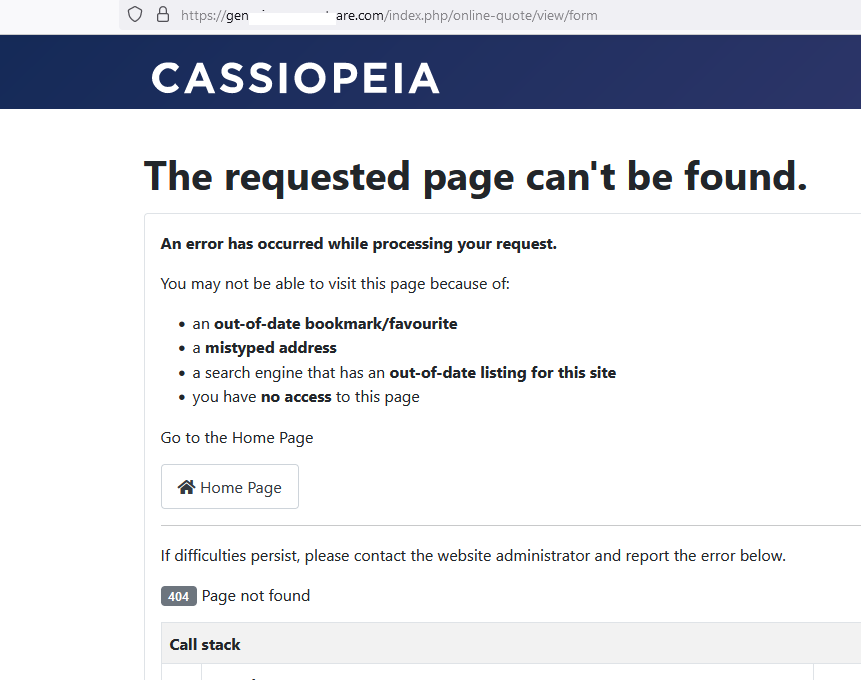
I still get error for quote page.

Paul Frankowski Senior Staff

@Phil, let me check it.

Log in to reply.