
Hello everyone, I'm using the SP Page Builder 5 Pro and Helix Ultimate for my website. I'm experiencing an issue where the text input window in the SP Page Builder is very narrow and i can't resize it by dragging the sides with the mouse. Is there a way to make the text input window wider? I would appreciate any guidance or suggestions. Thank you!
Solved
SP Page Builder
How to adjust width of text input window in SP Page Builder 5 Pro?
Asked by Frank Müller
3 years ago
Last activity 3 years ago
Accepted answer
Marked as the solution
Paul Frankowski Senior Staff
3 years ago
· edited
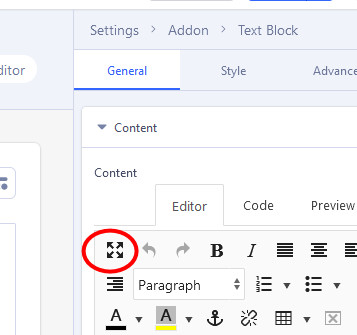
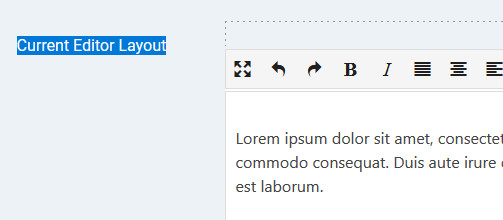
In JCE editor you can add that icon using JCE > Editor Profiles > Default > Features & Layout > Current Editor Layout
5 more replies
Paul Frankowski Senior Staff
Hi Frank,
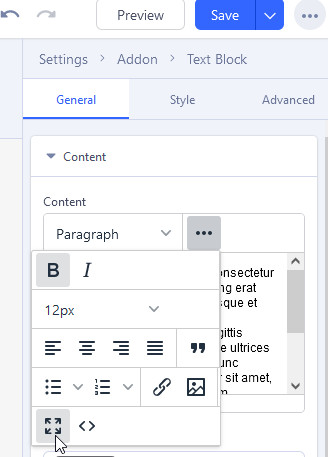
do we talk about Text addon? If yes, use that icon
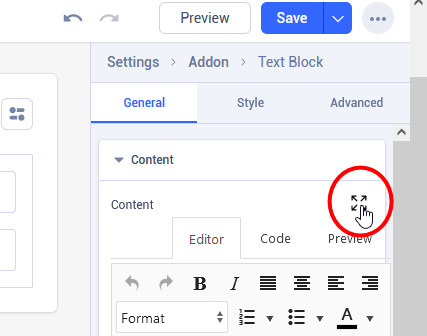
if no, please make screenshot and share link to it. Good image is a key to understand that problem.
Frank Müller Asked this
Hello Paul,
yes, we are talking about the text addon. I don't have the icon.
Greetings
Frank


Pavel
3 years ago
· edited
Hi.
I don't have the icon
Here is
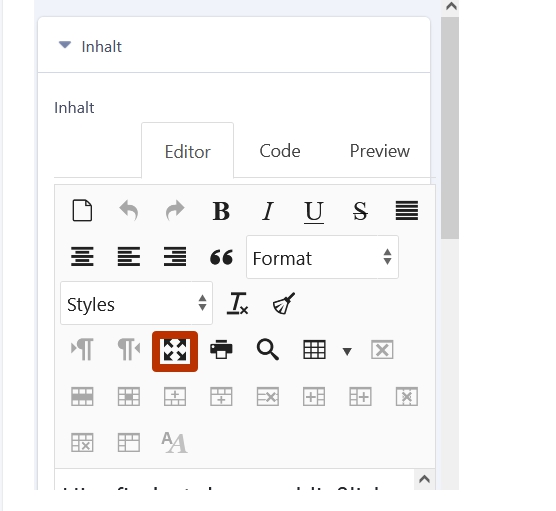
Paul's screenshot from beta version. It was removed
Paul Frankowski Senior Staff
3 years ago
· edited
Opss... indeed it was in RC3 version there, in stable version was moved.
- if you have JCE editor you can add missing icon
- if you have TinyMCE editor
Pavel
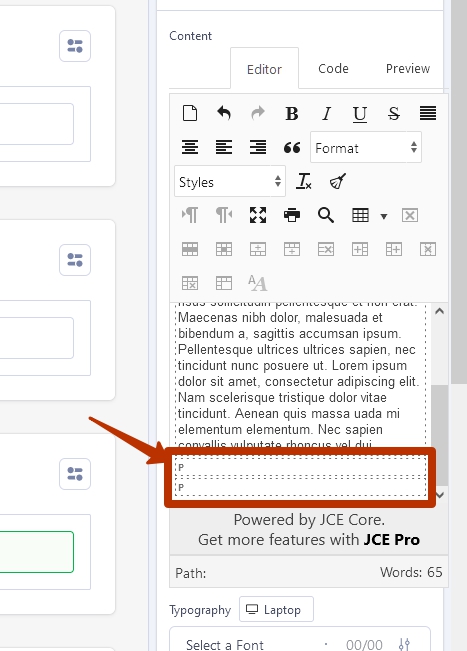
Hi Paul. By the way, the use of this button is still adding additional P to the editor. And they are becoming more and more with every press. It was a bug about which I reported on RC3 level, but it was not corrected in stable version.
Problems associated with JCE are critical. Which does not allow me to start using SPPB 5. This is sad.
Paul Frankowski Senior Staff
In JCE Core?
Pavel
Yes. I created the thread https://www.joomshaper.com/forum/question/25935
Log in to reply.