localhost - testing the update:
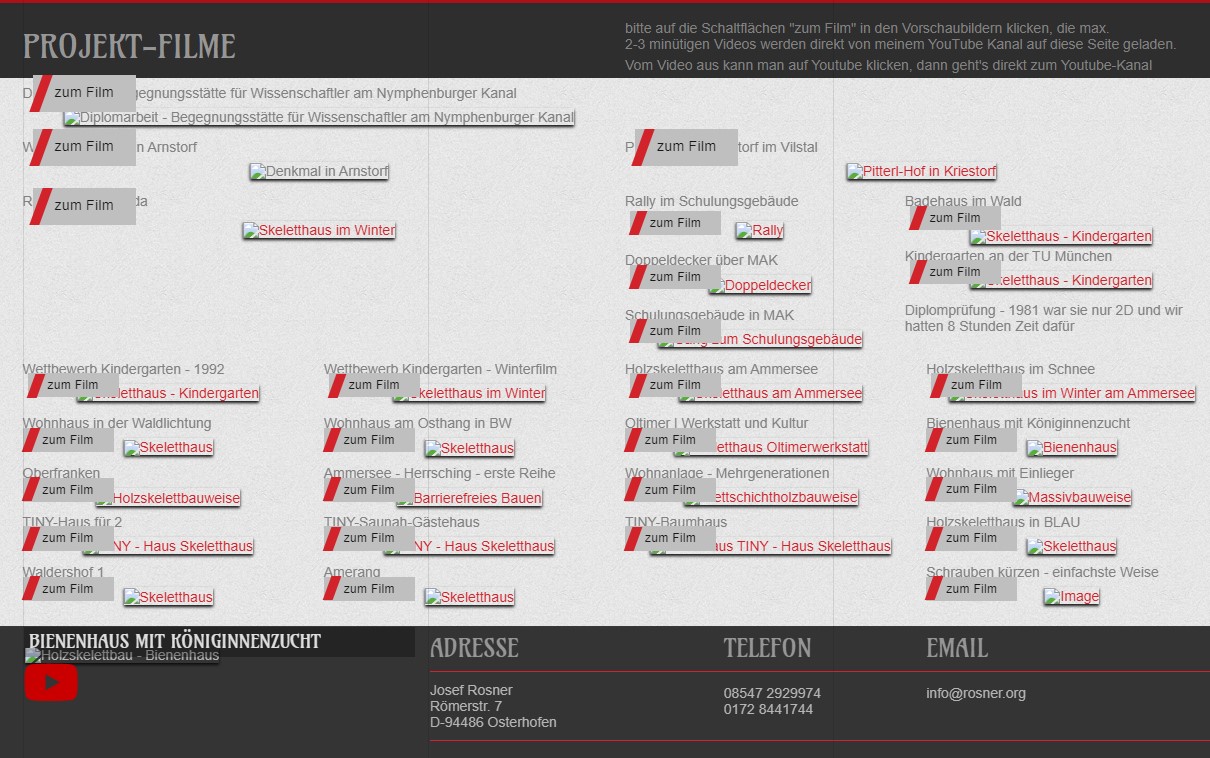
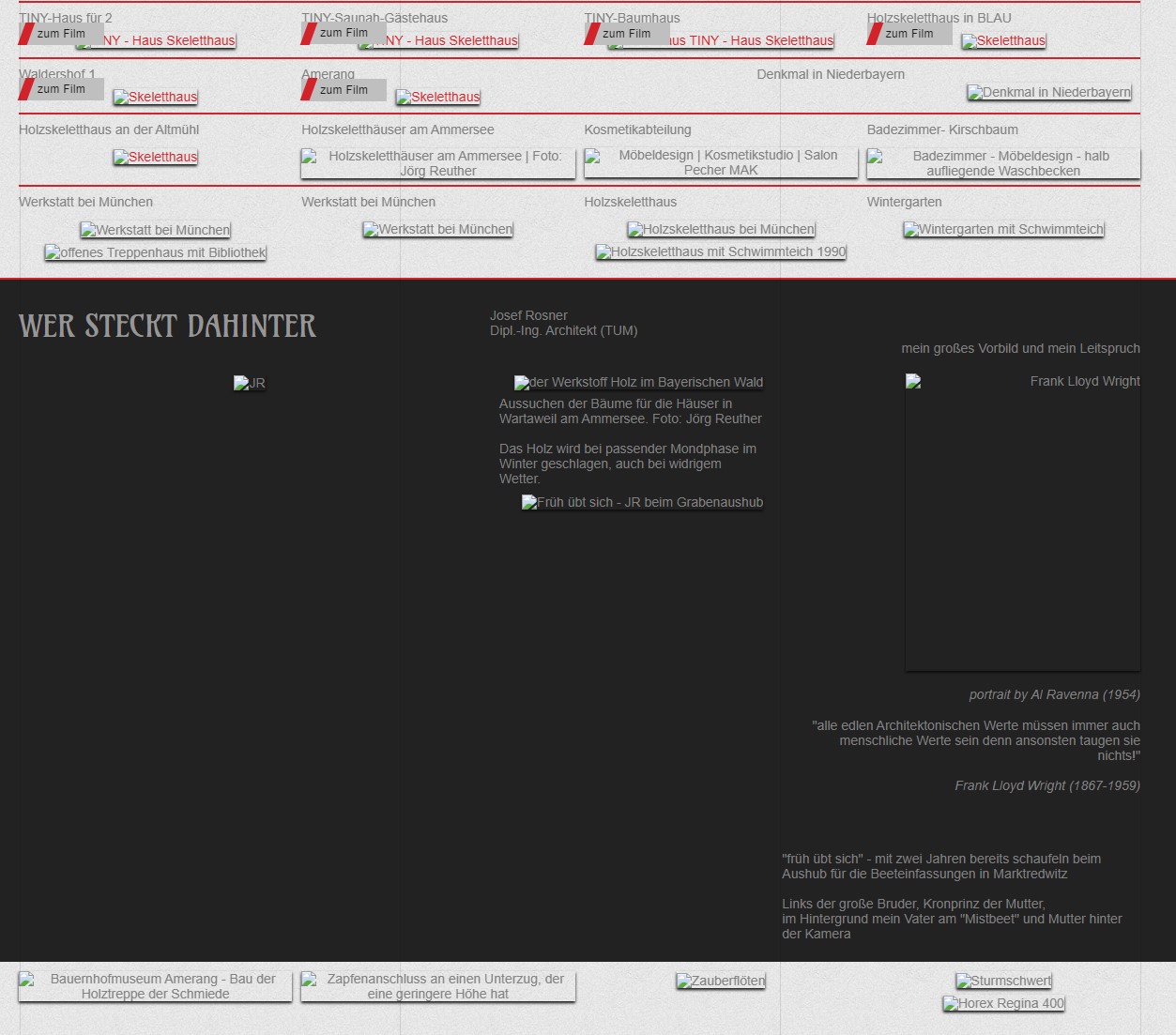
all pictures are gone after updating from 5.0.1 -> 5.0.2
thats not so good!!
you have a tipp ?
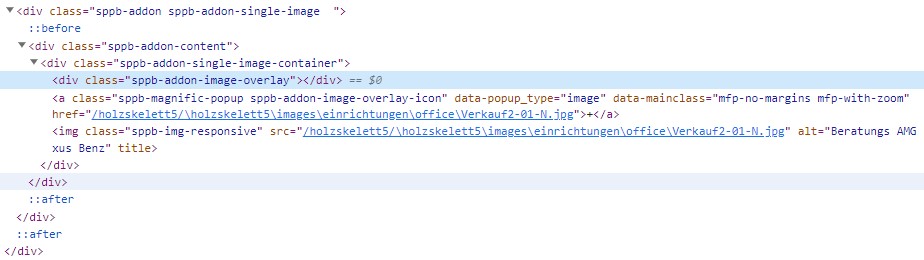
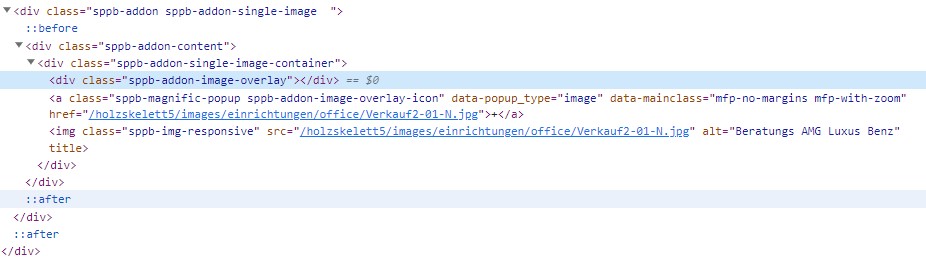
sppb 5.0.1 wrote this code, it was OK and shows the pictures
localhost - testing the update:
all pictures are gone after updating from 5.0.1 -> 5.0.2
thats not so good!!
you have a tipp ?
sppb 5.0.1 wrote this code, it was OK and shows the pictures
We've released an update immediately should fix the issue. Please cross check and let us know.
Thank you
most of the problems are solved, thanks
Hi there,
I appreciate you reaching out. I sincerely apologize for this oversight. Will you please provide me the Joomla administrator access to check the issue? I will check & get back to you soon.
-Thanks
thanks for the ask, it happens local on my PC with Xampp where i test everything first before installing on the website
In WWW 5.0.2 works and shows all the pictures
This is also an issue presented when viewed in WAMP Server environment. As you, the problem doesn't exist on the LIVE site.
5.0.1 works fine local, 5.0.2 does not work, i am wondering
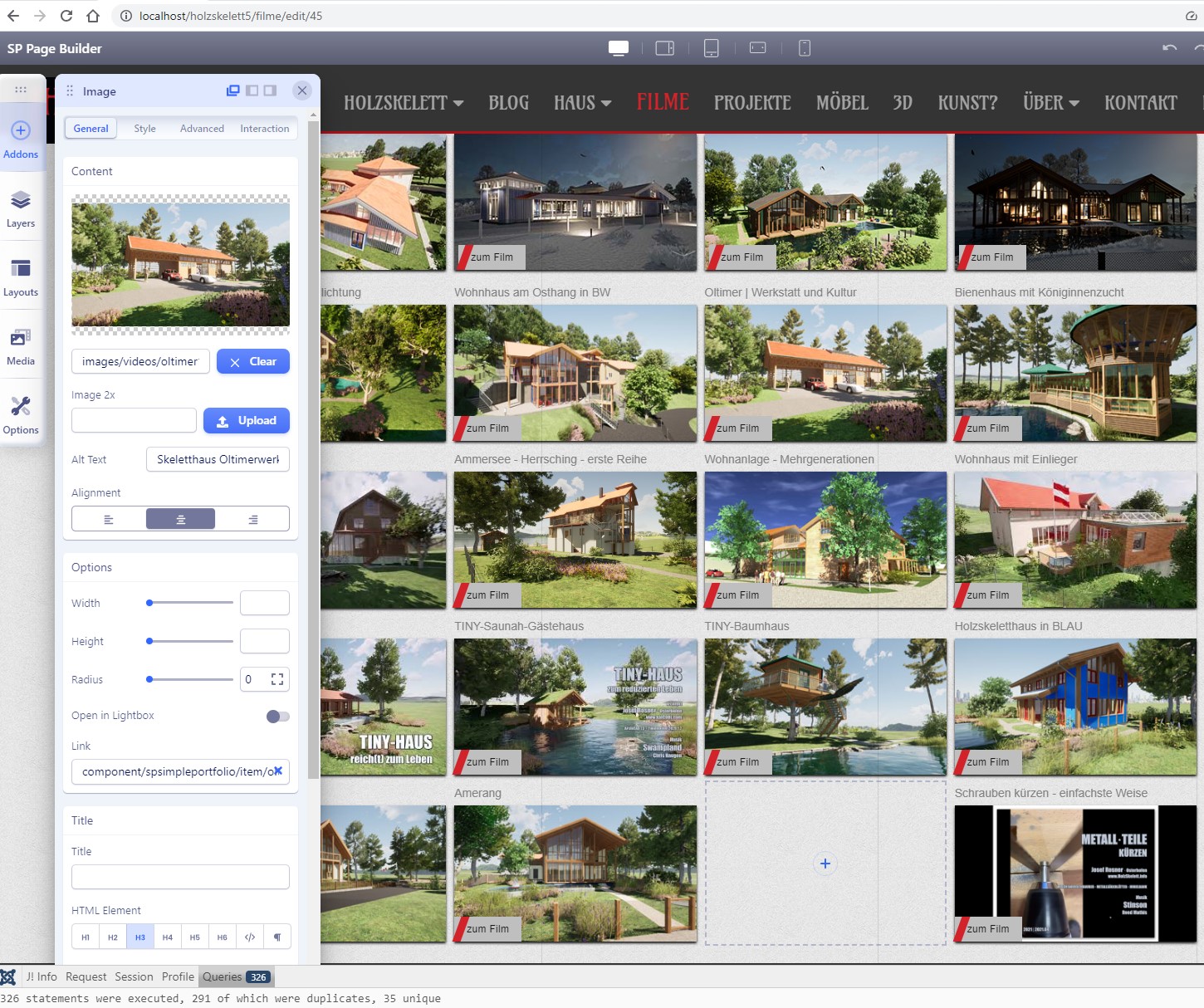
I forgot, all images are visible in the backend of SP Pagebuilder 5.0.1, I can also edit them, only the converter doesn't seem to work perfectly
have a nice day!
Will you please provide me the Joomla administrator access to check the issue?
it is local on my PC, you want a ticket to MUC ?
or via Teamviewer ?
I think, the Uri::base(true) in spsimpleportfolio makes good work and translate the path to the pictures
all images are displayed on the Start Screen of simpleportfolio and the project-side only shows one Picture, the same as on the Start screen
for all the other pictures
example: href="/holzskelett5/\holzskelett5\images\2000\LEOgg.jpg" is not reachable
Download this package and check this package on your localhost. Let me know the update.
thanks alot, it works, all images are visible on the whole Site on my local XAMPP
only the blog articles are displayed only rudimentarily and sparsely.
How much article want to show you on your blog post? And Will you please provide me the Joomla administrator access to check the issue?
the BLOG is working perfekt on my Internet - Website.
only LOCAL with XAMPP is the BLOG problem, shown in the images ofmy last reply
lock on the URL on top of the side ( the Database on Internet and local is the same)
Do you have teamviewer or anydesk application to connect your computer to see the local pc issue?
shure, I told you this some hours before
Give me anydesk id and pass
i found the problem, by installation 5.0.2 someonr switched off the SP PAGEBUILDER Integrations for the Articles
okay.
Hi Josef,
What code do you use in your post to actually display your images instead of creating a link to the image? The code provided by this forum's editor doesn't work as intended.
Regards.
Robert -
i use
![] (https://www.holzskelett.info/images/joomshaper/sppb01.jpg)
![] (https://www.holzskelett.info/images/joomshaper/sppb02.jpg)
without the spaces between ![] (
Hi,
Thanks for the reply. That is the same code I am using but my images show as a broken link instead of actuall posting. Very odd.
Cheers!
can you test it with my picture-links ?
Hi,
I figured it out... I was overthinking the whole process. I erroneously believed that the [brackets] area was to be filled in with an image descriptor/title; similar to creating a regular weblink. I figured it out that the bracketed area is actually left blank. My inline image links are working properly now. I also found out that the gobbly-goop image link address supplied by Dropbox doesn't work with this code so I created a shared folder on my server and the images are fine now. Thank you very much for taking the time to help with an off-topic issue, it is most appreciated.
Cheers!