Wooho, no pages yet! - Forum | JoomShaper
Staff replied SP Page Builder

Wooho, no pages yet!

Asked by Josef Rosner 3 years ago Last activity 3 years ago

Hello,

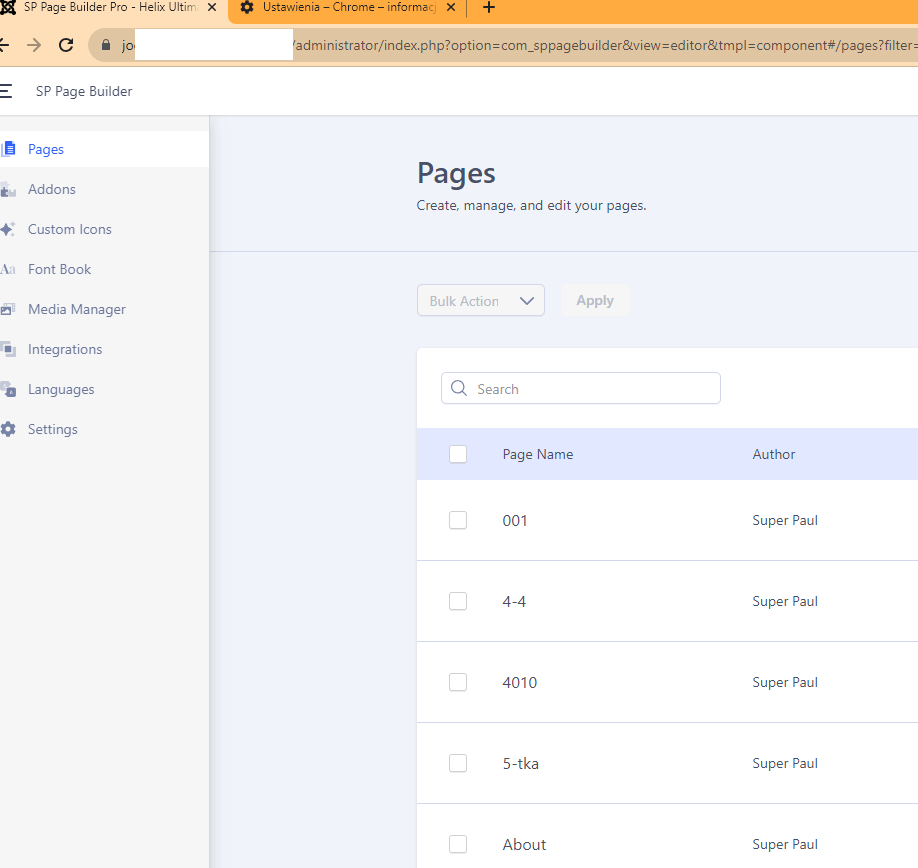
SPPB 5.0.6 - i get this Info, when I open SPPB in Chrome
Pages
Create, manage, and edit your pages.

Wooho, no pages yet!
Show the web your magical capabilities by using our page builder, but you need to create a page first!

what is the problem - im MS Edge, the side opens correct

I deleted all temporarly files in Chrome - Cookies a.s.o - nothing helps

regards
JR

3 replies

Paul Frankowski Senior Staff
3 years ago · edited

Hi Josef,

Chrome loves prank webmasters. Sometimes I feel that these bugs are by force so that their developers keep their work.

Hopefully you can install 3 browsers more, to check that same view. For example: Opera, Brave, Firefox.
Please do it and test again. Use also 2nd laptop.

BTW

If you don't know, MS Egde (new one) is based on Chrome engine ;p

Paul Frankowski Senior Staff
3 years ago · edited

I make test on Chrome (v115. ) on Windows 10 and all was OK. I saw list of pages, I could create a new one, edit old page.

info_1380_2023.gif

Do you have PC or Mac version?

Josef Rosner Asked this

Paul, i created a new page - was not shown in Chrome, in Edge is everything OK and I see the new side.
When I go on any old side, i can edit the side.

ONLY the great View with all sides are not visible in Chrome

I use PC and the newest Chrome.
My other Webside works perfekt in Chrome!

Paul Frankowski Senior Staff
3 years ago · edited

Thanks for access.

  • Firefox (PC) - I see all pages, also new one created by me
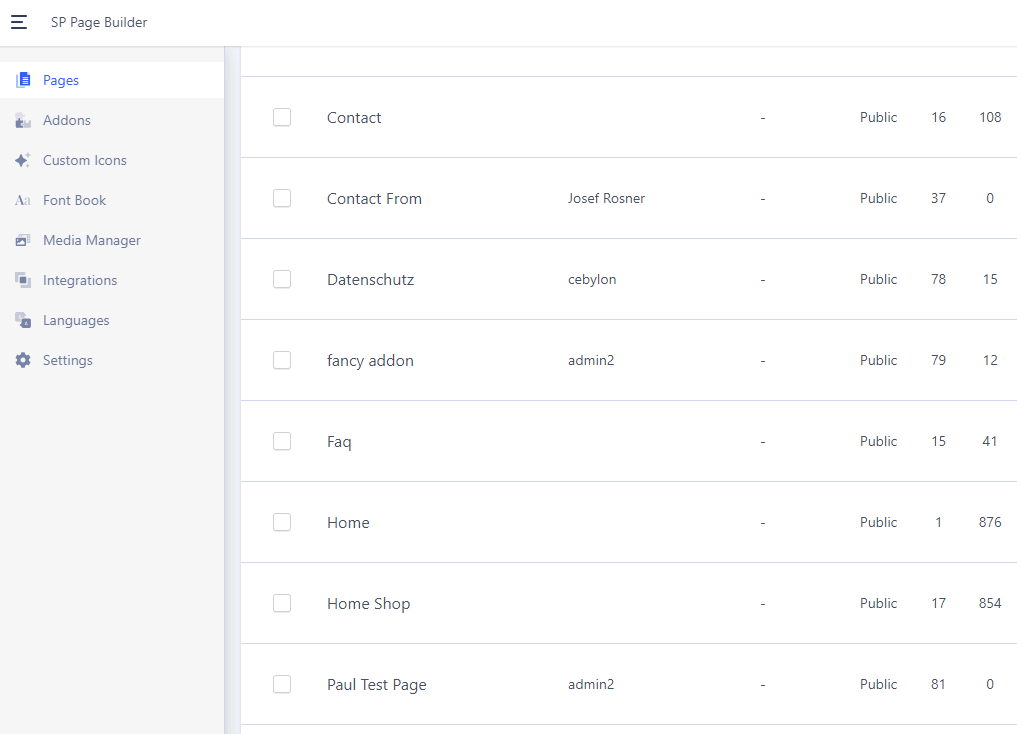
  • Chrome (PC) - all is OK (screenshot below)

info_1382_2023.gif

Log in to reply.