404 After Upgrade - Forum | JoomShaper
Solved SP Page Builder

404 After Upgrade

Asked by Mark Wright 3 years ago Last activity 3 years ago

Hello,

I upgraded SP Page Builder from 3.8.10 to 5.0.6. Now, the frontend pages show a 404 error. The pages still show in the backend under Pages. I can click on Frontend editor and it will show me the pages and let me edit, but even saving from there, I still see a 404 from the actual website. This is on Joomla 4.3.3.

I tried the suggestions from the automated system: set Force HTTPS to NONE (which was already true). I also cleared the Joomla cach and made sure that System cache is OFF.

Any other suggestions?

Thanks,
Mark

Accepted answer

Marked as the solution
Toufiq Senior Staff

Please check now. The tab addon was override and now it has been renamed site.php to xsite.php

2 more replies

Mark Wright Asked this
3 years ago · edited

Further experimentation:

  • When I assign another SP Page Builder page to the Home button, that page will show up. But changing it back to the intended page for the home button results in the site going to back to a 404 error.
  • Adding a new page through SPPB and assigning it to a menu item does not work. Clicking the link results in 404 error.
Toufiq Senior Staff

Hi there,

I appreciate you reaching out. I sincerely apologize for this oversight. I have checked your home page and design page. It works fine.

https://prnt.sc/nAyejXSWkqdV

-Thanks

Mark Wright Asked this

Hello,

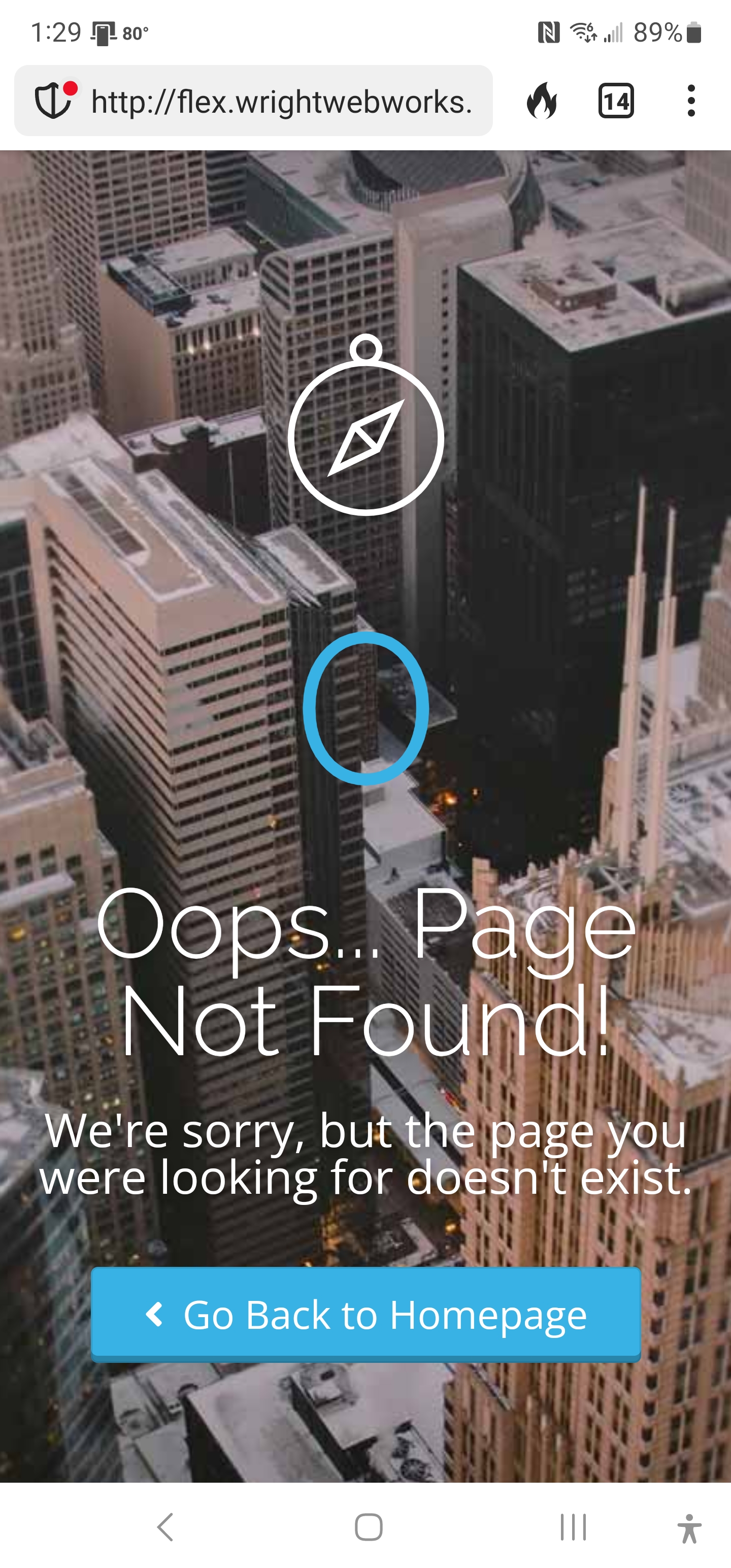
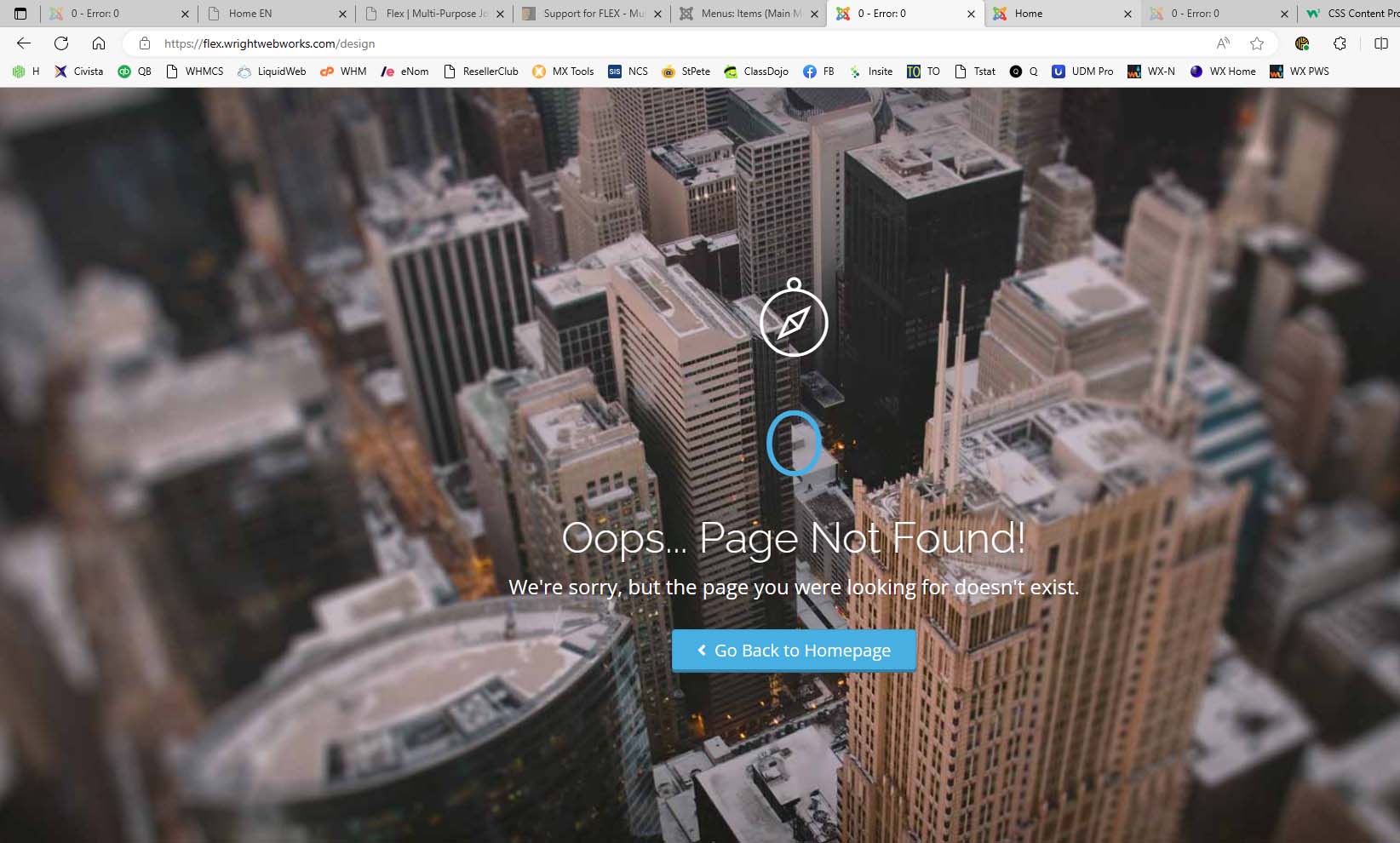
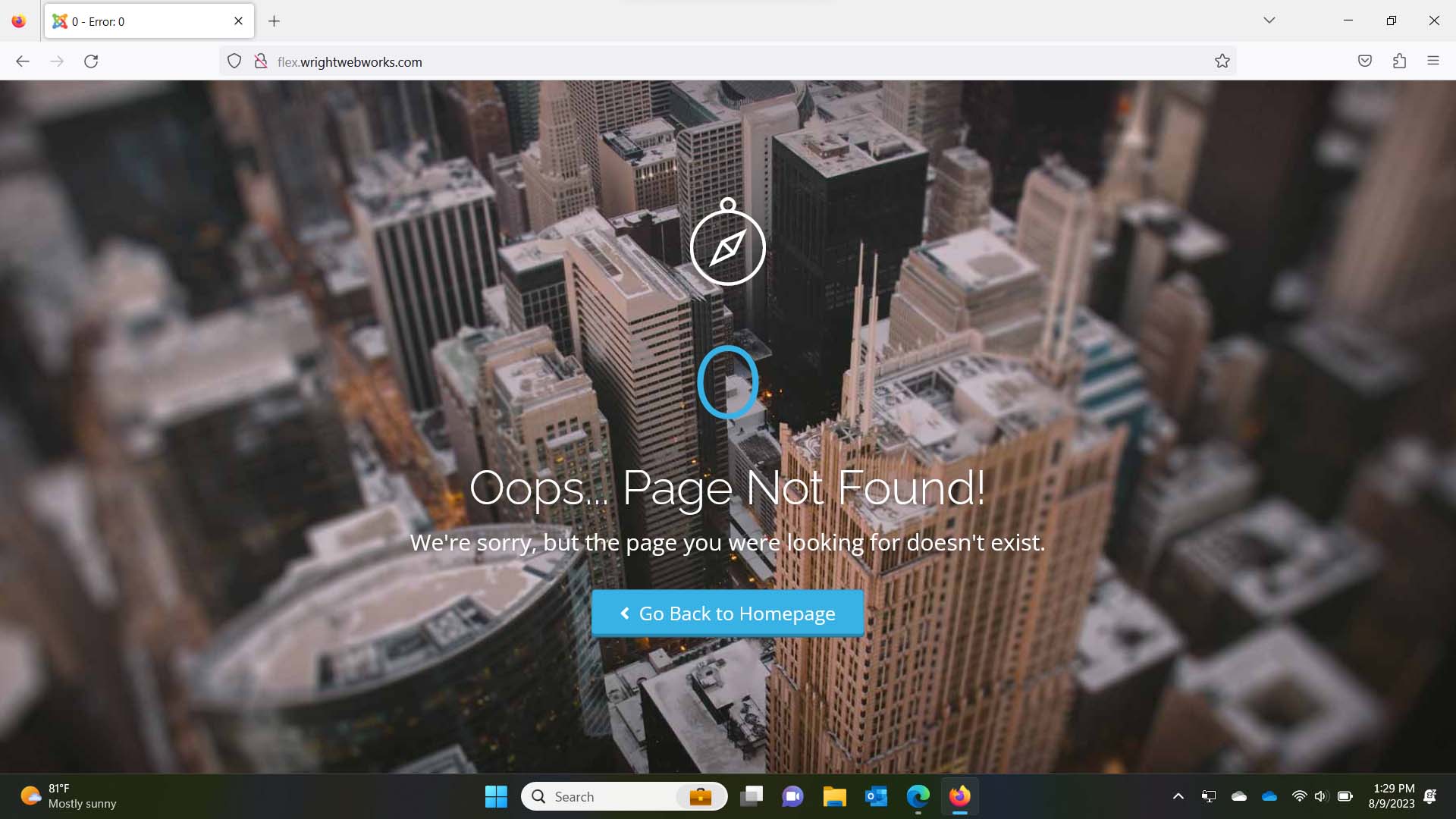
Thank you for your response. I am seeing that you got it to work in the editor. However, my biggest problem is that the pages aren't showing up when a visitor (not someone logged in) sees the website. I have tried this on two computers and a phone and used three different browsers. All I get is a page not found error. Please see the images below for screenshots of what I am seeing.

Log in to reply.