It's not possible to select a webp image as a background image.
Please fix this.
It's not possible to select a webp image as a background image.
Please fix this.
Hi Raphael,
it should be possible, I was able to do that in SPPB Pro 5.0.9 + Joomla 4.3 + PHP 8
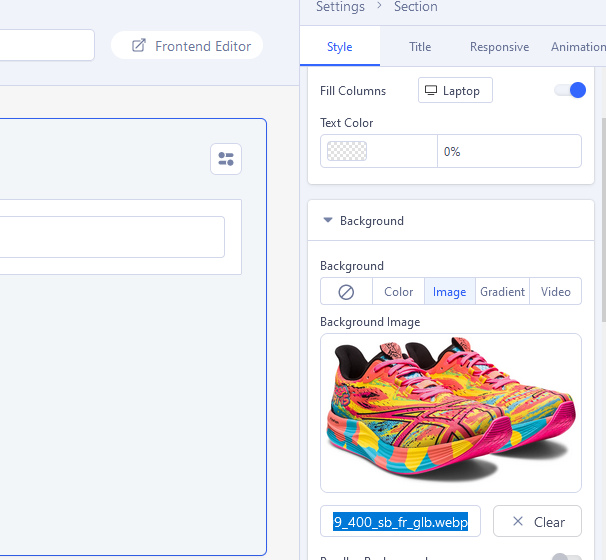

I tested two different files (.webp) and both worked.
Hi, I'm not talking about SPPB, I'm talking about the Helix Frame.
In SPPB it works perfectly, but when I'm selecting an image in Helix, webp images will not be shown as selectable.
You could have written it right away.
In Helix where?
I think that format is not yet supported inside Helix, so if we talk about 3rd, you have to use old trick and rename extension name to cheat Joomla. Or use Custom CSS to load background image.
I thought it was clear because I selected category Helix.
I mean:
Layout > Row Options > Background Image
I guess, I'll use the CSS workaround.
Can we expect this webp implementation in the close future?
yes, it was added by me to wish-list.
I agree, it's important to support new img formats.
