How do I display a menu with all level open in offcanvas menu?
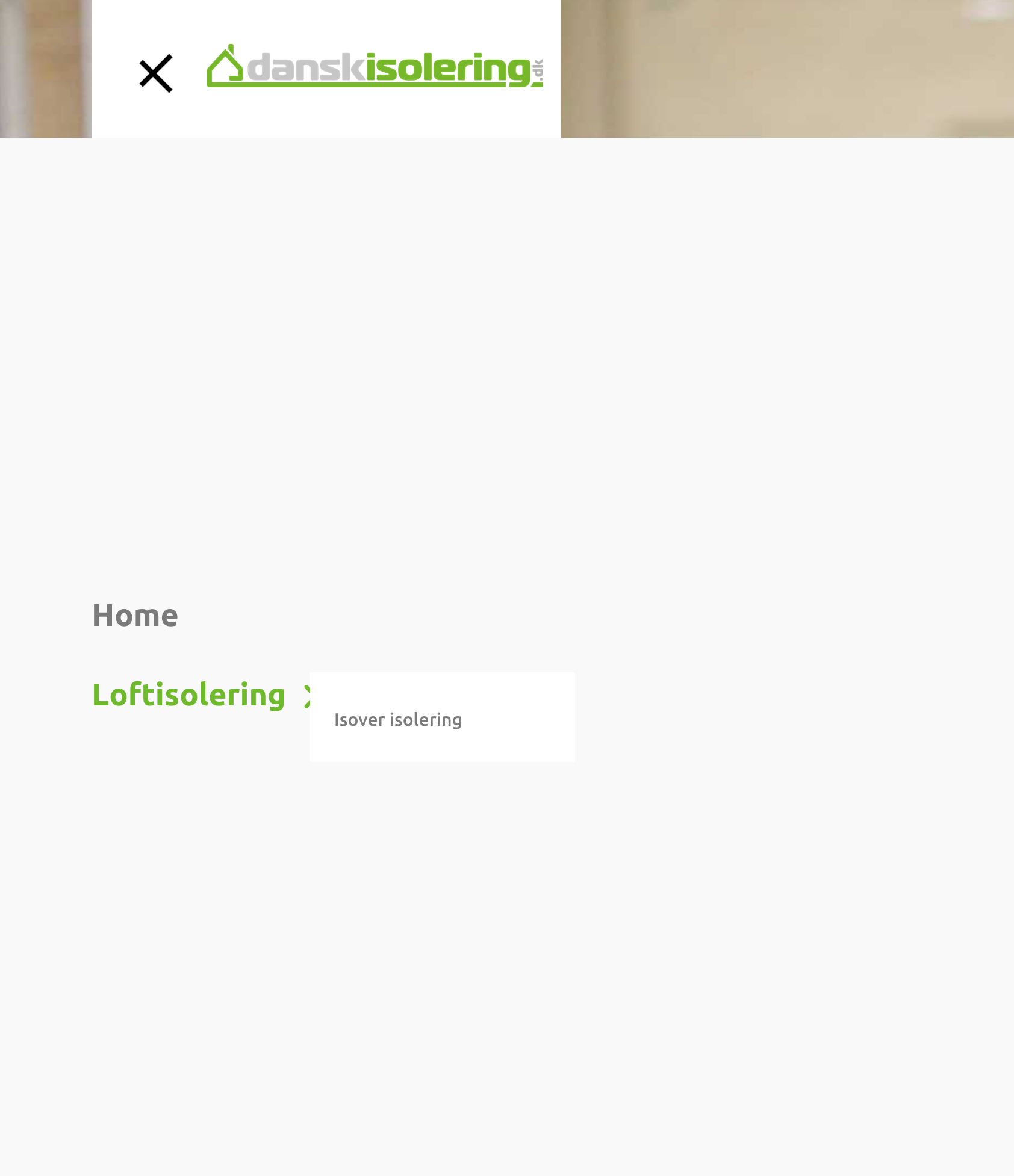
Displayed on attached img doens't work ![https://produktion01.say-it.dk/images/Skaermbillede%202024-05-27%20kl.%2010.27.37.png]
How do I display a menu with all level open in offcanvas menu?
Displayed on attached img doens't work ![https://produktion01.say-it.dk/images/Skaermbillede%202024-05-27%20kl.%2010.27.37.png]
doesn't work :-(
If I may....
This tip was created for raw Helix Ultimate for Mobile Menu only, but you used different method in desktop view. In that case you need ALSO that lines:
#modal-menu   .sp-megamenu-parent .sp-dropdown {
  position: initial; display: block; }
In Mobile view you have - all menu items are visible, so my orginal CSS from Guide helped ;)
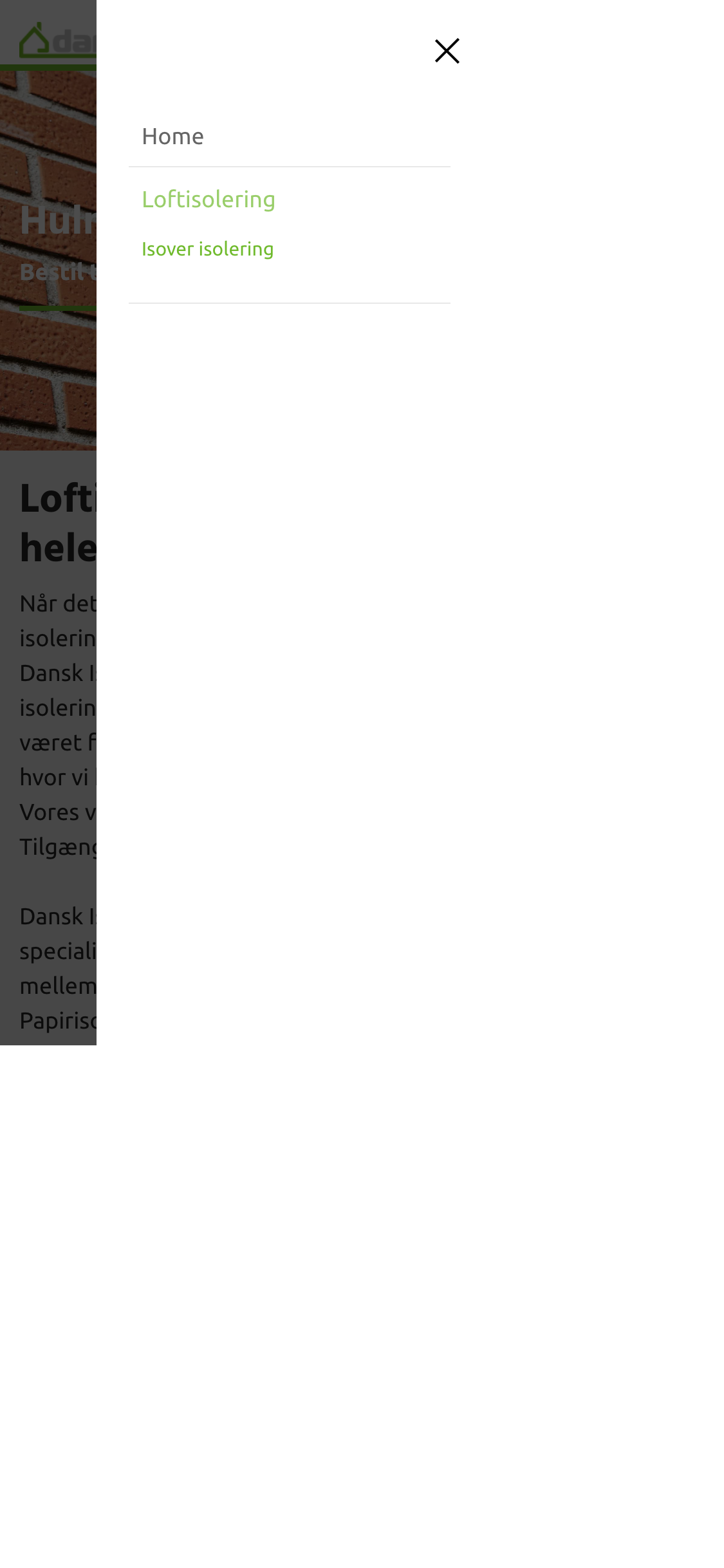
Thanks, almost there Now it's visible but with the drop down function still attached to it - I need to get rid of that
Thanks, almost there
Now it's visible but with the drop down function still attached to it - I need to get rid of that
add also those lines:
#modal-menu ul.sp-megamenu-parent li.sp-has-child > a::after,
#modal-menu ul.sp-megamenu-parent li.sp-has-child > span::after
{content: ""; display: none; }Hi, I've add the suggested lines but it doesn't change the menu?
My CSS code removed drop down "arrows" in Dekstop view - or you wanted to remove something else? If yes, share screenshot and show me what!
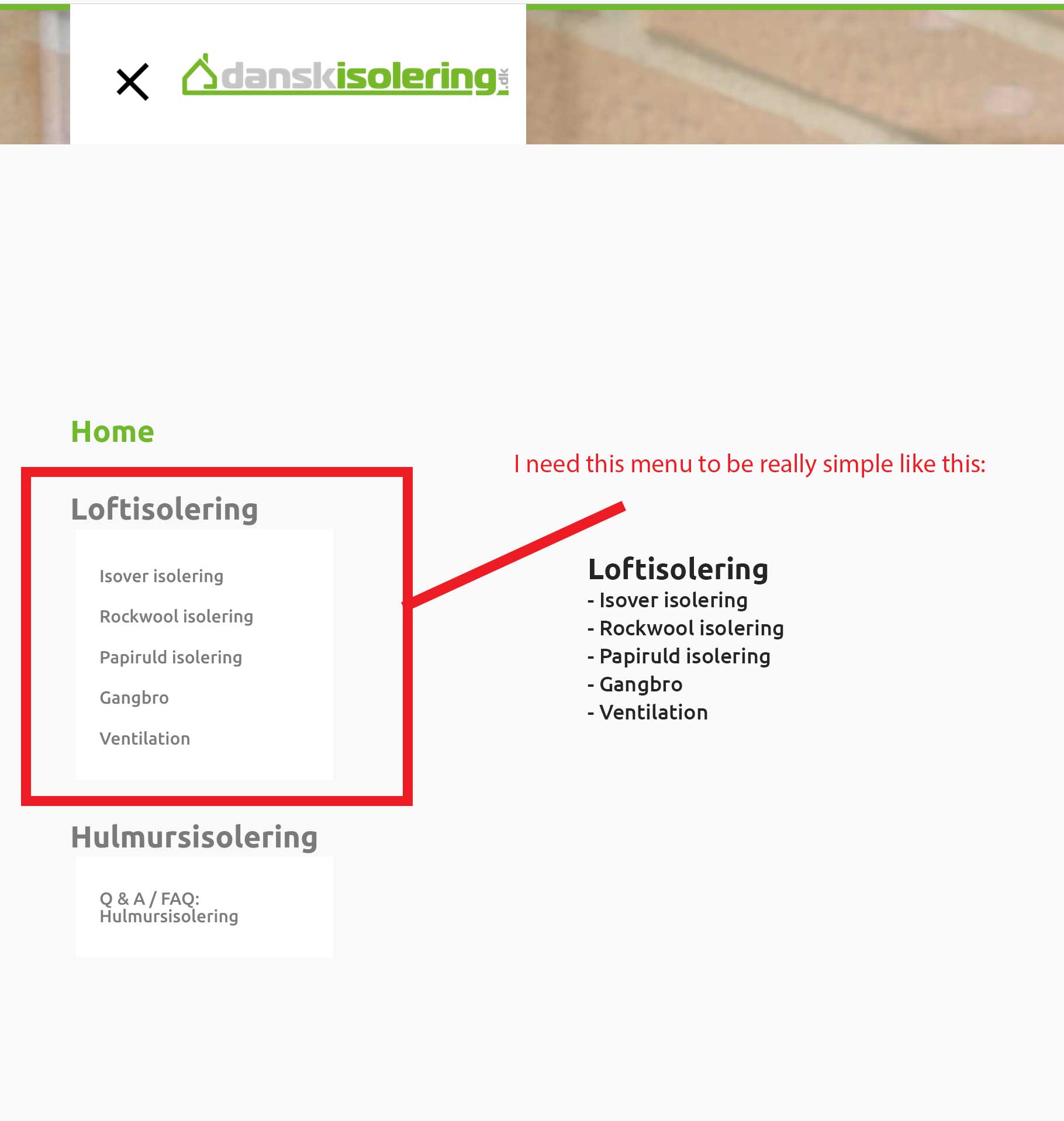
OK here's a screendump off the menu and of what I need to achieve. So instead of a submenu that is styled with animation and boxed bg. I just need it to be really simple and have all menu items open at all time.
![https://produktion01.say-it.dk/images/DI-MENU-ISSUE.jpg]
You can see the production website and access the menu in question here:
[https://produktion01.say-it.dk/]
Thank you very much for you help :-)
Use also those lines:
.sp-megamenu-parent {margin: 10px 0px;}
#modal-menu ul.sp-megamenu-parent .sp-dropdown {transition: none;}
#modal-menu ul.sp-megamenu-parent .sp-dropdown .sp-dropdown-inner {
  background-color: transparent; padding: 5px;}
ul.sp-dropdown-items li.sp-menu-item > a::before {content: "- "; }
Cool thanks now I just need the submenu not animating on hoover (it jumps when activating)
Check if you can disable Menu animation in Template Options > Menu > MegaMenu > Dropdown Animation
I've done that - but it has no effect
Try also that line
#sp-header.header-with-modal-menu.center-layout .sp-megamenu-wrapper .sp-megamenu-parent>li.sp-has-child>.sp-dropdown {animation:none; animation-duration: 0s;}
Nope still animating - very strange
@Ofi - do you have any extra ideas? I don't :/
Hi, did you find a solution?