

Google Map Api Key
J
joeb1000
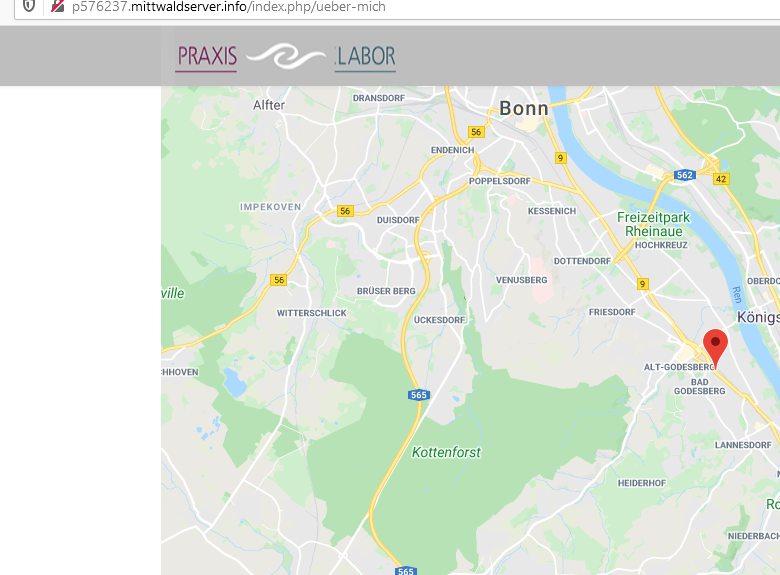
Please take a look at http://p576237.mittwaldserver.info/ and click at the top on "Praxis". Scroll a bit down and you will see a Google map. The site has a proper map api key, but it does it not work, why?
5 Answers
Order by
Oldest

Paul Frankowski
Accepted AnswerHi, I see that map is correct now. Maybe Google needed a time to activate your key.
Paul Frankowski
Accepted AnswerBTW
Remember that we just used Google Embed code, and it's on your side to deliver correct keys etc. In 99% cases problems with map is not caused by us.
J
joeb1000
Accepted AnswerThanks for your fast answer, but it's really strange: I checked it on 2 different pc's in FF, IE and Chrome and on my cell phone, for me on all those tests just now I still see the "for development purposes only" code. Any idea what I could do?
Paul Frankowski
Accepted Answerfor development purposes only
Is 100% Google response, not from us. API must be assigned for domain and subdomain.
If you have problems with Google Maps, maybe use Open Street Maps instead. Free, no API. For typical user map is map.