

Joomla Template - FUSION And His Fonts
JF
Jesus Rosado Fernandez
I have installed the “Fusion” template and see that the fonts are not displayed correctly. How can I integrate the fonts intended for the template? I have also read that the required Google fonts can be downloaded to the “local” web server, specifically for compliance with GDPR in the EU (https://www.joomshaper.com/documentation/sp-page-builder/font-book). However, I am now unsure whether I have understood you correctly. If I need to download the required fonts for this template, do I first need to know which fonts the template uses, i.e., the names of the fonts? Am I correct, or is there another solution or am I completely misunderstanding the whole process??
Thank you in advance for your help.
5 Answers
Order by
Oldest

Toufiq
Accepted AnswerHi there,
Thank you for reaching out. If you prefer to use Google Fonts locally instead of loading them directly from Google, you will need to download the font files from the Google Fonts website. After downloading, convert the font into proper webfont formats so it works smoothly across all browsers.
You can use this tool to generate the necessary formats (WOFF, WOFF2, etc.):
Once the conversion is done, upload the generated files to your site.
Best regards,
Toufiqur Rahman (Team Lead, Support)
JF
Jesus Rosado Fernandez
Accepted AnswerHi, Thank you very much for your answer. I had already understood that much... but... which font belongs to the template? I need to know the name of the font so I can, for example, download it in Font Book.
JF
Jesus Rosado Fernandez
Accepted AnswerThanks a lot :)
Toufiq
Accepted AnswerYou are most welcome! We appreciate your feedback and are delighted to hear that you're satisfied with our service.
To officially close this forum post, mark it as accepted. If you have any more questions or need further assistance in the future, please don't hesitate to reach out to us.
As for writing a review about our product and support quality, we would greatly appreciate it! Your feedback helps us improve and serves as a valuable reference for others. Please take a moment to share your thoughts about your experience with our product and the support you received. Your input is valuable to us and the community. Thank you in advance for your time and support.
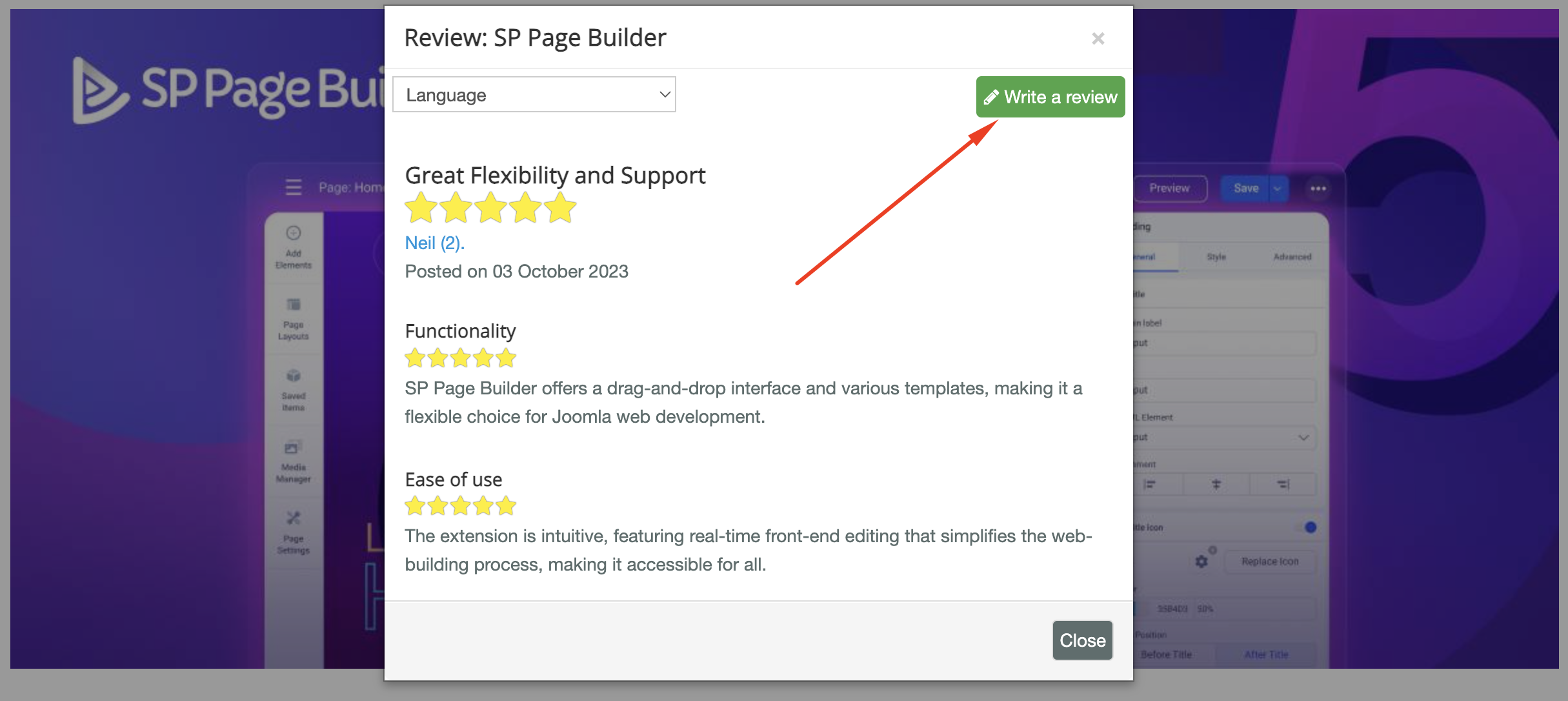
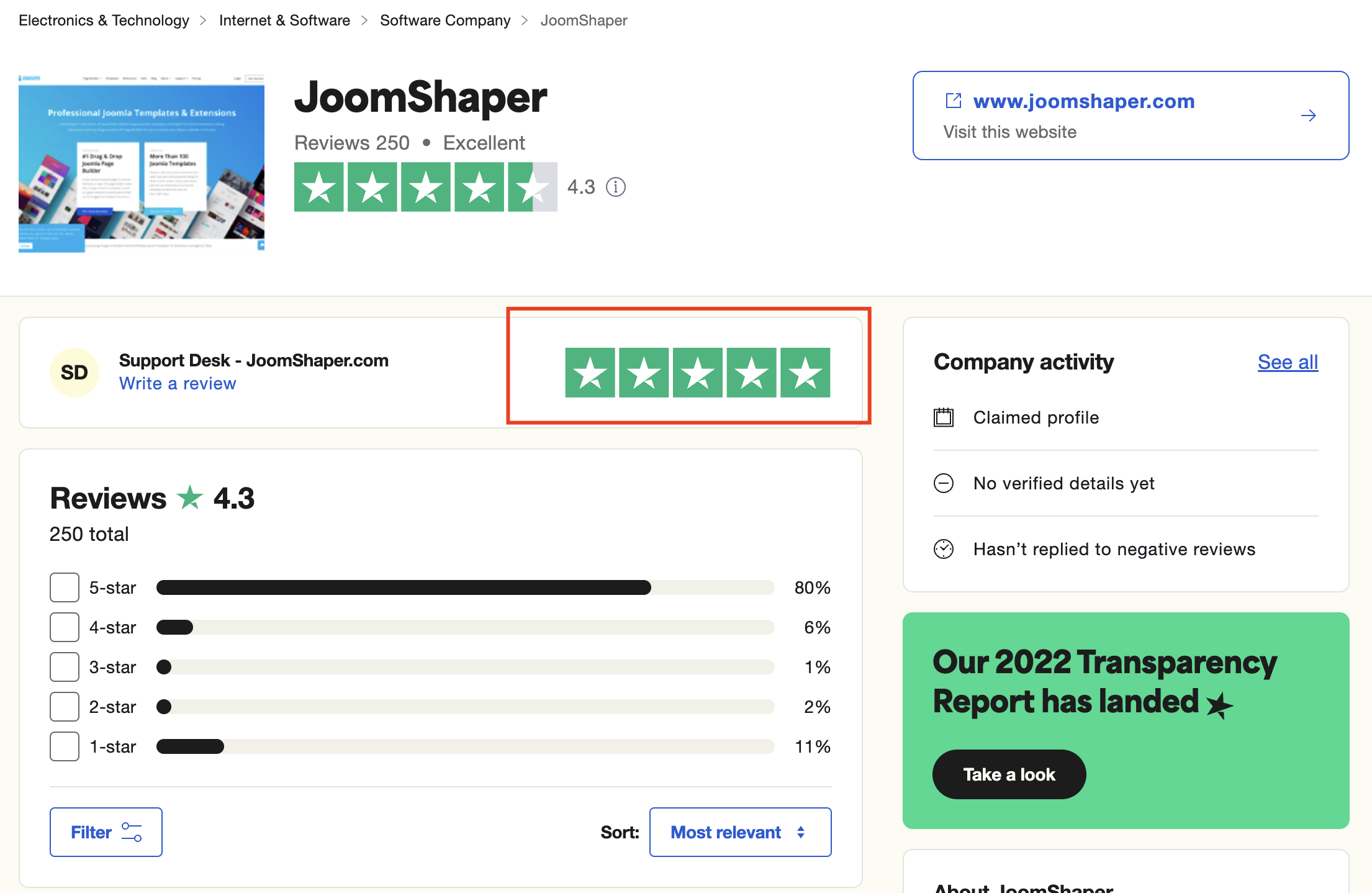
We're here to assist you with any further questions or requests you may have. Once again, thank you for choosing our product and for being a part of our community.
Best regards,
Toufiqur Rahman
Team Lead, Tech Support (JoomShaper)