

Issues With Crunch Template

Charlotte Munch
Hi
Issue No. 1) I'm using the Crunch template - and I need to make Danish prices. In Denmark, they don't use periods - but commas - like for example. DKK 10.50! I can write it backend - but frontend periods are used. In addition, I would like to be allowed to use a Kr. icon in front of my prices - but I can only find the $ icon?
Issue No. 2) And is it true that there is no option to create links to products in the tab addons?
Issue No. 3) I can find the background image for the first of 4 items I have in the tabs section on my front page. But where do I find the other 3?
Best regards Charlotte
Website
https://ulbjergcafeteria.dk/
7 Answers
Order by
Oldest

Mehtaz Afsana Borsha
Accepted AnswerHi,
Thanks for your questions — I’ll address them one by one below.
Issue 1 – Danish price format and currency symbol
At the moment, price formatting in the Crunch template follows a fixed format, which is why periods are shown on the frontend even if commas are entered in the backend. Unfortunately, there isn’t a built-in option yet to change the decimal separator or fully customize the currency symbol. Using “Kr.” instead of the default $ icon would currently require a custom override or small code customization. And I am sorry to say that we do not ptovide customization support.
Issue 2 – Links in Tab addons Yes, that’s correct. The Tab addon does not currently support adding direct links to products within each tab item. This is a known limitation, and the usual workaround is to add a button or linked text inside the tab content itself.
Issue 3 – Background images for Tab items Each tab item has its own settings. You’ll need to edit each individual tab item (not just the first one) and check the style/background options inside that item. The remaining three background images are set separately within their respective tab configurations.
Hope this helps clarify things. Please let me know if you need any further help.
-Best regards.
Charlotte Munch
Accepted AnswerThanks for the answer!
Issue 2 -> I'm trying to add a button to a tab (see screenshot) - but where and how do I do it?
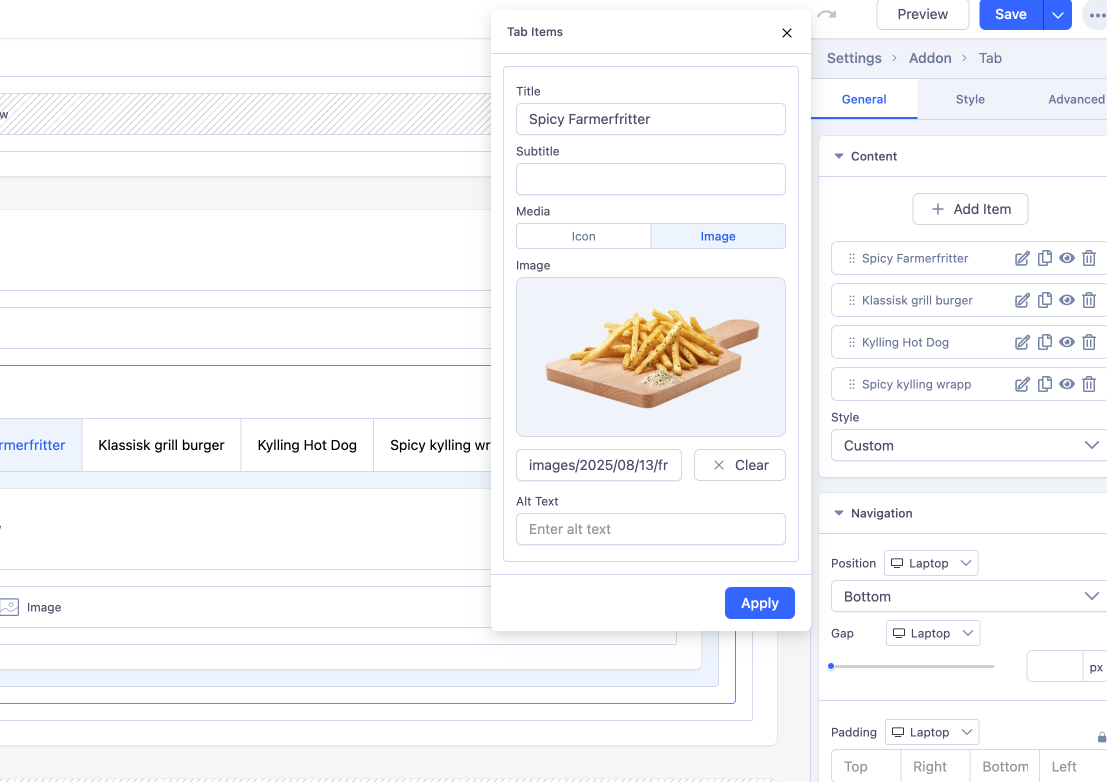
Issue 3 -> I have looked in the configurations for each tab - but can't find any option to change or add images here. I can find the option to change one place and that is in the general options and here only one image can be added
Mehtaz Afsana Borsha
Accepted AnswerHi
2: By draging and drop you can do it. This documentation will help you.
3: Give e that specific page link please, so that I can check.
Mehtaz Afsana Borsha
Accepted AnswerCould you please keep a full site backup and give me your super admin access? So that I can check.
Charlotte Munch
Accepted AnswerI am experiencing several issues with Dynamic Content:
When I change the name of a Category from "Desserts" to "Kage" (the Danish translation) - it still says "Desserts" in the dropdown menu in the product configuration.
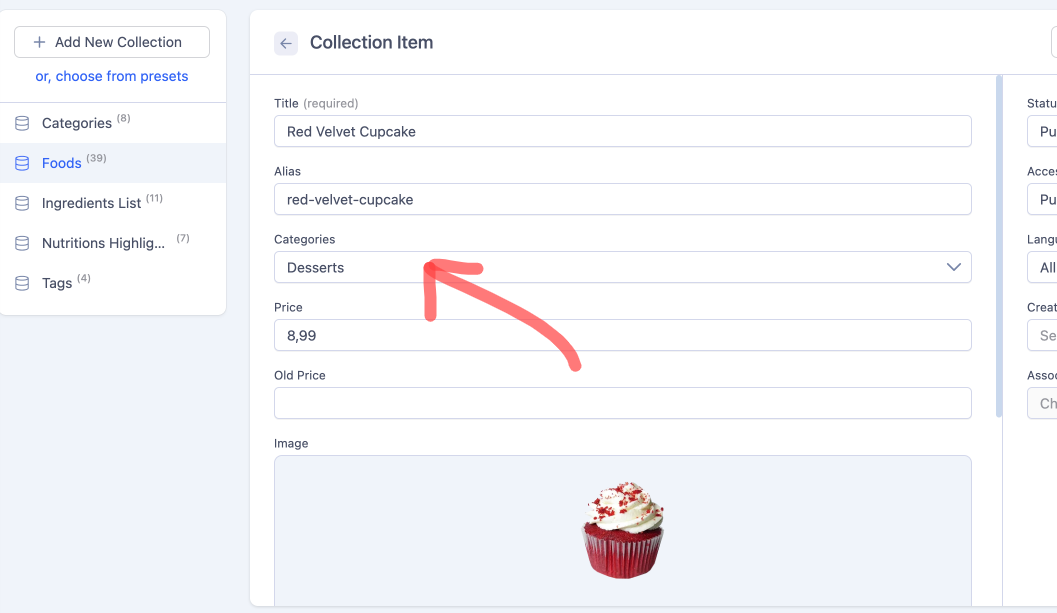
When I create a new Category it does not appear in the dropdown menu in the product configuration.
When I change the price, I am not allowed to enter decimals ?
Where to configure the link on the product headers ?
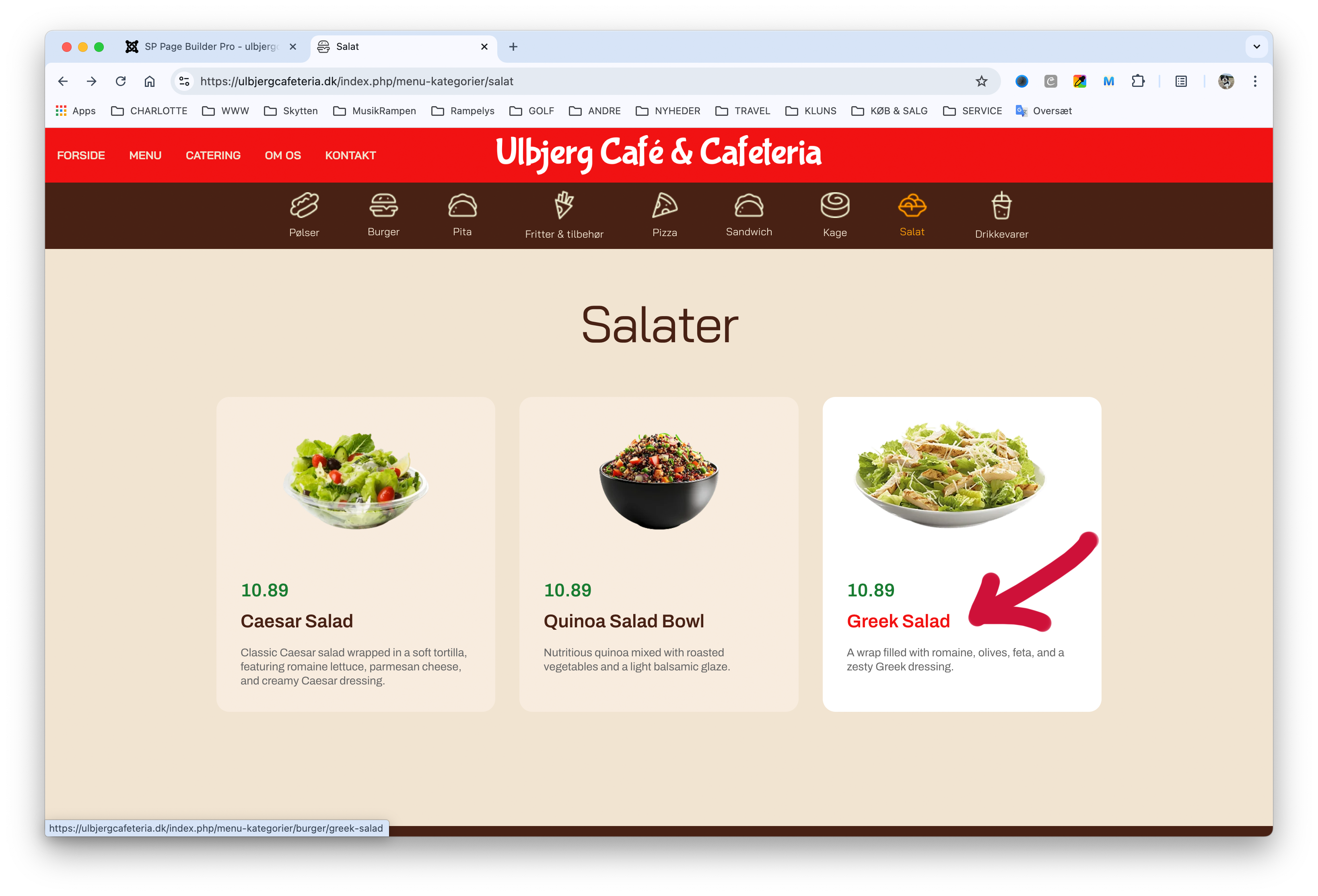
And when you log in - won't you also find out why the products are not displayed on this page -> https://ulbjergcafeteria.dk/index.php/kokken
I am really looking forward to hearing from you !!!