

Article Addon - Images are Not Showing Up
I
Ionut
Hi, Images from Joomla article are not showing up https://prnt.sc/sIj0n51ObqB2 Did you had this issue? No CSS issue, in addon it's OK setup/default
I have the latest version.
Thank you Ps: i'm on localhost
15 Answers
Order by
Oldest

Paul Frankowski
Accepted AnswerIs OK now, on Page ID1 - but I have no idea why it was wrong. I only recreated addon. I guess it's what you call "the malice of inanimate objects". Hopefully it was only a small addon, not whole Windows 11 ;p
Paul Frankowski
Accepted AnswerHi,
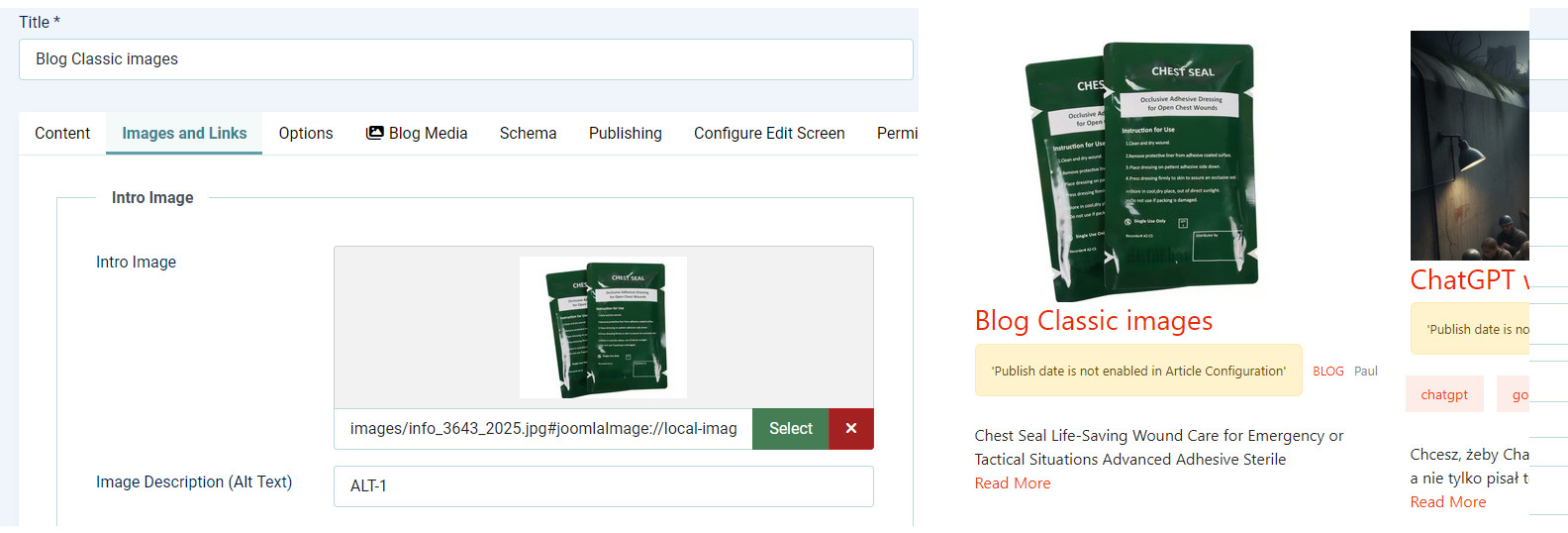
- How images were added to those articles, using "Blog Media" or "Images and Links" ?
- What template you are using?
- Please switch to Casiopea and check again.
- In Articles addon, check setting for "Article Media" must be Off (grey).
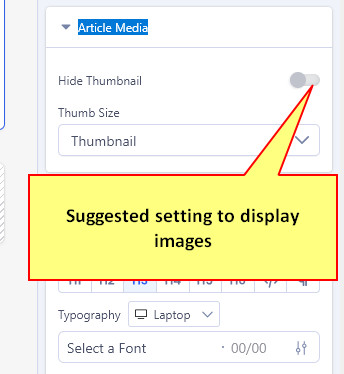
Our support on Localhost is very limited (Support Policy rules).
Paul Frankowski
Accepted AnswerLook also at point 4.
I tested on my own site, on Helix Ultimaye and worked well for both (1.) So it must be different reason of your problem. But until you're on localhost my help is very limited for obvious reasons.
Paul Frankowski
Accepted AnswerHave you got similar issue on different site, please check if you have other installation on REAL hosting.
Yes, could be.
I
Ionut
Accepted AnswerThanks, It’s not a template or Joomla issue; it seems to be related only to SP Page Builder, and it happens only here, not on the other websites. No changes were made in the page builder. Could you please give me some hints?
I will upload it online for testing.
Paul Frankowski
Accepted AnswerYes, please create demo subdomain from your current webiste, and share access, then our developer can take a look tomorrow.
I use our Articles addon quite regullary, even on Friday, and images worked.
Paul Frankowski
Accepted AnswerAdded new addon, deleted old. No other hacks, only that.
Please mark topic as solved. And have a productive day.
I
Ionut
Accepted AnswerThe issue is only when you choose LARGE https://prnt.sc/BpwGDTQwPeBc
In rest it's ok.
Thank you again
Paul Frankowski
Accepted AnswerOh, good to know, I will ask to fix it. Nobody noticed that issue before you. Probably it tries to load img in size that is not generated in Helix by default.
For sure, we will dig deeper