

WebP Images are Not Displayed
KD
Kadar doo
Last week I installed one quickstart template however, there is no webP image display on the website, nor in the media administration (thumb preview), only JPG and PNG images are displayed. I followed your instructions on "How To Tips & FAQ" and added "Add webp in Allowed Extensions", "Add webp in Legal Image Extensions" as well as "Add image/webp in Legal MIME Types" but still webP images are not displayed. I deleted the Cache in the administration and re-uploaded the images but still nothing changes. Please help
9 Answers
Order by
Oldest

Toufiq
Accepted AnswerHi there,
Thank you for reaching out, and I apologize for any inconvenience caused by this oversight. To better address the issue, could you kindly provide Joomla administrator access? This will enable me to thoroughly investigate the matter and provide you with a prompt resolution.
I appreciate your cooperation and will ensure to get back to you as soon as possible.
Best regards,
Toufiqur Rahman (Team Lead, Support)
KD
Kadar doo
Accepted AnswerThanks for the quick response. I have sent my login details (hidden) Thanks again
Toufiq
Accepted AnswerI think it's your server problem. Would you please contact your hosting server provider and let them know your issue. I hope they will help you. Thanks
KD
Kadar doo
Accepted AnswerI just received a reply from the hosting provider and now the problem is solved. We were working on a Windows hosting server and it was necessary to additionally add MIME Types "image/webp". Thanks again for the useful advice
Toufiq
Accepted AnswerYou are most welcome! We appreciate your feedback and are delighted to hear that you're satisfied with our service.
To officially close this forum post, mark it as accepted. If you have any more questions or need further assistance in the future, please don't hesitate to reach out to us.
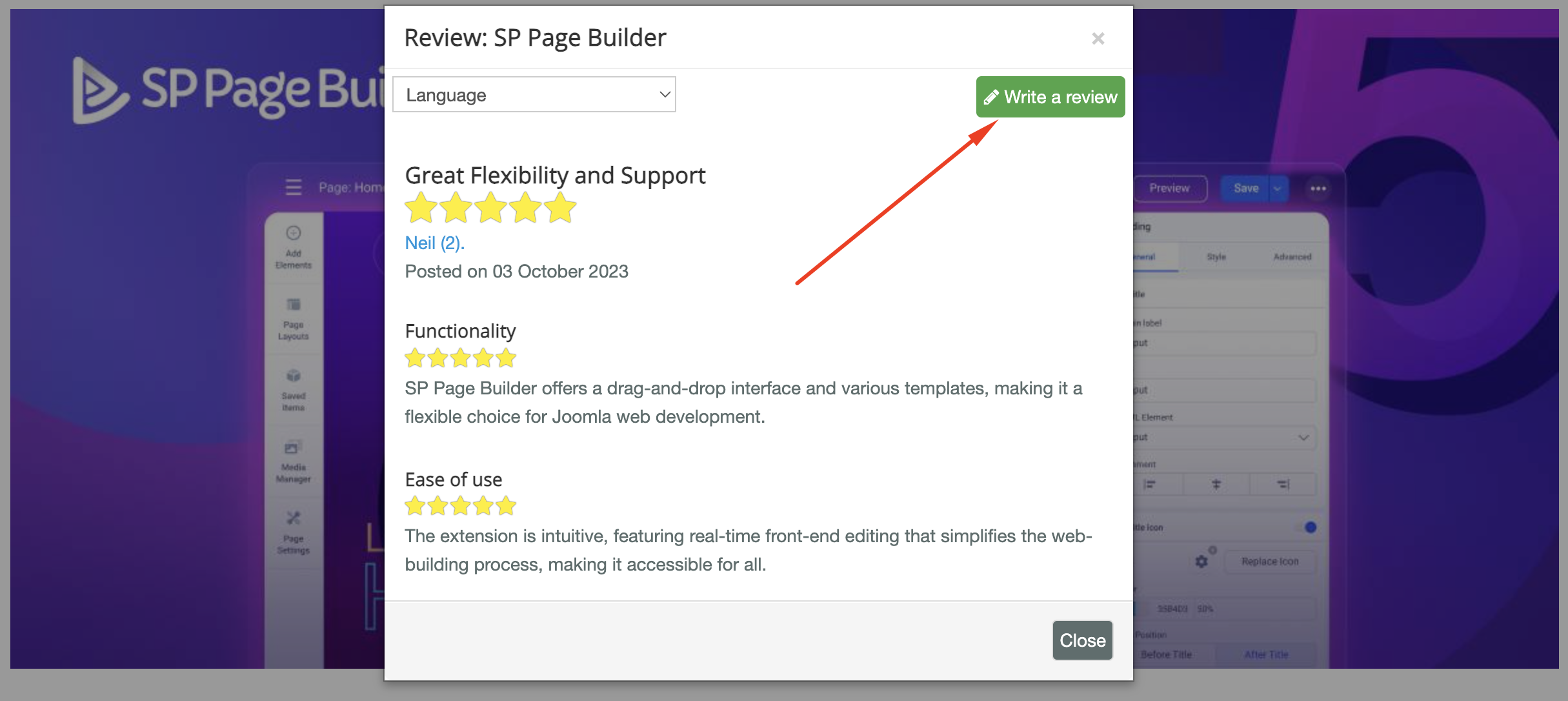
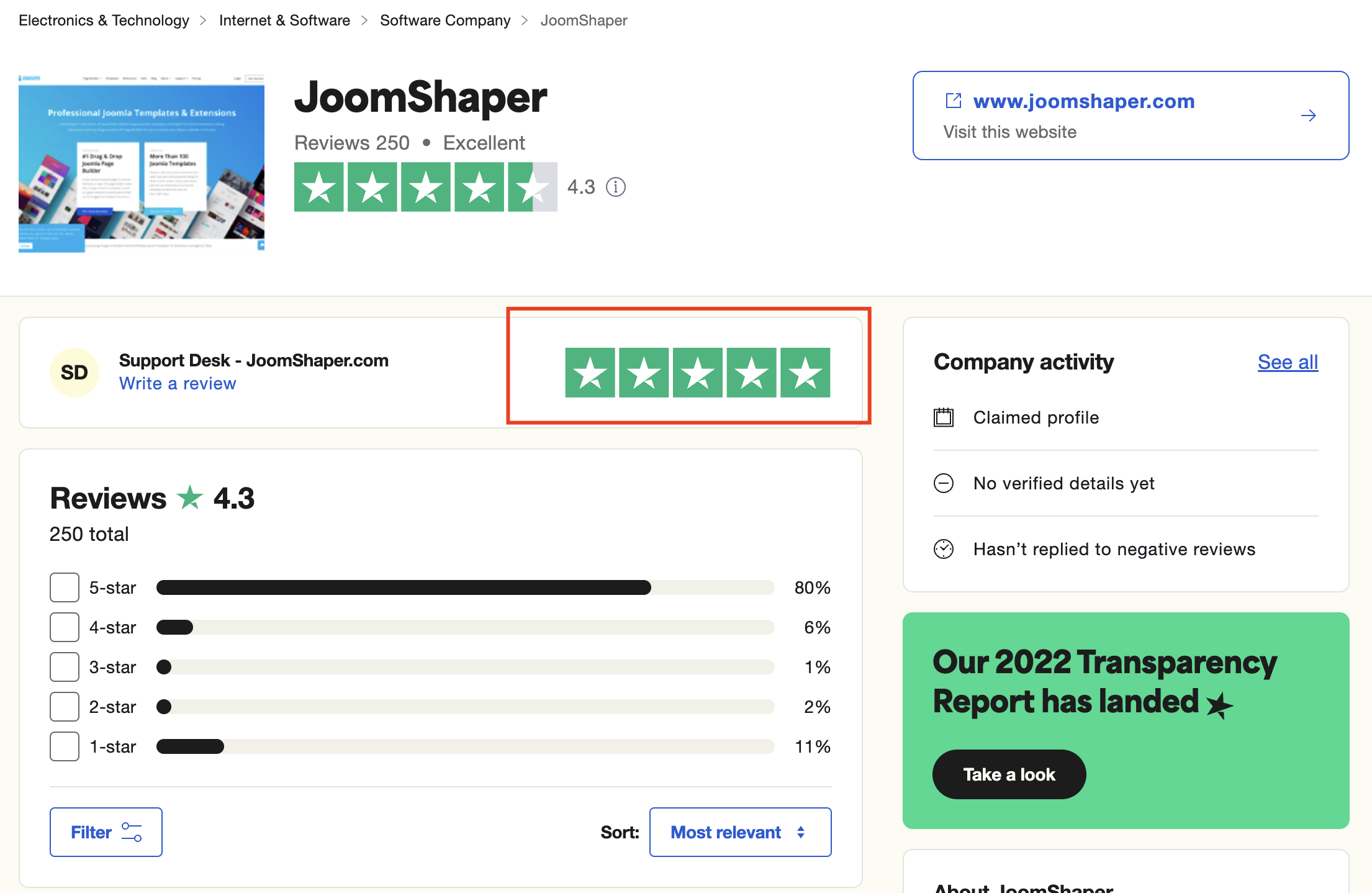
As for writing a review about our product and support quality, we would greatly appreciate it! Your feedback helps us improve and serves as a valuable reference for others. Please take a moment to share your thoughts about your experience with our product and the support you received. Your input is valuable to us and the community. Thank you in advance for your time and support.
We're here to assist you with any further questions or requests you may have. Once again, thank you for choosing our product and for being a part of our community.
Best regards,
Toufiqur Rahman
Team Lead, Tech Support (JoomShaper)