Hi,
why is it possible to change the title color in every element excepting the Heading element?
Raphael
Hi,
why is it possible to change the title color in every element excepting the Heading element?
Raphael
Hello
Thank you for your query.
Kindly allow me some time, i will get back to you soon.
You will be able to change the color of the heading element as well.
Could you kindly provide your site URL along with a screenshot of which part you want to change? That would be helpful.
Hi, here is my Example: http://old.braumueller-wohnungsaufloesung.de/brennholz/hartholz
And I don't understand how I can upload an image (here)???
You can first upload your image somewhere:
a) on your hosting OR
b) file / image hosting service, for example, https://imgbb.com/
then just put a link here
So, here is my problem:
Thank you for the screenshot.
And now?
How can I change the heading color?
Please allow me some time, i will look into it & provide the solution soon.
Could you please provide your administrative access? Use the hidden mode to share the log in credentials kindly
Is set
Hello
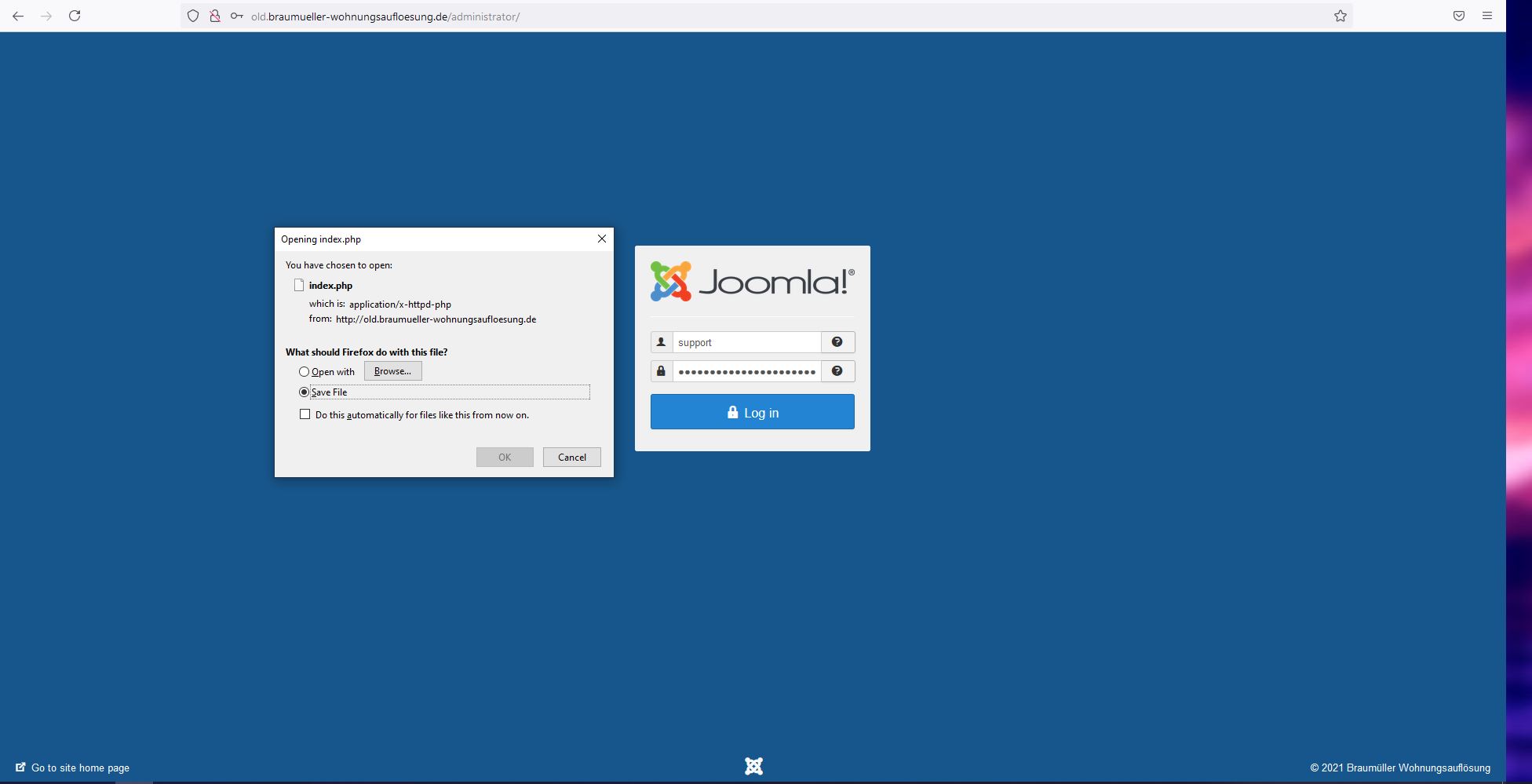
Could you kindly check the log in credentials? I am not being able to log in from my side. When i try to log in, it asks me to download a PHP file and nothing else.
Also, if you want to customize the heading, you can open the page in SP Page builder, click/select the Heading addon to edit & you can follow the screenshot attached below to provide the background color of heading.

I tried it my self and could successfully login.
I don't want to change the background color, I want to change the heading color (not the text color).
Hello
When i am trying to log in, it prompts me to download this file and it is not possible to sign in either as shown in the screenshot below:
As you know, for HTML elements, there are two options for color -> changing text color or background color.
Could you kindly specify which one you want to change? If you can highlight it in your website and send a screenshot, i will be able to understand better.