

Impossible To Import To Article
S
serge
Hello, every time when I import a created within SP Page Builder Pro page into joomla article and click on save, I have a strange output.
See creenshot here: https://aramis-voyage.ovh/images/Bug/Capture.jpg
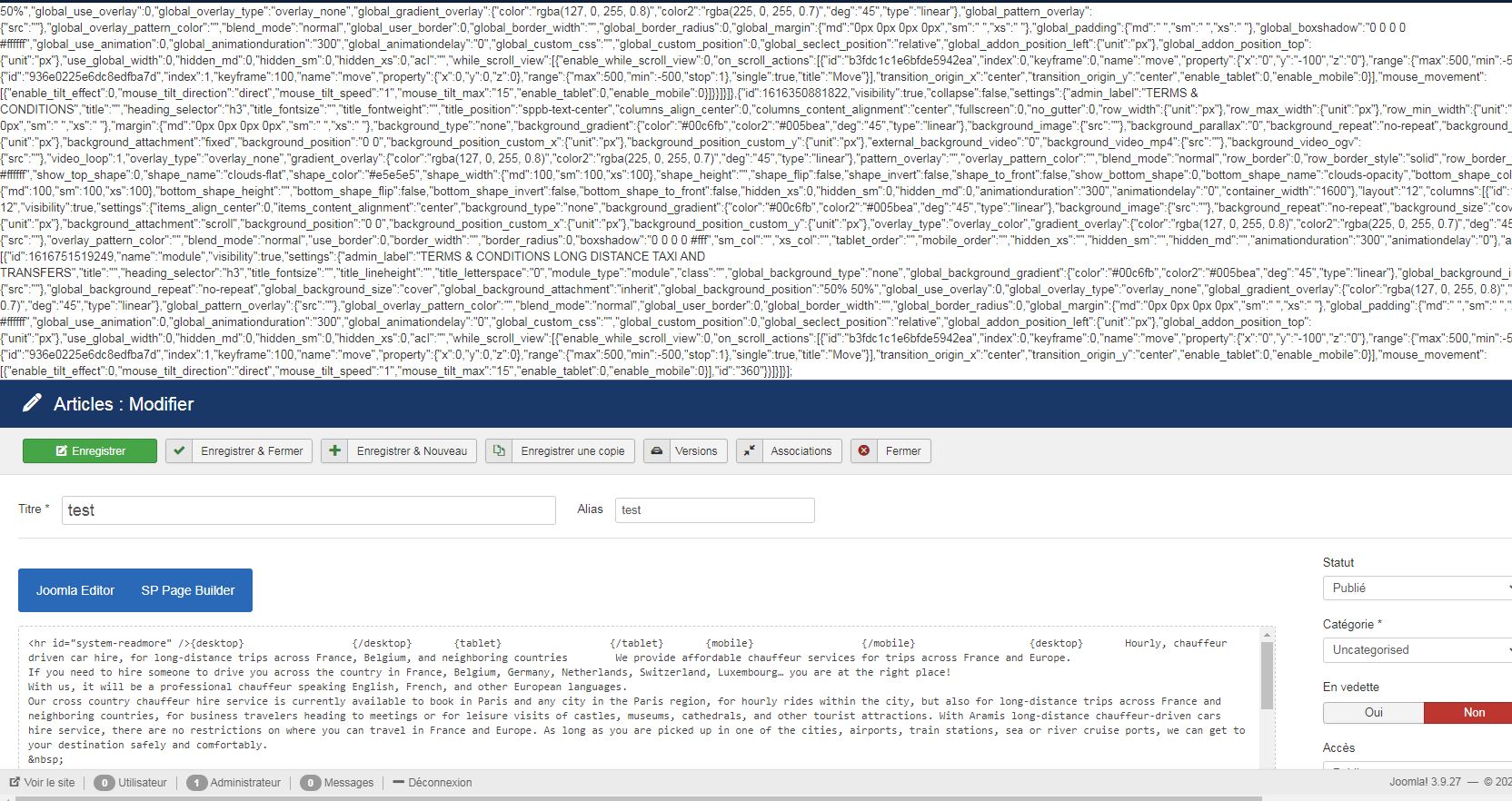
Thank you!
Website
https://aramis-paris.com
5 Answers
Order by
Oldest
S
serge
Accepted AnswerHello, the solution is: Not to use Raw HTML of SP Page Builder with javascript Use instead joomla custom module and integrate those modules to sp page builder like addons.

Rashida Rahman
Accepted AnswerHi there!
Thanks for the screenshot.
I'm checking...
Please alllow me time.
Best Regards
Rashida Rahman
Accepted AnswerHow did you try that, please?
Here you go with the process:
https://www.joomshaper.com/blog/how-to-reuse-custom-designs-in-sp-page-builder
And the following conversation may help you too:
https://archive.joomshaper.com/forums/add-existing-sp-page-in-joomla-article
S
serge
Accepted AnswerI just export from the .json of the page from SP page builder editor and then import it to the article, and then when I hit save I see this strange output.
Rashida Rahman
Accepted AnswerThanks for sharing your experience with us.
Actually, the Raw HTML addon is for only to use of HTML codes. Javascript or any other codes will not be acceptable within it.
You can use any addons there as per my knowledge and just following the reuse methods of SPPB will lead to success I hope.
Best Regards