My clients have no requirements to ever use EasyStore.
How do I remove it from the site altogether?
My clients have no requirements to ever use EasyStore.
How do I remove it from the site altogether?
Hi,
First, you have to uninstall the EasyStore component. But to hide the name in SPPB you have to use a language override. So far, it's the only way to hide it in some way.
COM_SPPAGEBUILDER_EDITOR_DASHBOARD_SIDEBAR_MENU_EASYSTORE
in field "Text", put "OFF" or "."
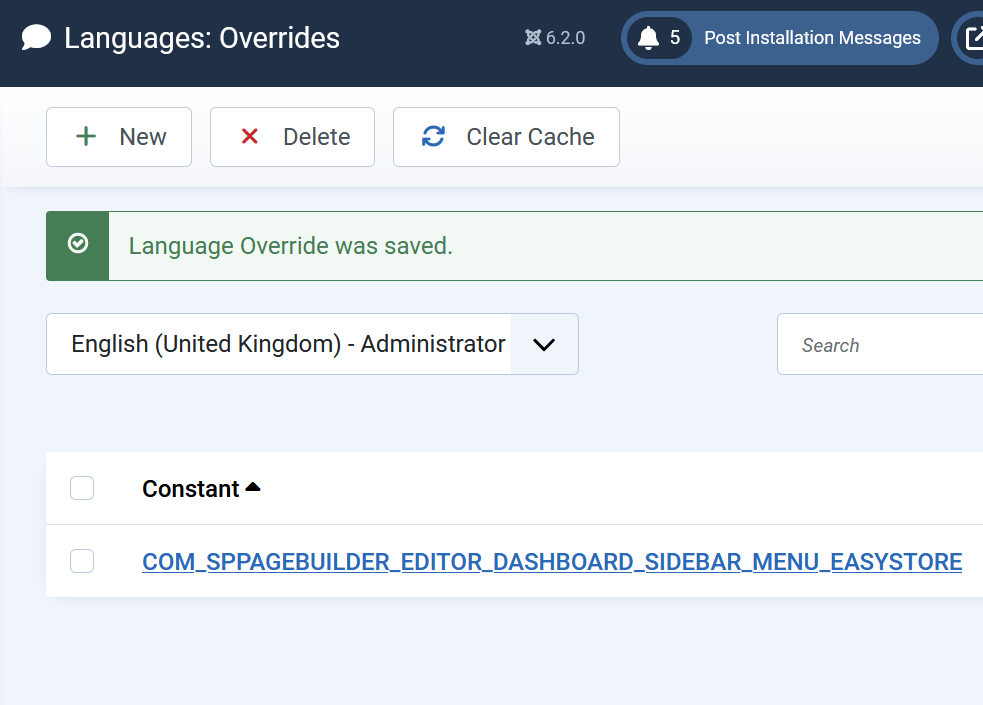
Can this language override issue be fixed in the next release?
It’s not the right way to uninstall a component if I then need to manually ‘hack’ this language string to get rid of the menu item (leaving an ugly gap with a dot in it).
I’ll add that even if I edit that language file so EasyStore become a ‘harmless’ dot, clicking that dot still opens SPPB and tells me I need the component.
I have to talk with the team on Monday; otherwise, those are only temporary hacks.
Personally, I agree it would be nice to have On/Off.
