How to Configure Canonical URLs
Joomla 4, 5, 6
Updated 13 Oct 2026
1 min read
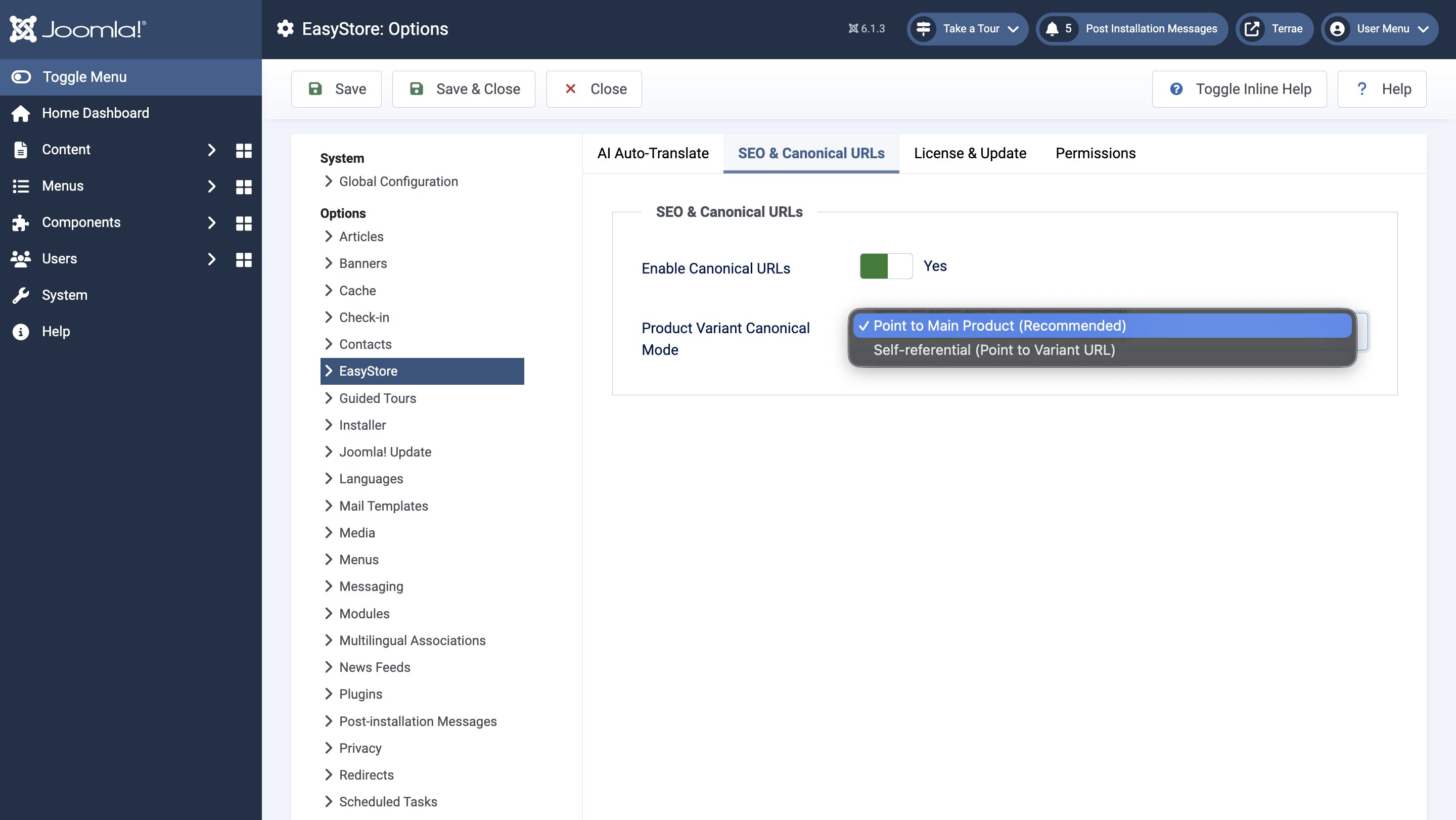
You can natively configure canonical URLs for your EasyStore pages, keeping your store organized and helping search engines identify which version of a product page is the primary one.
To configure canonical URLs for EasyStore pages, navigate to Joomla Dashboard > Global Configuration > EasyStore and select the SEO & Canonical URLs tab.
There you will find the following settings:
Enable Canonical URLs: Toggle to enable or disable canonical URLs.
Product Variant Canonical Mode: Configure how canonical URLs will function for product variants. The available options are Point to Main Product, which is the recommended setting, and Self-Referential, which points to the variant URL itself.
- Point to Main Product: Uses the main product URL as the canonical URL for all its variants, so search engines know which page to prioritize.
- Self-Referential: Uses each variant's own URL as its canonical URL, so search engines can treat each variant page separately.