

Editing Imposible - Question | JoomShaper
Black Friday sale is live with flat 50% OFF. Sale ends soon! Grab your deal now!

Editing Imposible

M

Mönch

SP Page Builder 4 years ago

Hi, I'm trying to edit my website using the frontend editor, but I can't see any content. In the usual frontend site everything is ok, but I can't edit.

0
26 Answers
Toufiq
Toufiq
Accepted Answer
Senior Staff 4 years ago #42374

Hi there,

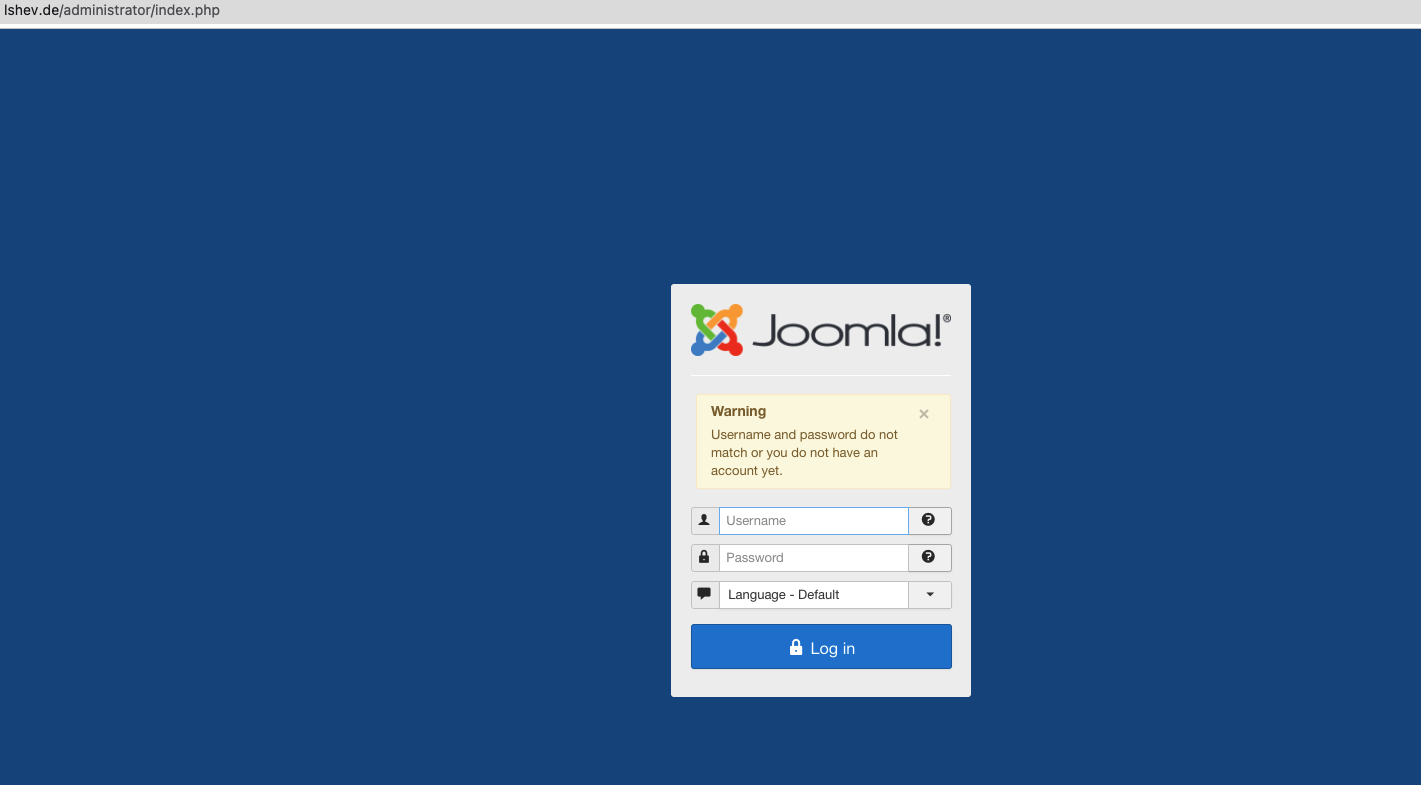
Thanks for contacting us. Sorry for the inconvenience. Will you please provide me the Joomla administrator access to check the issue? I will check & get back to you soon. 

-Thanks
0
M
Mönch
Accepted Answer
4 years ago #42401

Hi, Toufiq,

Would be great, if you could fix this or give me advice.

0
Toufiq
Toufiq
Accepted Answer
Senior Staff 4 years ago #42471

Please give me first security login access

0
M
Mönch
Accepted Answer
4 years ago #42479

sorry ... sure

0
Toufiq
Toufiq
Accepted Answer
Senior Staff 4 years ago #42485

Screenshot at Nov 11 13-16-51.png

0
M
Mönch
Accepted Answer
4 years ago #42489

Sorry, wrong name

0
Toufiq
Toufiq
Accepted Answer
Senior Staff 4 years ago #42510

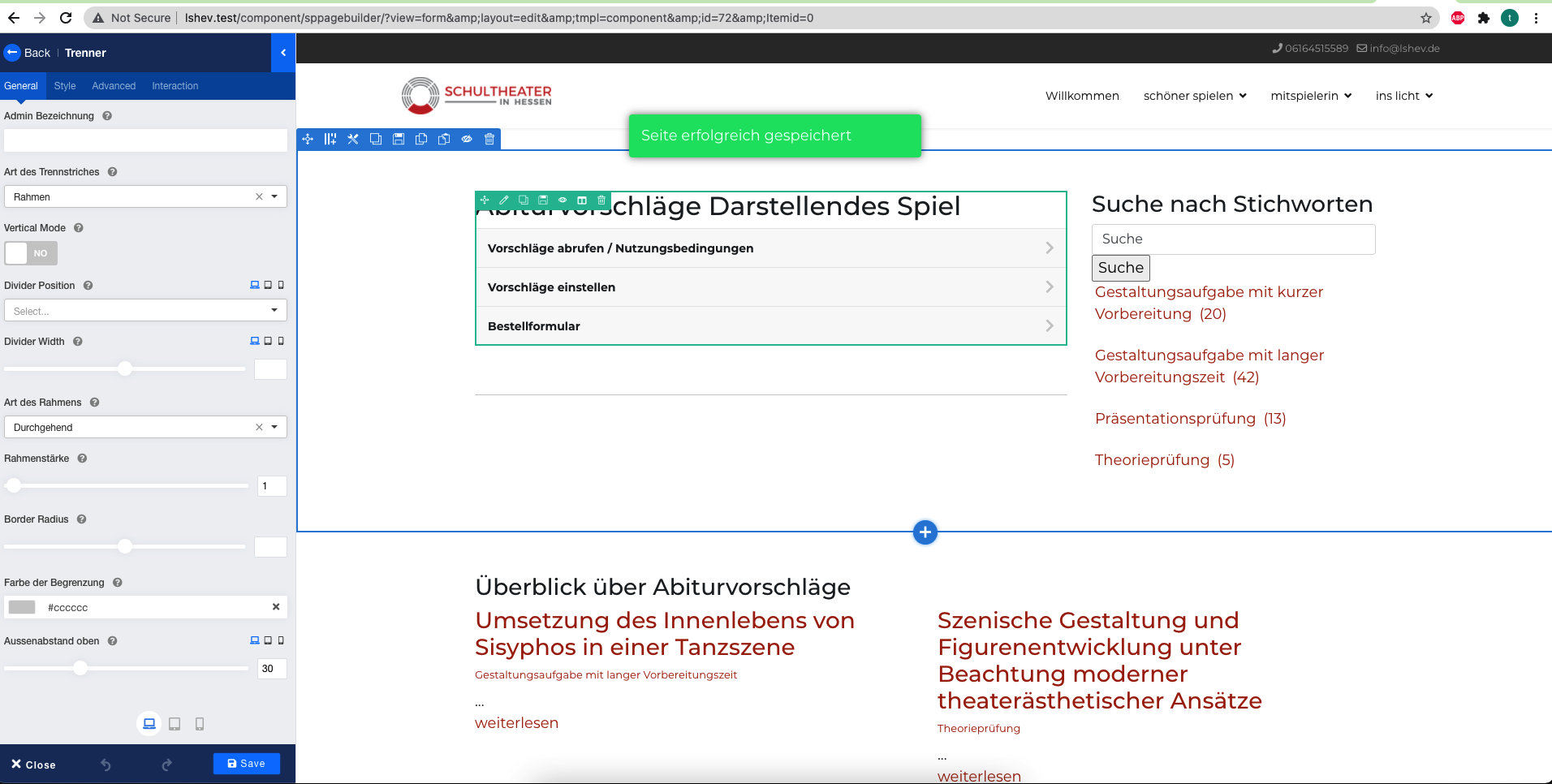
The Page Builder resource can't load properly for your server. Maybe you have use cdn. I have checked my end your site and it works fine.
Screenshot at Nov 11 15-32-24.png

0
M
Mönch
Accepted Answer
4 years ago #42589

Strange .. we builded th whole page this way and didn't have any problems. Also we didn't change any setting ... And we work on different Systems (Apple/Safari and Microsoft/Chrome) ... same problem. Could you tell me what cdn means. Maybe I can change something.

0
Toufiq
Toufiq
Accepted Answer
Senior Staff 4 years ago #42695

Now it works :(

https://prnt.sc/1z99r7v

0
M
Mönch
Accepted Answer
4 years ago #42715

Sorry, but no. I still have the following picture.

0
Toufiq
Toufiq
Accepted Answer
Senior Staff 4 years ago #42723

Can you tell me your page name? Screenshot not available to check. Thanks

0
M
Mönch
Accepted Answer
4 years ago #42724

file:///Users/Olaf%201/Desktop/Bildschirmfoto%202021-11-12%20um%2011.06.12.png

maybe this one works

0
Toufiq
Toufiq
Accepted Answer
Senior Staff 4 years ago #42728

Sorry

0
0
Toufiq
Toufiq
Accepted Answer
Senior Staff 4 years ago #42734

This page also works fine

https://prnt.sc/1z9ydec

0
M
Mönch
Accepted Answer
4 years ago #42765

this is like I see the page: https://prnt.sc/1za6pjo and I can't add or edit anything

0
Toufiq
Toufiq
Accepted Answer
Senior Staff 4 years ago #42770
0
M
Mönch
Accepted Answer
4 years ago #42774

Hi, Toufiq, I totally believe, that your able to work on the site, but I can't. Have you any idea, how I can fix this?

0
Toufiq
Toufiq
Accepted Answer
Senior Staff 4 years ago #42777

Do you use any firewall on your computer? Or Any antivirus Software?

0
M
Mönch
Accepted Answer
4 years ago #42789

Yes.

0
Toufiq
Toufiq
Accepted Answer
Senior Staff 4 years ago #42793

Disable and check again

0
M
Mönch
Accepted Answer
4 years ago #42798

No, no better result without firewall and anti virus program

0
Toufiq
Toufiq
Accepted Answer
Senior Staff 4 years ago #42800

Please check another computer and let me know. Thanks

0
M
Mönch
Accepted Answer
4 years ago #42804

no difference on other pc

0
M
Mönch
Accepted Answer
4 years ago #42805

but ... I found the solution ... my college installed a cookie consent plugin. I disabled the plugin and now it works again. But why were you able to work whilst I not ... Anyway I'm looking for another cookie consent solution ... Thanks a lot for your pacience. Have a nice day.

0
Toufiq
Toufiq
Accepted Answer
Senior Staff 4 years ago #42806

Don't know what's the problem. Here is working fine.

0
