

Logo With .SVG is Not Showing In Footer

Ashraf Tayab
Hello, Template : Pitech
My logo name : ugilibya-logo.svg Logo with .SVG is not showing in footer
The same Logo ugilibya-logo-with.svg using in the top website and it work fine, the difference between two logo is the top one with white coloer and the footer is with colors.
would you help please.
Thank you
5 Answers
Order by
Oldest

Pavel
Accepted AnswerHi. Set the height in Image Addon settings. Or add "heigt" and "width" atributes in svg image code. Your svg image has no such atributes therefore, its size is striving to zero.
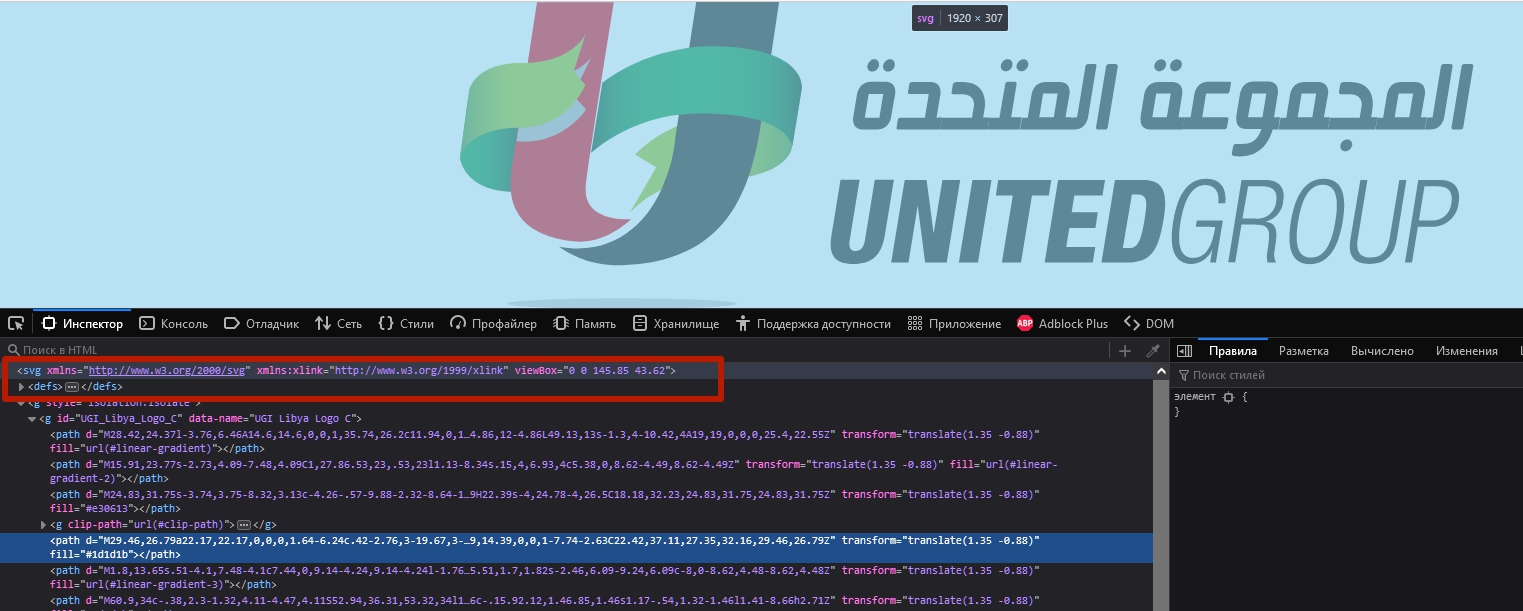
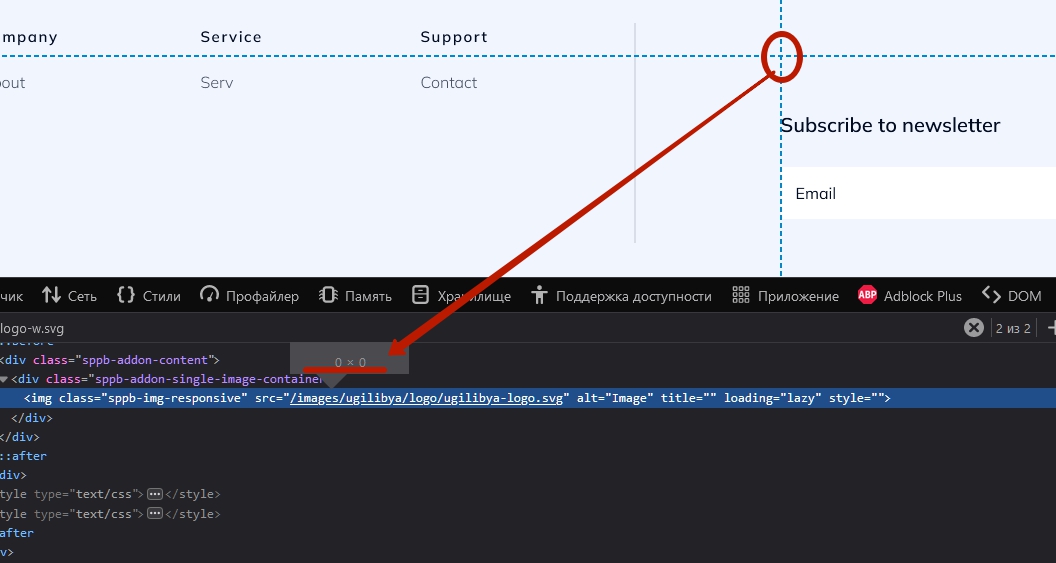
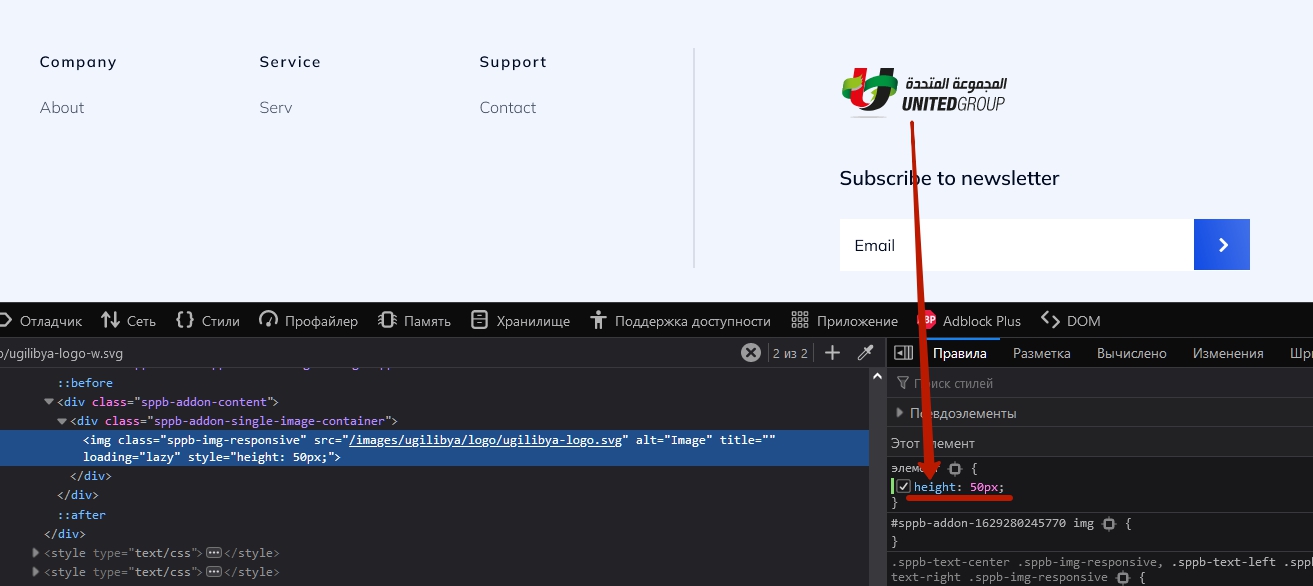
I would recommend you learning how to work with SVG (Google, Youtube).

Mehtaz Afsana Borsha
Accepted AnswerHi
Pavel is right you can follow Pavels instructions.
For now you can use this custom css
img.sppb-img-responsive{
    height:55px;
}
Path towards custom CSS: Extensions>Templates>Styles> Click on your current default template name then choose Template Options. Then find custom CSS within the custom code.
-Regards
Pavel
Accepted AnswerHi Mehtaz.
First thing. This is not need

Second thing. Your code will affect on all addons on the site which has sppb-img-responsive class name inside. It breaks the entire site.
Always provide an isolated code (through the addition of own custom class in the addon or in the section settings)
Ashraf Tayab
Accepted AnswerHi, Pavel
I would like to thank you for your help, now logo work fine.
Thank you a lot