

Change Image In Hero Section
RD
Rob Dudley
How/where do I change the background image in Hero Section of the Section Library in SP Page Builder Pro?
5 Answers
Order by
Oldest

Paul Frankowski
Accepted AnswerHi Rob,
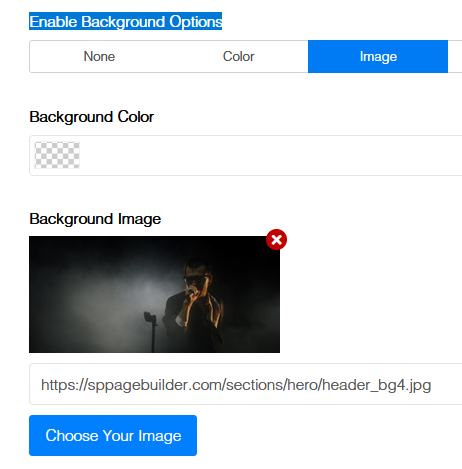
in most cases:Row Options > Style > Enable Background Options > then click "Image" tab > Click (x) > Choose Your Image > Save changes

Mehtaz Afsana Borsha
Accepted AnswerHi,
You can follow this old forum post
https://archive.joomshaper.com/forums/change-background-image-of-a-library-section
You can also follow my screenshot below:
Go to row options and chanhe the background image from the section
Thank you
Paul Frankowski
Accepted AnswerRob, if I may ask... are you a popular UK painter, and co-author of book "Painting trees"? At least you have this same name.
RD
Rob Dudley
Accepted AnswerThank you all.
No, Paul, I'm not the UK painter, I'm the graphic designer in the States.