

Picture Addon
H
Happaerts
Can anyone tell me why the picture addon is not filling up the place in the section it belongs? The edit view in Sppagebuilder is different from the real view
https://test.happaerts.net/images/capture/pic1.jpg
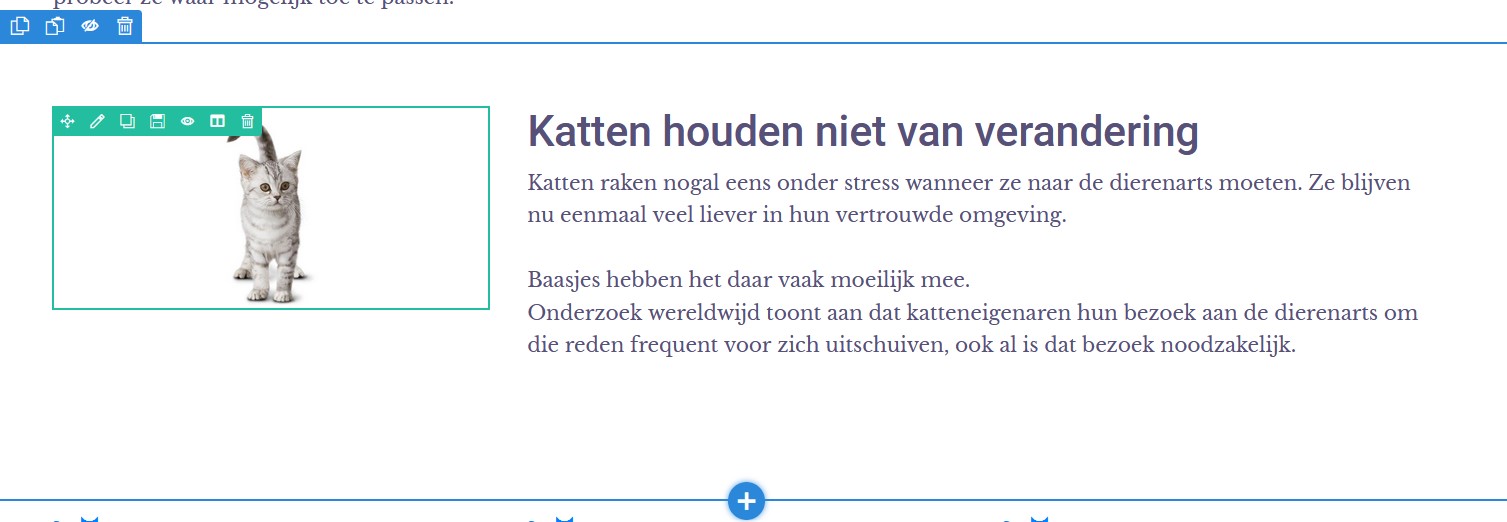
https://test.happaerts.net/images/capture/pic2.jpg
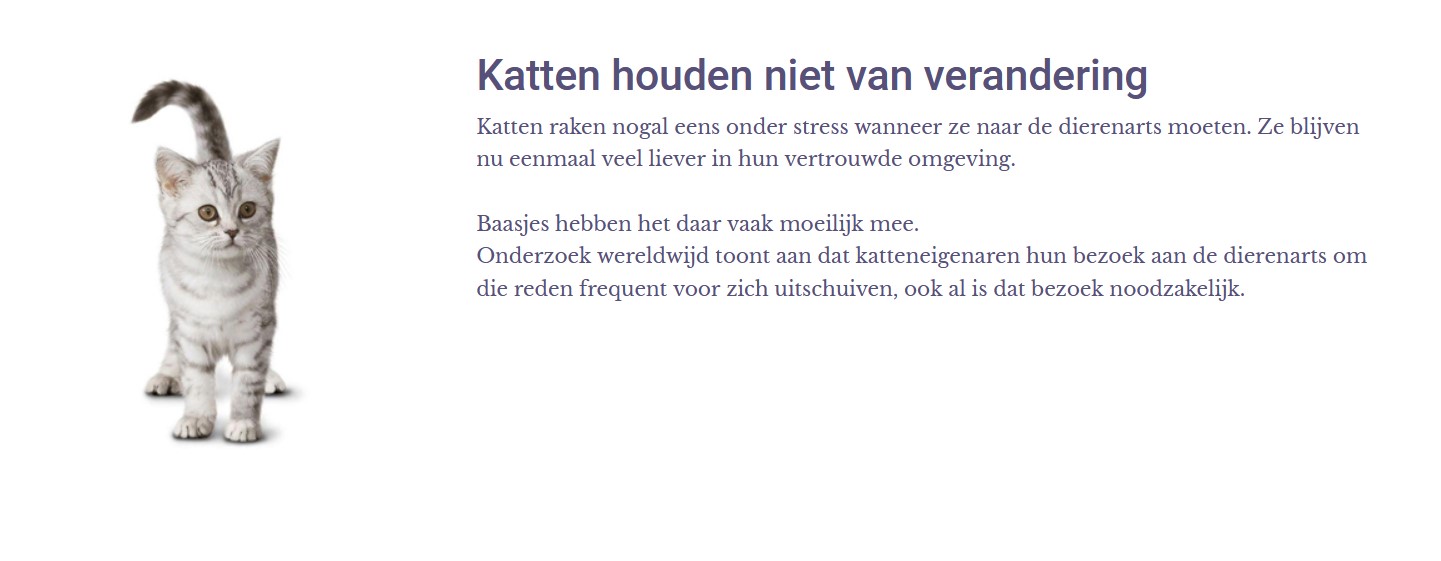
What is the default behaviour of the picture?
Can we add custom css code to change the behaviour of the picture? Any examples in the docs?
Many thanks, Marc
11 Answers
Order by
Oldest

Toufiq
Accepted AnswerHi there,
Thanks for contacting us. Sorry for the inconvenience. Will you please provide me the Joomla administrator access to check the issue? I will check & get back to you soon.
-Thanks
Toufiq
Accepted Answer
H
Happaerts
Accepted AnswerToufiq,
You added the css class image-cnt and then changed some code in it. I suppose there is no way for us to understand what you actually did. <;-) Do I need that code in every image-addon? If not, why here?
Marc

Paul Frankowski
Accepted AnswerIf I may...
I think using Image Layout addon is much better for images that REAL size & shape is important.
Image Content addon was created mosty for illustration images like nature, building, landscape, not humans and animals.
I think Toufiq will agree with me :)
Toufiq
Accepted Answer@Happaerts If you want to use image_content addon then you should use large size of Images. Or you need to use the custom css code. Thanks
H
Happaerts
Accepted AnswerCan you define what is a 'large size of Image', Toufiq? Many thanks for the explanation, images are always a bit tough to handle : they don't always behave well ...

Pavel
Accepted AnswerI think this requires a clearer explanation. In image content addon the background image is used. It will stretch and cut to fit the width of its container. It is just decoration. For your case, you need to use the image addon. Just divide the section into two columns and use two separate addons. Image addon and text addon
H
Happaerts
Accepted AnswerThanks, Pavel. Just makes the 'background' of the Image Content Addon a bit clearer.
Toufiq
Accepted AnswerThe Image content addon image placed on the background. That's why by default added a css code (background-size:cover). You can use image and text addon using the two column instead of image content addon. Thanks