

Media Page is Screaming For Improvement
A
Arthur
After first few days with SP-Page Builder I have to say that creating pages is really nice experience but,... there is one thing which already drives me nuts ! That is MEDIA page.
It is definitely the weakest point of the entire framework and working with multiple pictures and files is a real pain on the but !!!
-
images (thumbniles) are only one size, so on my monitor I can fir only 16 at one time or so. With hundred or more images in a folder, scroling and finding is a real pain. There should be a setting to show the thumbnilesL LARGE,MEDIUM,SMALL. Thi would fix the problems with different screen resolutions and devices.
-
Perhaps I am missing something, but I see no way to RENAME, MOVE fiels (another bummer)
-
no way to display file list only, no way to sort by name,extension, date
-
when uploading multiple files (more than a dozen in one turn) the page sometimes freezes and upload crashes (but I have to test it with other browsers) to call it a permanent problem....
-
finally THE WORST PART the "Load More" button absolutely drives me nuts ! The page needs "infinite scrolling". With the amount of images I have to deal with this is absolutely unacceptable. Bit less elegant solution would be placing the NEXT / PREVIOUS buttons at the top of the page on the toolbar. One way or another this really, really has to get fixed ASAP, because for me it is almost a deal breaker ! PLEASE DO SOMETHING ABOUT THIS
6 Answers
Order by
Oldest

Paul Frankowski
Accepted AnswerHi,
thank you for your feedback, for sure you have right in many areas. I will share it for our our developers.
As I know, changes are planned for this area but for SPPB 4.x

Pavel
Accepted AnswerHi Arthur. Let me share my experience. Before uploading images, always click Browse Folders. This will allow you to create folders and place images where you want, and not as the default. Allways pressing this button before any actions, you will also no longer meet with "Load More".
And in general, unfortunately the SP PB media manager is not intended for mass loading of a large number of files. I use Quantum Manager (norrnext.com /quantum-manager ) for this purpose - delightful and in my opinion the best file manager for Joomla 3 (soon for Joomla 4).
A
Arthur
Accepted AnswerUploading images is the least troublesome part. I can simply use FTP for that. What bothers me that once file is uploaded I cannot rename it, move it, etc so I still have to use some other tool for that. Yes, I will test the tool you listed - thanks. The LOAD MORE is really pain on the but but I will see if your suggestion will help. Thanks a lot
Paul Frankowski
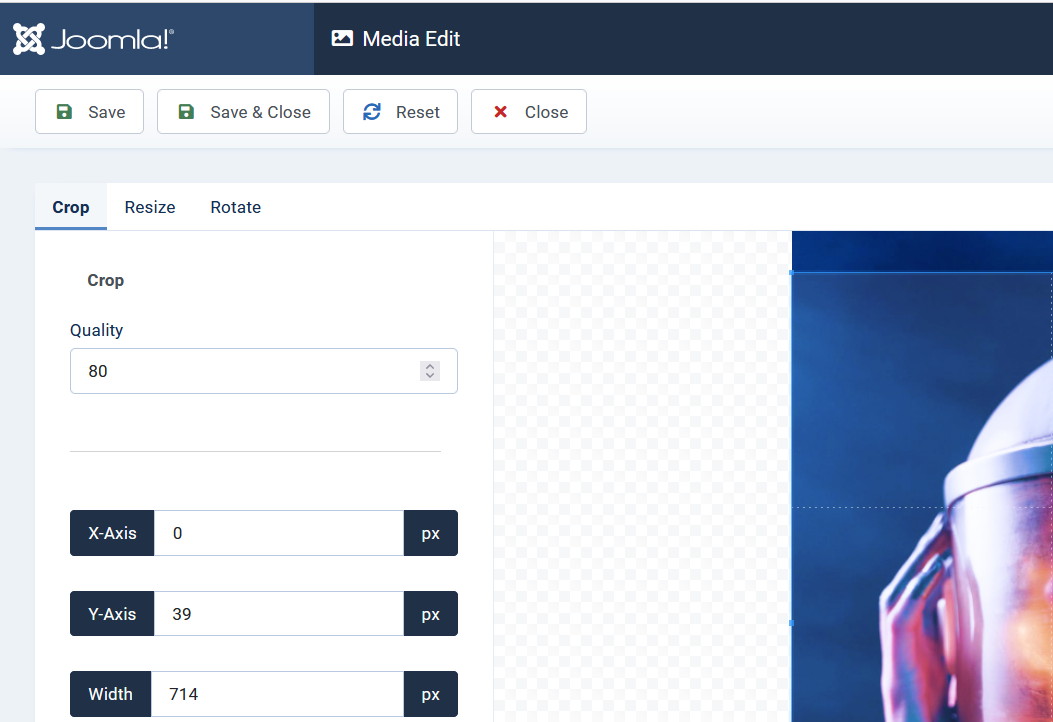
Accepted AnswerIf we talk about Image edition - Joomla 4.0.x has built-in options for it inside Media. So I think we can consider using this tool for J4 only.
A
Arthur
Accepted Answerthank Paul. This is not about resizing an image. I am talking mainly about the SELECTION. I can manage other tasks with J4 (renaming folders, deletion etc.)
When I want to select an image there are two BIG PROBLEMS !
- thumbnails are super big, which causes just a few to fit in the page
- thre is this NEXT (or whatever button to click and show more)
the 1st wouldn't be such a problem if there is an option to:
- remove the "show more" button OR
- set the number of images per page (whicvh should be quite simple to implement) even through some config file or directly in the database (red: SPB settings)
then I could simply zoom-out using the browser to see more.
At this moment selecting/finding and image which is i.e. on 13 page drives me nuts ! yes it makes me angry >:-( because it is such a waste of time.
Bottom line is this: Wee need 3 settings:
- images per page
- image thunbnail size
- Enable/Disable endless scrolling