Update changes the layout - Forum | JoomShaper
Staff replied Helix Framework

Update changes the layout

Asked by Josef Langenegger 4 years ago Last activity 4 years ago

Hi
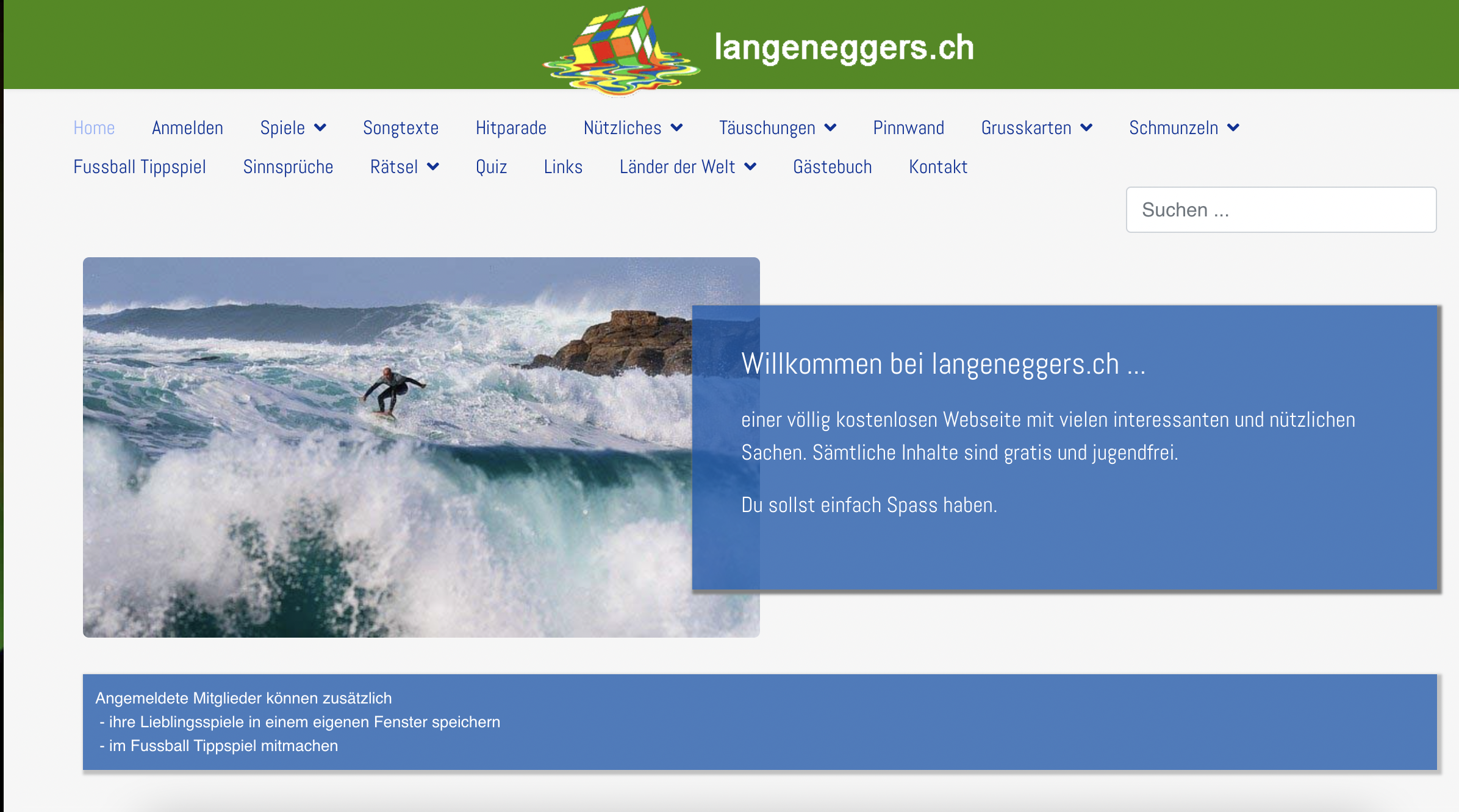
About since update 2.0.7 the layout of my page is changed after each update. See enclosures 1 and 2 (1 is correct 2 after update). Only when I load the folder "shaper_helixultimate" back into the templates the layout is correct again.

Why is this? What is your solution?

Best regards

5 replies

Mehtaz Afsana Borsha Staff

Hi,

Thanks for contcating us. Did you fix the issue? It seems ok on my end.

Screenshot 2022-05-23 at 3.36.19 PM.png

-Regards.

Josef Langenegger Asked this

Yes, I replaced the folder "shaper_helixultimate" with the previous version and fixed the error. But I have to do that after every update. I am certainly not interested in that.
I have noticed that with each update, among other things, the file "default.css" is overwritten. There are then the strange colors contained.

Regards

Mehtaz Afsana Borsha Staff

Glad to know that it is fixed now. And yes it needs to do overwritten. You can now close this post by accepting the answer.

Thank you.

Josef Langenegger Asked this
4 years ago · edited

"You can now close this post by accepting the answer."
Are you serious? It's hardly the solution that every time I update, I have to reinstall the template.

Mehtaz Afsana Borsha Staff

Apology for the inconvenience. I have noted it down and send our DEV team.Hopefully this type of issues will be fixed soon. Till then apply this process.

Log in to reply.