Google Search Console + Helix Ultimate / SP Page Builder - Forum | JoomShaper
Awaiting an answer Templates

Google Search Console + Helix Ultimate / SP Page Builder

Asked by Mathias Wickles - Werbewelt Wickles 3 years ago Last activity 3 years ago

Hi together.

Google is complaining 3 things on every page (Helix Ultimate 2.0.12 + SP Page builder 3.8.9)

  • text too small to read
  • content wider than screen
  • clickable elements are too close together

Do you have an idea or an workaround how to solve this problems?

Thanks to you,
Wicky

9 replies

Pavel
3 years ago · edited

Hi Wicky. You need to open for indexing all CSS and JS files in robots.txt

Allow: */*.js*
Allow: */*.css*
Paul Frankowski Senior Staff
3 years ago · edited

Hi Wicky,

clickable elements are too close together

For sure add bottom margin for buttons inside block "Schneller Kontakt" , right now buttons are too close!

und

use Accessibility tool to find source of problems , for Firefox you should have "WAVE" add-on.

text too small to read

On first look, hard to say where to look exactly. But indeed in some areas font-size is smaller than in others. For example here "Wir rufen Sie gerne zurück. Hinterlassen Sie uns einfach Name..." there is only font-size:12px (too small as we can say!)

Pavel

Hi Paul.

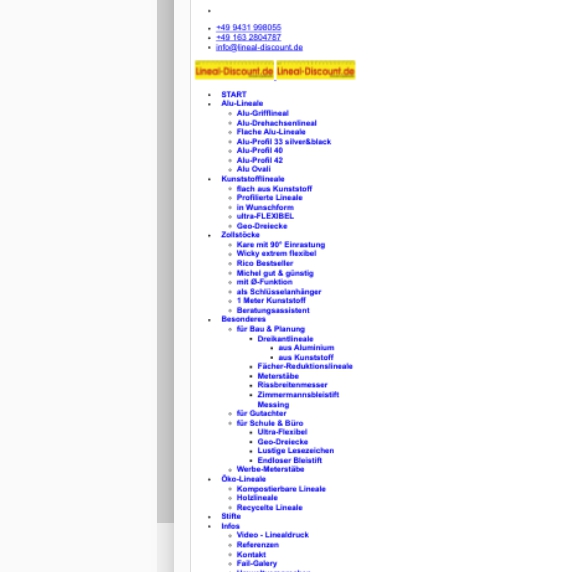
No changes will help if you do not open for indexing CSS and JS. Since Google console sees the site like this:

And by the way, the same thing for joomshaper.com ;)

Paul Frankowski Senior Staff

I agree, your step should be first.

Mathias Wickles - Werbewelt Wickles Asked this

Hi together and thanks for your help.
I added these 2 rows Pavel inspired.

WAVE seems an powerful tool. Great Idea.

I´ll try and error next days - if you have more ideas - my ears are wide open.

Best regards to you
Wicky

Mathias Wickles - Werbewelt Wickles Asked this

Ah - new Understanding....
Troubles with google started 1 day after Update to J.4.x

could this help?

Best regards,
Wicky

Paul Frankowski Senior Staff
3 years ago · edited

Maybe search or ask on forum.joomla.org

I guess there are more similar topics there.

I have no more ideas, also because I am not a google employee to guess how their testing script works.

Pavel

Hi Wicky. Try this instead

Allow: /components/com_sppagebuilder/assets/css/
Allow: /templates/shaper_helixultimate/css/
Allow: /components/com_sppagebuilder/assets/js/
Allow: /templates/shaper_helixultimate/js/

And make sure that indexing settings switched to "index", "follow" in Global Joomla Config

Mathias Wickles - Werbewelt Wickles Asked this

Hello again,

Pavels advice seem to be the key clue.
Screenshot on Google Search looks much more better and less red flaggs.
Let´s wait few days and then check again.

Thanks to all who cares.

Log in to reply.